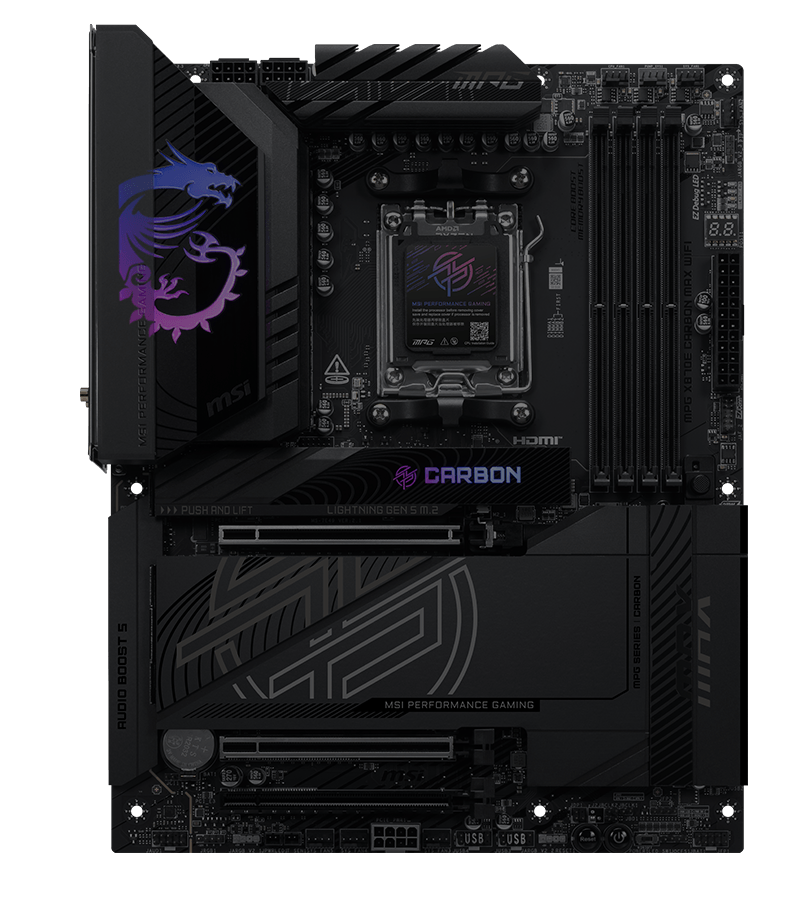
MPG X870E CARBON MAX WIFI 暗黑采用碳黑设计,搭配Mystic light RGB灯效反射装饰,呈现与众不同的个性。 其搭载OC Engine、Wi-Fi 7、5G + 2.5G双网口,以及最新的PCIe 5.0 M.2并支持EZ M.2 Shield Frozr II, 使这款主板成为AMD Ryzen 9000处理器搭配的最佳X870 ATX主板之一。




步骤更少 安装更方便

18+2+1 智能供电设计

一键超频

优异散热设计

高速连接

UI/UX最佳化设计



Ready for AI PC
微星主板结合强悍的硬件配置与独家先进技术,满足游戏玩家与 AI 使用者的需求。同时,MSI 将 AI 功能融入 MSI Center 与 BIOS,使操作更加直观方便
AI Engine
提供多项同步项目,自动优化应用程序运行,营造流畅舒适的使用体验。
AI LAN MANAGER
针对网络性能进行优化,少延迟,带来流畅的在线体验。
Frozr AI Cooling
智能调节风扇速度,确保系统在凉爽稳定的高性能状态下运行。
AI Boost
MSI 独家技术,透过超频NPU 提升AI性能。
最佳效能


扩展型散热片
搭配直触式导热热管

时钟发生器

双面M.2冰霜铠甲


8层服务器级PCB
2oz 加厚铜

7W/mK导热垫片

18+2+1 路智能供电设计

额外8PIN供电

扩展型南桥散热片
高速连接


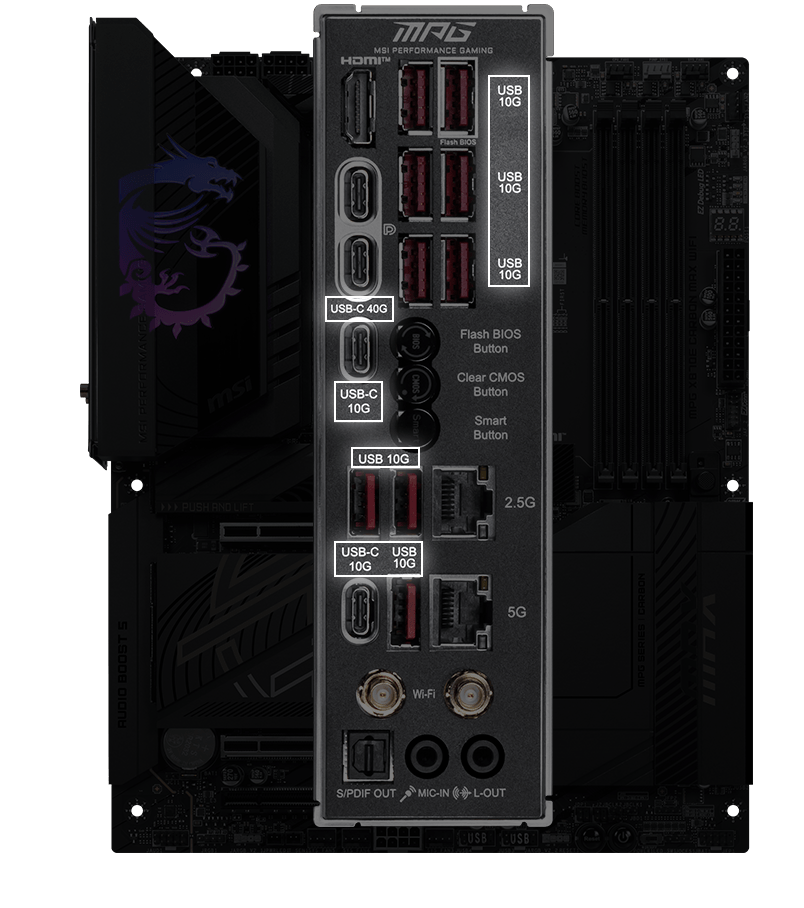
Lightning USB 40G

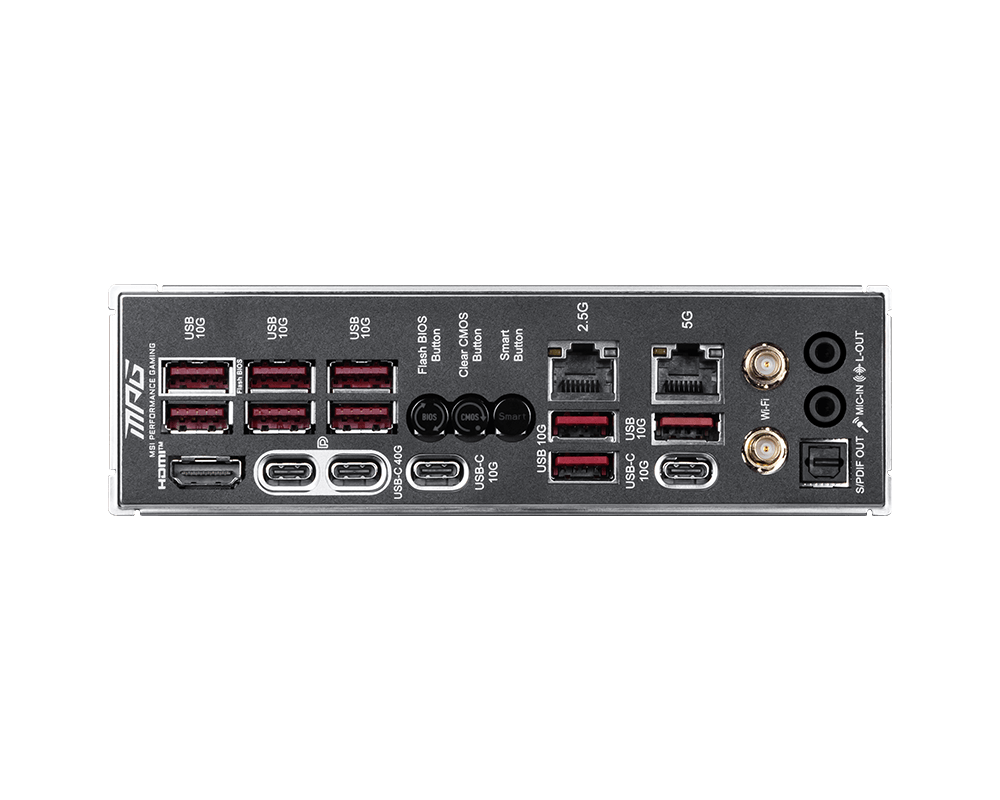
5G + 2.5G 双网口设计

满血版 Wi-Fi 7

Lightning Gen 5 PCI-E

支持 DDR5 内存

前置 USB Type-C 支持 27W PD 快充

2x PCI-E 5.0 M.2 插槽
2x PCI-E 4.0 M.2 插槽
轻松组装


平整焊接工艺

智能按键

预装I/O面板

第二代磁吸式M.2冰霜铠甲

第二代免工具M.2冰霜铠甲

64MB 大容量 BIOS

EZ Conn Design

EZ PCIe Release

金属装甲
EZ DIY
- ONE-FINGER
- ONE HAND
- ONE STEP
- ONE GLANCE
- ONE CLICK
- EZ M.2 安装
- 显卡快拆设计
- EZ BUTTON
- EZ Switch
微星精心研发,SSD安装与拆卸无需螺丝,大幅提升便利性。
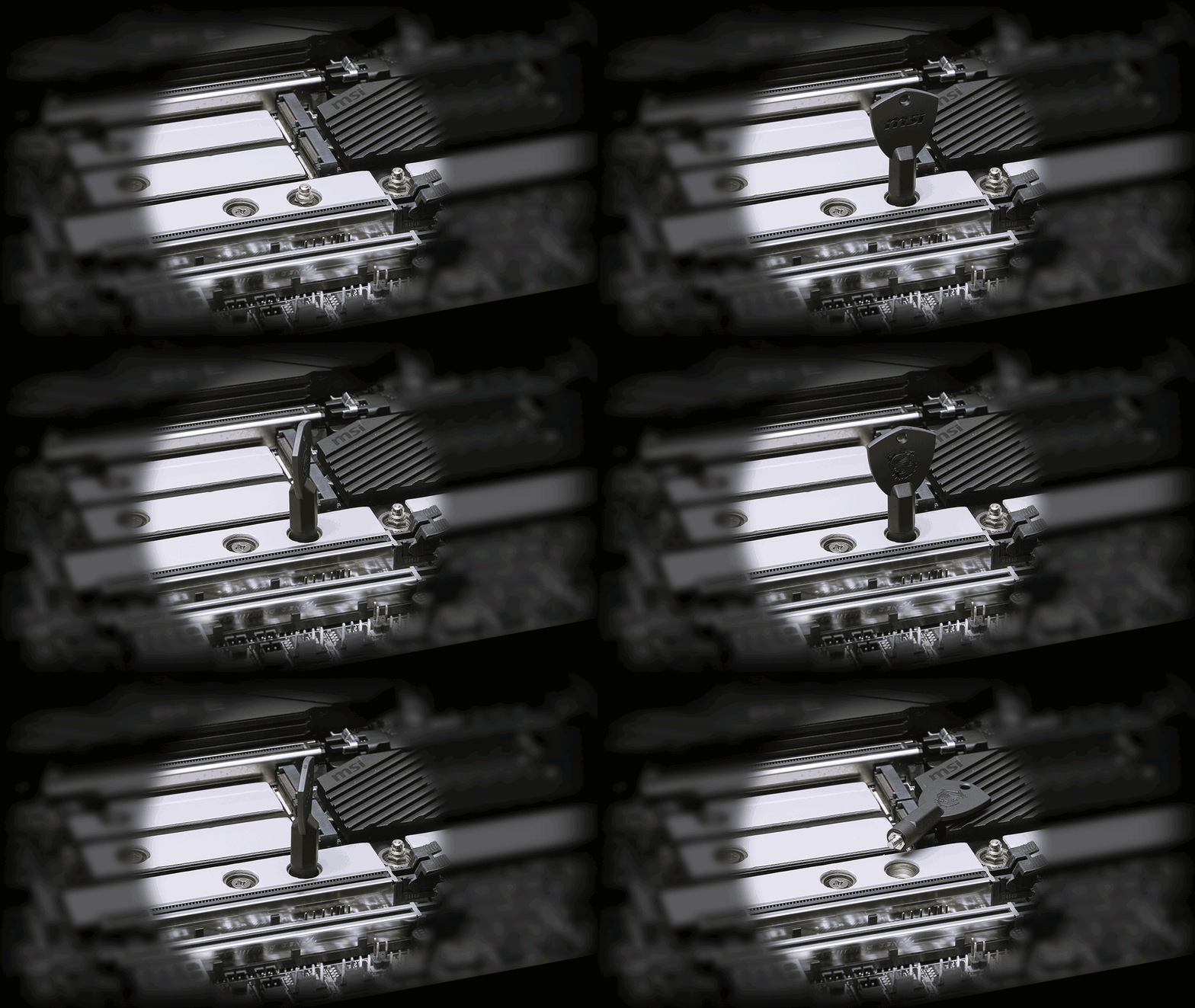
MSI独家的EZ M.2 Shield Frozr II与EZ M2 CLIP Il. M2安装变得轻松无比.只需将SSD插入插槽轻轻推动问即可固定;若要卸下SSD. 也只需要将门锁向外弹开。整个过程顺畅无比,完全不需要使用任何工具, 一根手指就能享受完美的 DIY 体验。
全新登场的 MSI EZ M.2 CLIP II拆卸器是一款方便的小工具.透过此工具. 使用者可轻松将EZ M.2 CLIP II从主板上拆下.重新安装至任意想要的 M2插槽. 该工具会随 MSI 主板的配件一同附赠.
易于操作的回弹机制设计,只需轻轻一按即可快速移除显卡。 即使在机箱内拥挤空间中,也能轻松升级显卡,简化整体流程并提升使用体验。
MORE FOR DIY FRIENDLY
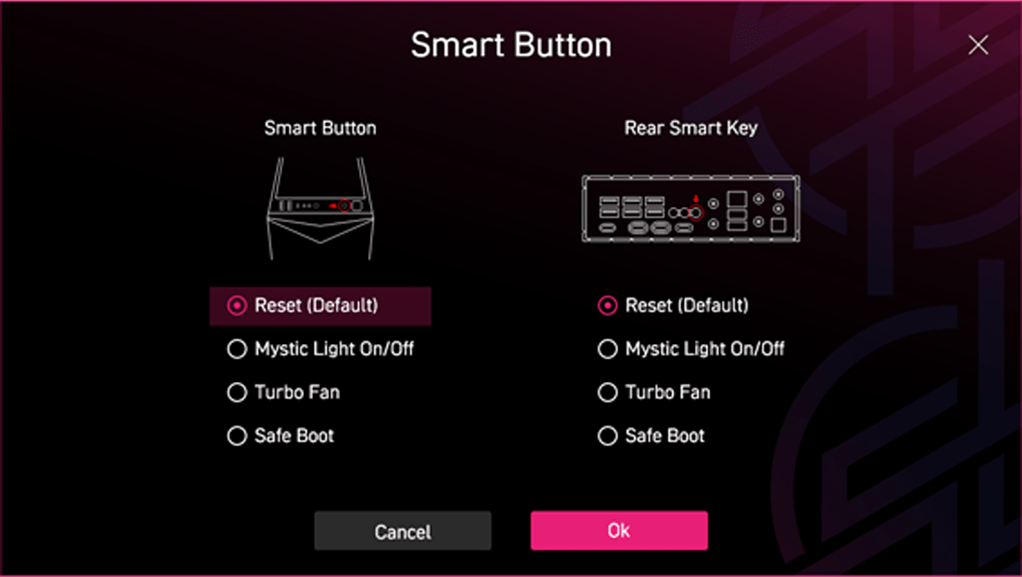
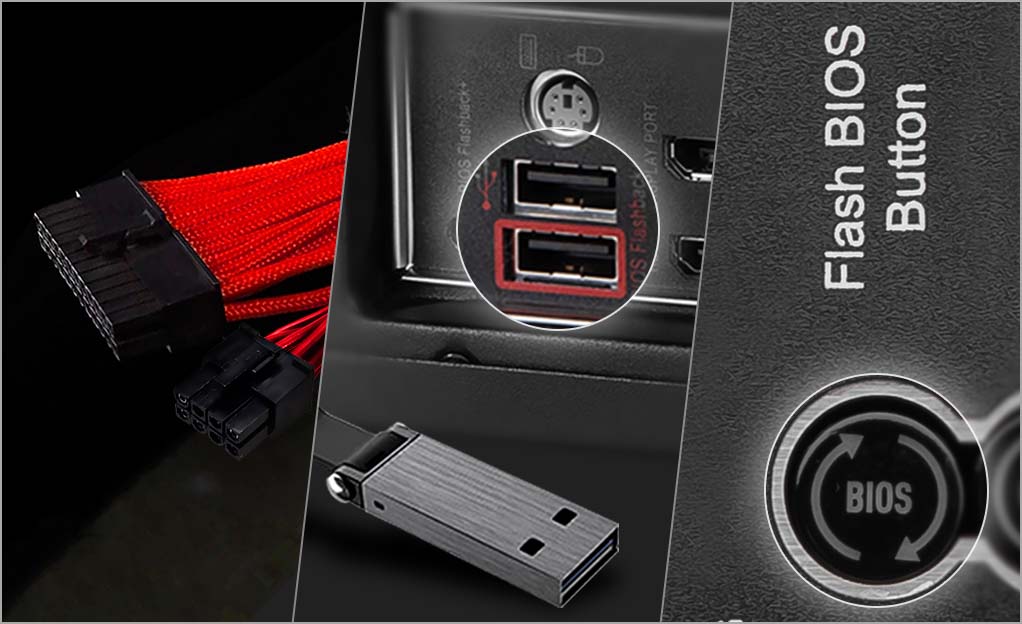
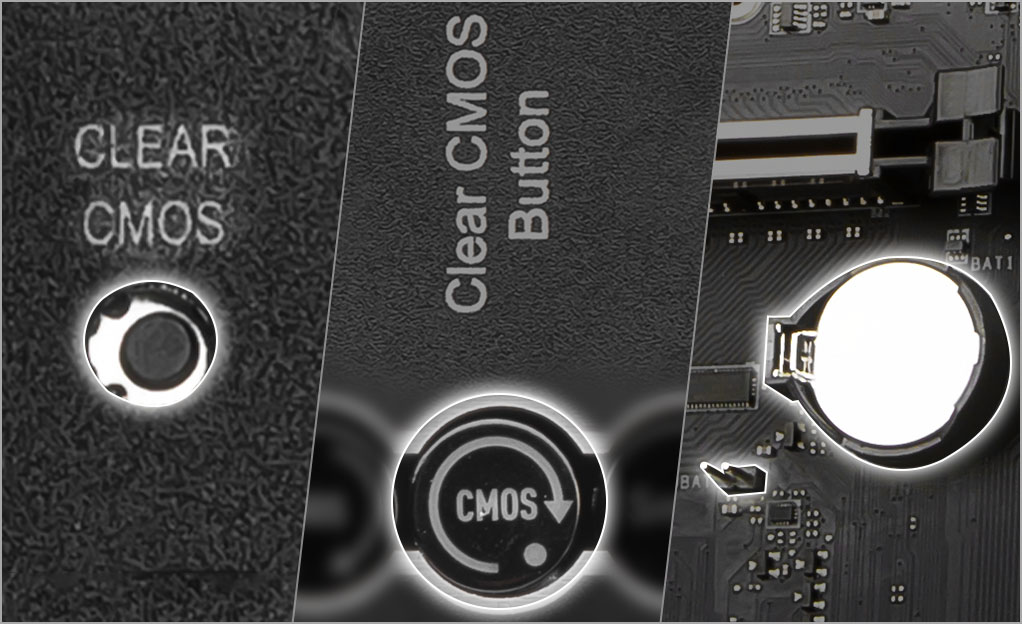
EZ Switch
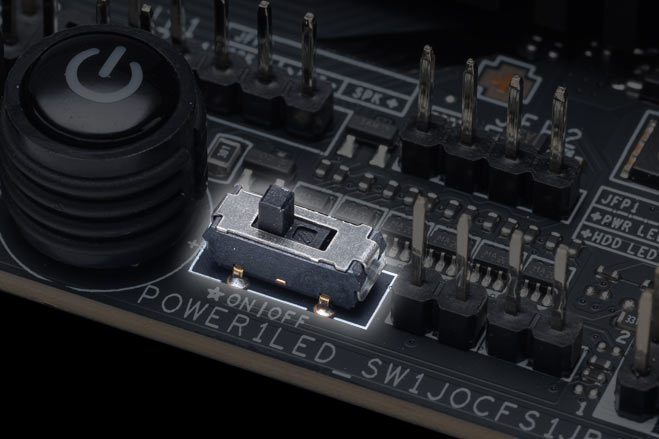
EZ LED 开关
主机板上内建LED 按钮,方便您控制灯效,一秒开关切换轻松完成。
- 平整焊接工艺
- 预装 I/O 面板
- 保护措施


平整焊接工艺采用创新的无针脚背板PCB制程,提供更安全的DIY组装体验。
预装I/O面板大幅简化复杂的组装流程,且更加稳固密合,既提供了保护,又提升了便利性,同时增加了耐用性。


保护措施
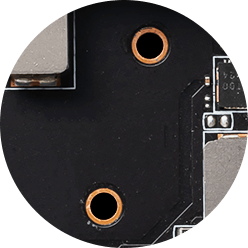
MSI主板电路区域清楚标示机箱螺丝锁点须避开的位置,让此区域净空。每个螺丝孔都有附加保护漆,防止零组件刮伤或损坏主板。

防刮保护

区域净空

双重防静电保护
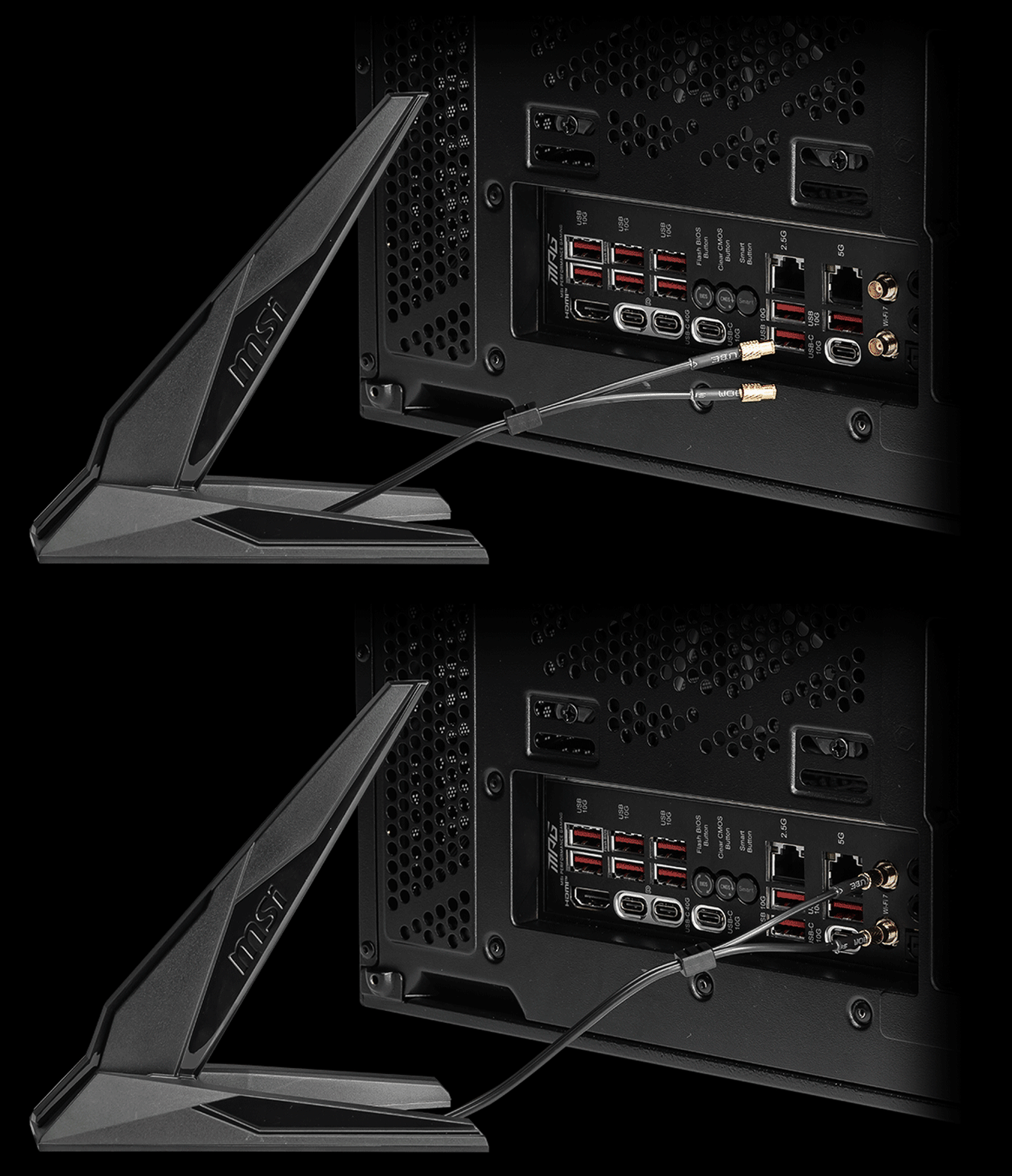
- EZ 天线
- 超频跳线接针
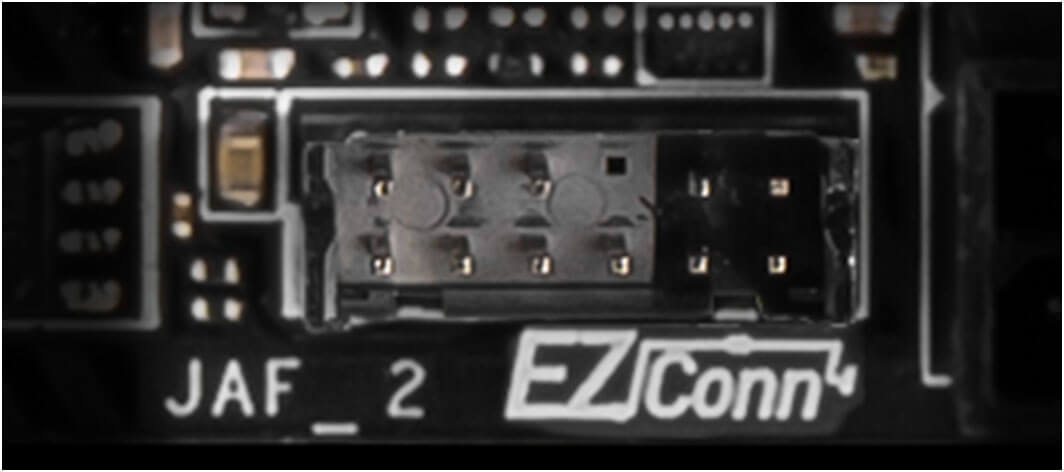
- EZ CONN设计 JAF2
- 一体式机箱跳线
- 驱动程序安装
微星EZ 天线,不需旋转即可紧密接上,轻松完成安装。

主板上内建的双 2-pin Direct OC 可让超频变得更简单, 用户能直接从操作系统中进行流畅且精准的 BCLK 调整。此外,也能在 BIOS 设定中进一步自定义,可以细微调整频率,提供更高的灵活度。

*跳线配件需自行购买。
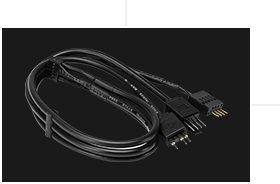
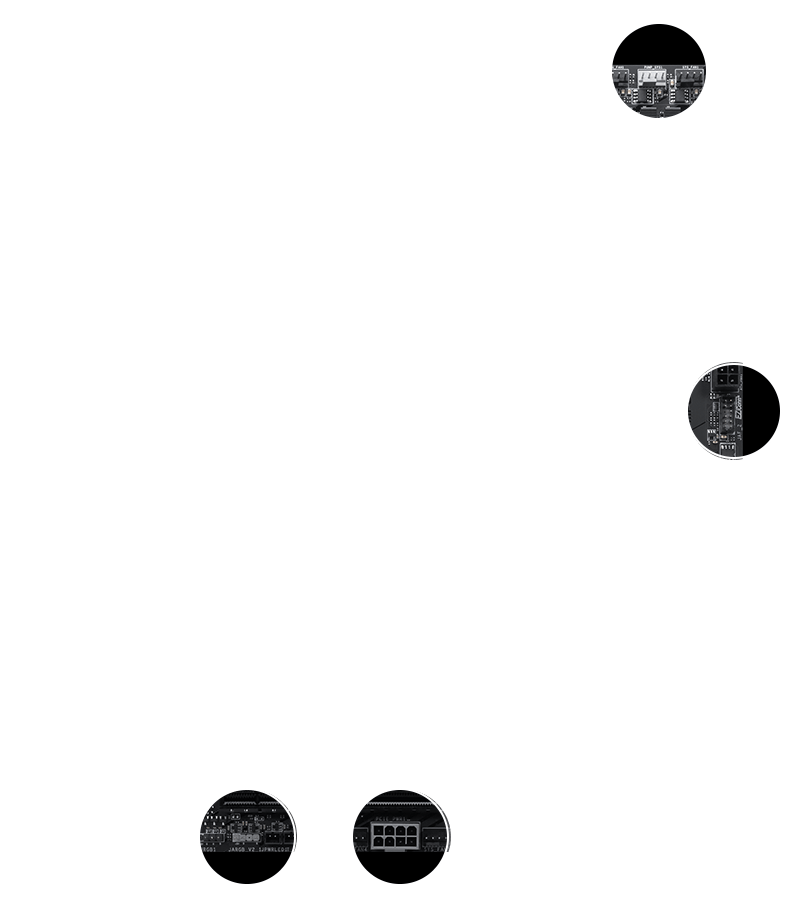
MSI 的EZ Conn 接头可轻松连接MSI EZ 系列风扇(7 pin)或MSI 一体式水冷(11 pin)。 如果您没有上述产品,我们也提供1 对3 EZ Conn 线材,可连接ARGB 灯、系统风扇和USB 装置。
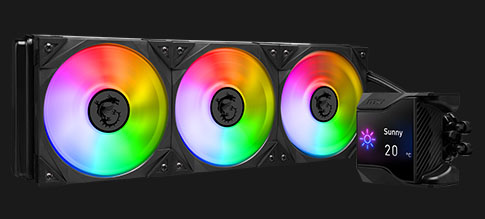
ARGB + 风扇 + USB
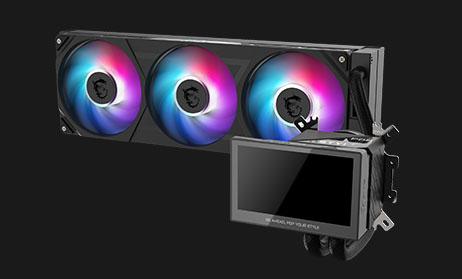
MSI 水冷
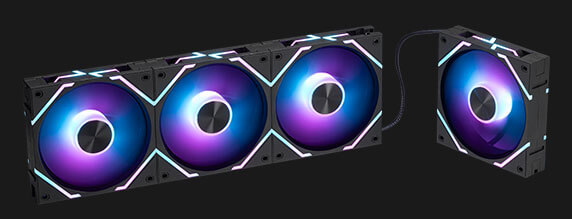
MSI EZ 系列 风扇
附赠线材可快速直接串接主板前方面板。

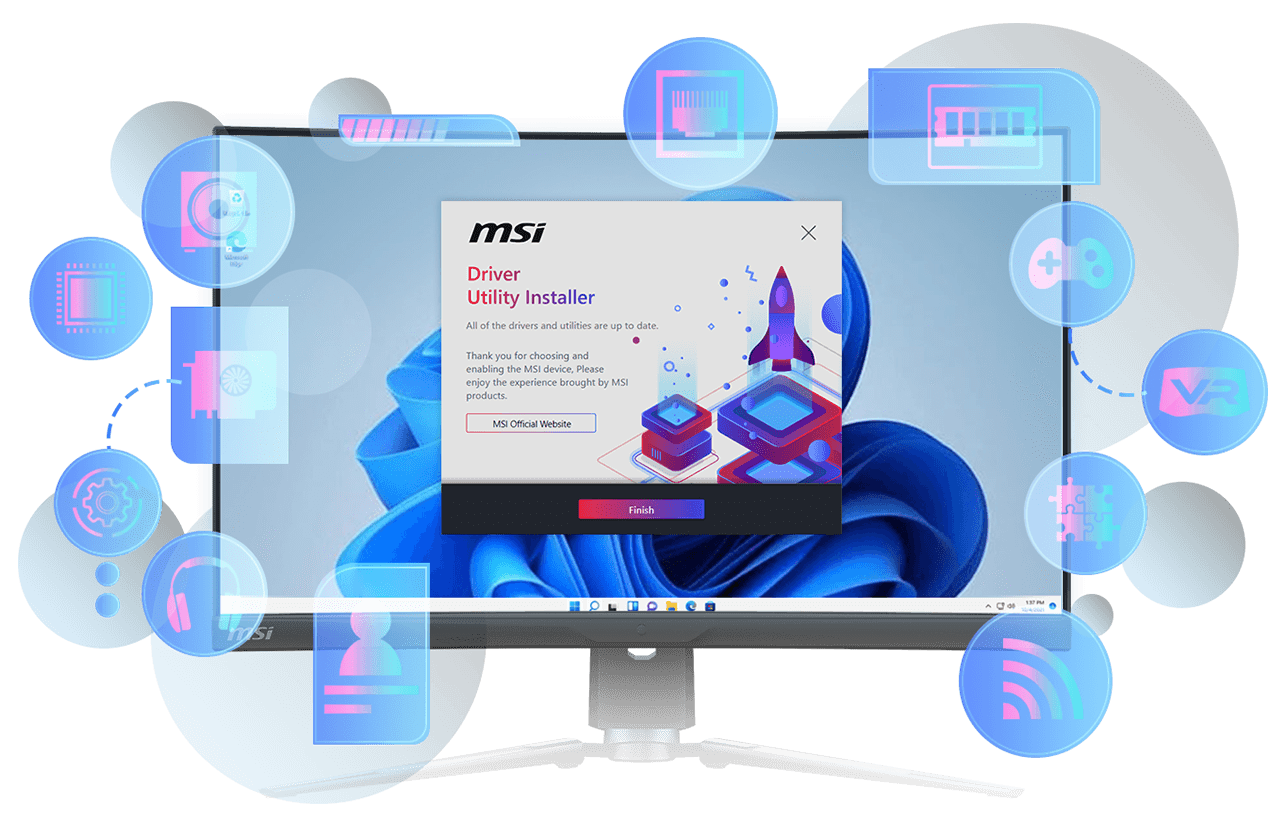
MSI DRIVER UTILITY INSTALLER
一连接到网路,MSI Driver Utility Installer 将自动检测并显示合适的驱动程序和实用程序,您只需点击几下即可下载和安装Learn more
* 请确保连接到网路,否则Driver Utility Installer 不会自动启动。
* MSI Driver Utility Installer 将会内建在Windows 11 build 22H2 中。
- EZ DEBUG
- 轻松识别

EZ DEBUG 灯
主板上 LED 出错指示灯,可快速显示问题根源,以便您准确判断并重新启动运行。

数字侦错灯
错误代码以利您故障排除。同时,还可以监控温度。

内存检测灯
当侦测到插槽中的内存故障时,此 LED 灯会亮起,以利故障排除。
- EZ 超频
- EZ 优化
EZ 超频
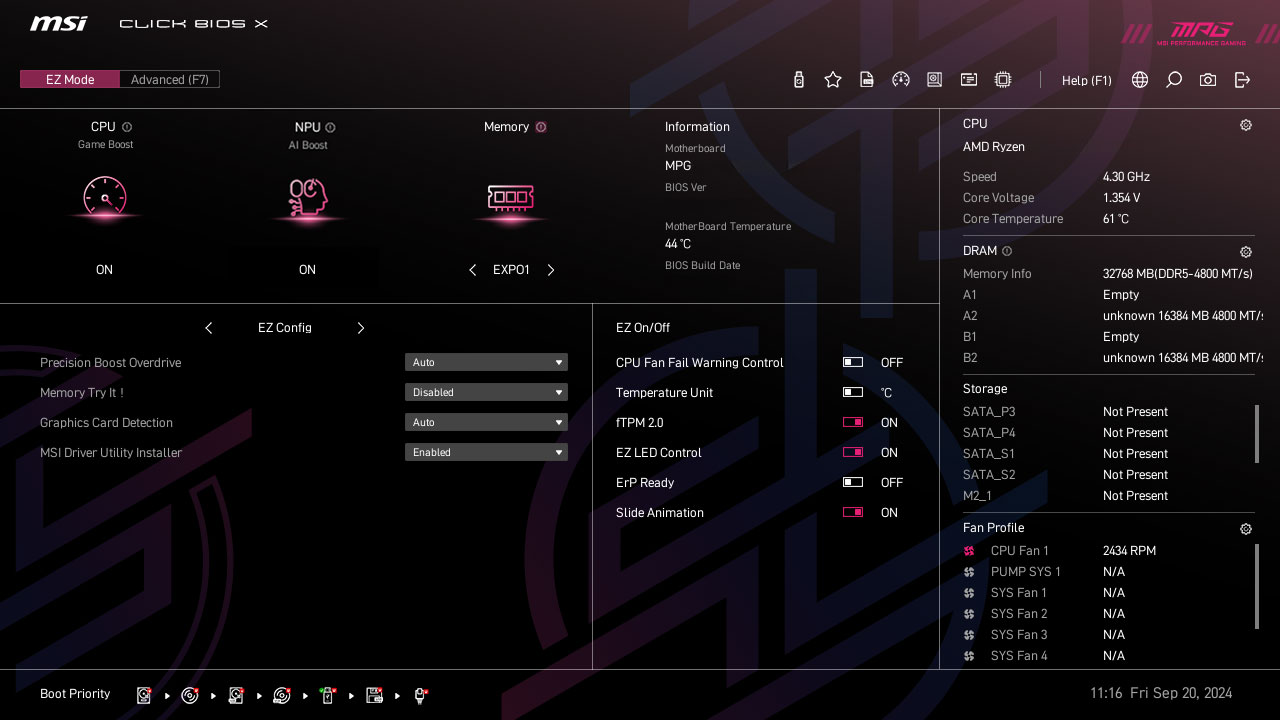
虽然超频对某些人来说可能过于复杂,但MSI Click BIOS X 设计多款一键超频功能,就是要让处理器和记忆体超频变得更简单,不再需要复杂设定,即使没有理工背景的玩家也能轻松提升系统性能。
GAME BOOST
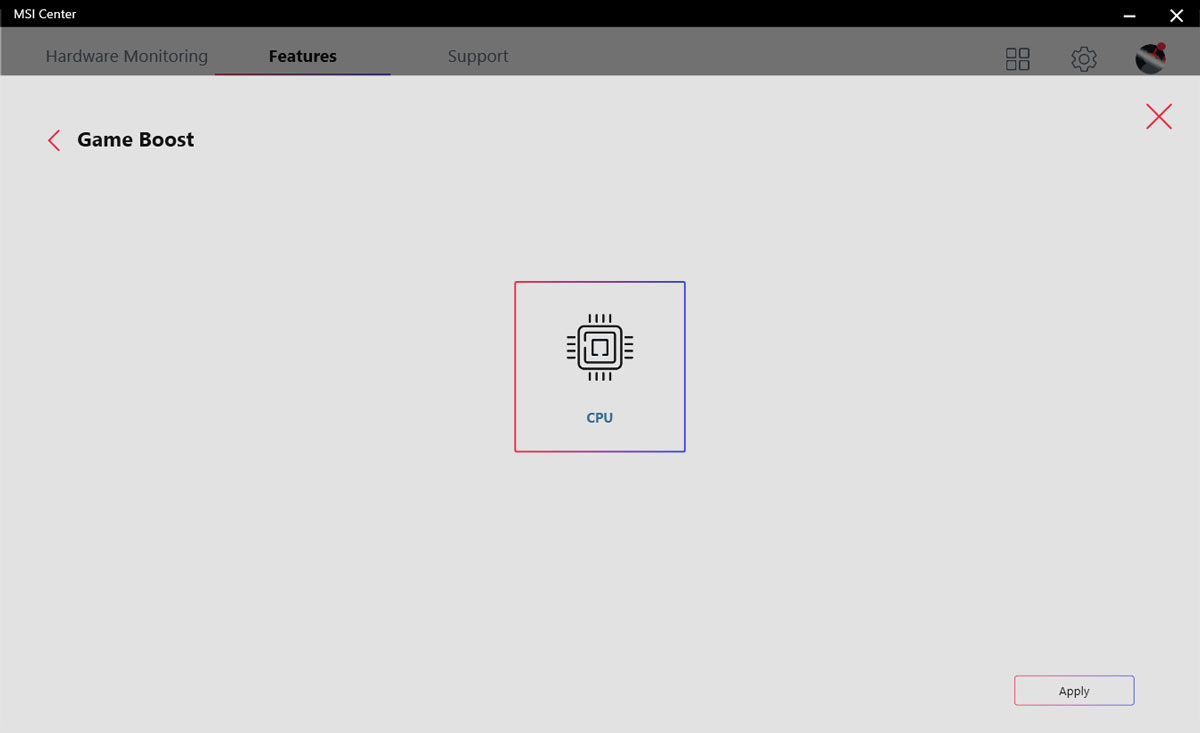
一键CPU自动超频,可瞬间优化您的处理器性能,调整至最佳水平。

AI BOOST
智能演算法能提升NPU 效能,在额外运算能力时,提供最佳的AI 性能。 *需搭配相容处理器启用。 "
EXPO / A-XMP
可从预设的EXPO 和A-XMP 资料夹中直接选择设定参数,让记忆体轻松自动超频,获得最好的相容性。
多款功能为您的运算体验注入人工智能,实现更智慧的实时优化。 MSI Center 接口简洁清楚,让您轻松订义并管理计算机设定。 例如: AI 引擎能根据您使用的应用程序自动调整设定,确保流畅的效能表现。

ULTRA PERFORMANCE
- 供电解决方案
- 内存
- 保护装置
- 18路智能供电
- OC Engine
- PCB 设计
- EZ OC 调校
- 更多效能优化
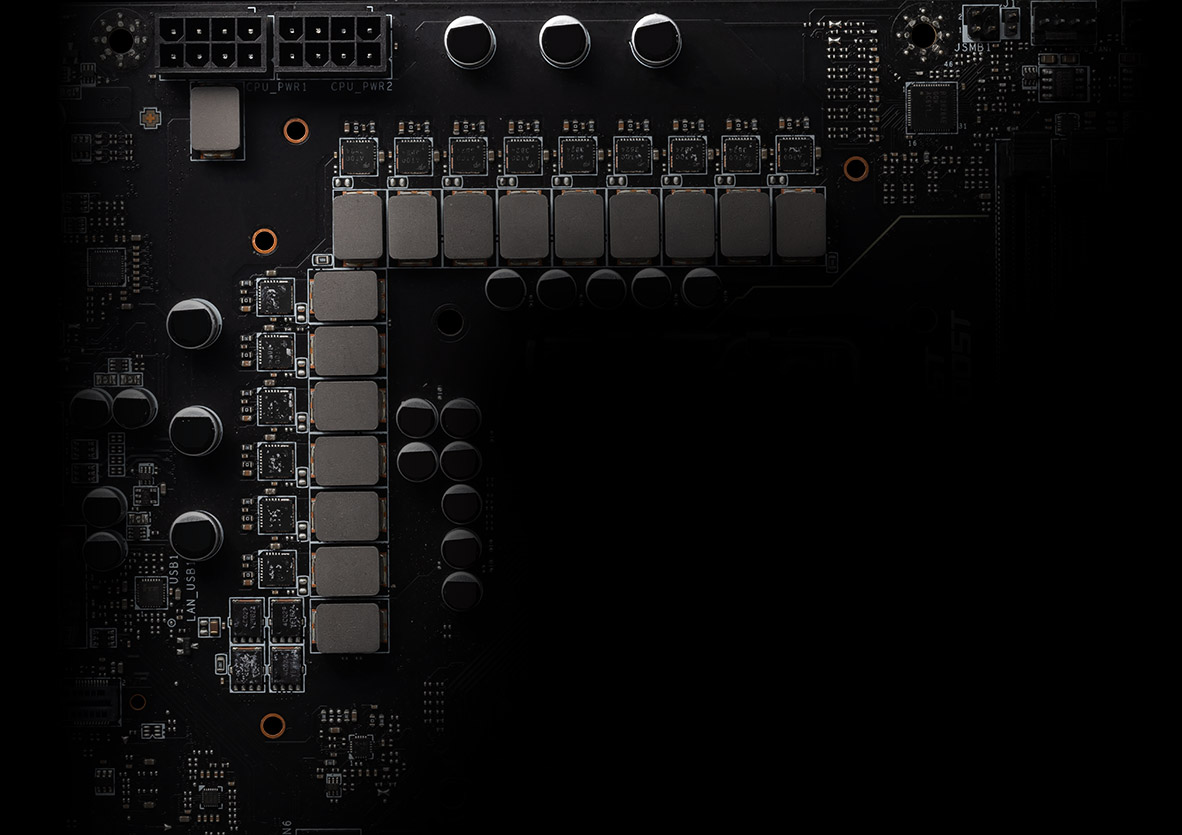
MPG X870E CARBON MAX WIFI 拥有旗舰级VRM设计的18+2+1智能供电,加上双8pin供电与 110A 智能供电模块,充分释放处理器最佳效能。
18
PHASE
2
PHASE
1
PHASE

CPU Power

Core Boost

Digital Power

OC Engine 是一款专为精准调校而设计的独立芯片,能在 MSI BIOS 的异步模式下提供独立的基频(BCLK)控制。 它可在保持内显、内存、PCIe 与 NVMe 稳定运行的同时,将效能提升最高可达 15%,为超频玩家带来更大的极限挑战空间。

*Ryzen 7 9800X3D 游戏内实际效能提升幅度可能因平台而异。

专属超频芯片
为极致效能而生的专用设计。

独立 BCLK 控制
可独立调整频率,不影响其他组件。

更高的超频潜能
为极限调校提供更宽广的发挥空间。

稳如盘石的系统稳定性
即使在高压环境下依然维持稳定效能。
PCB 设计针对更高带宽与更快传输速度进行优化,让电路讯号传输更可靠稳定。

- 8 PCB Layers
- PCB Fabric Peak
透过MSI BIOS的丰富功能,您可以轻松享受超频带来的强大效能。
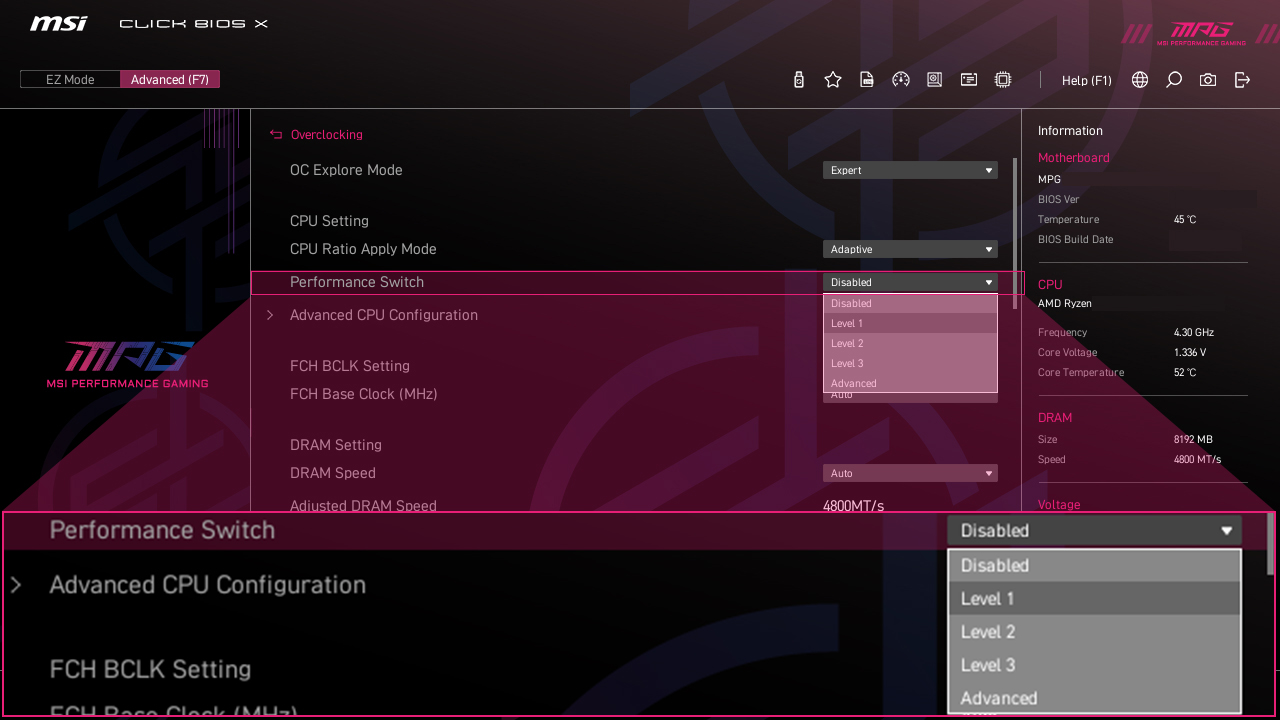
MSI 独家效能预设提供一种更直观的方式来提升效能,您可以根据自己喜好设定功耗限制。 BIOS 提供两种设定可选择——PBO Auto 及PBO Enable。 "
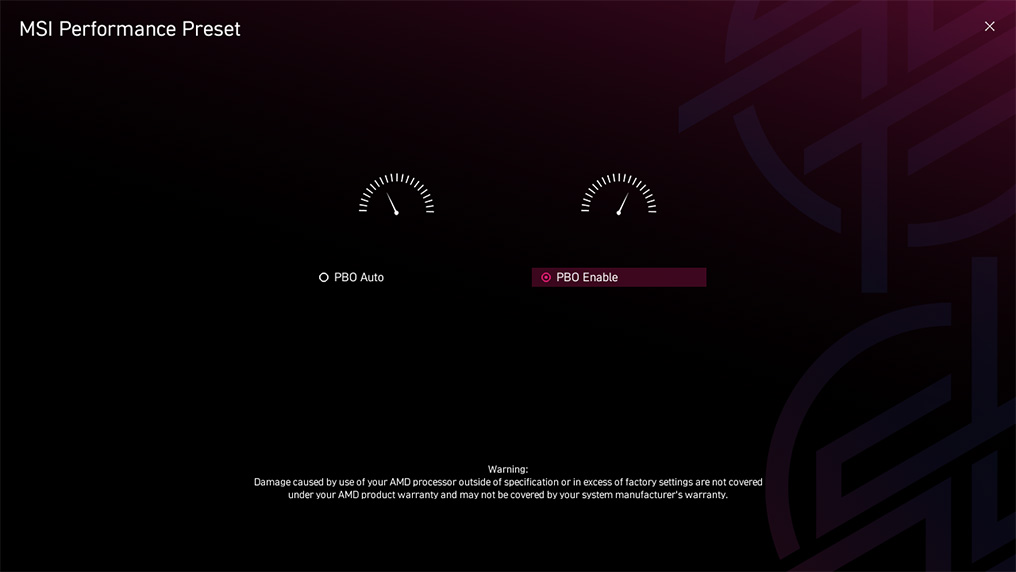
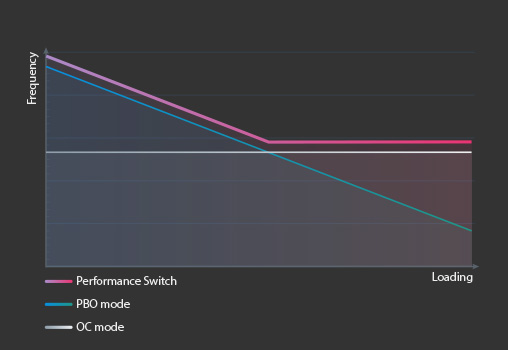
“Performance Switch”结合了AMD 预设的PBO(Precision Boost Overdrive)与MSI 超频设定的优势,无论是单核或多核状态下,都能提供更高的CPU 性能,适合追求极致效能的玩家。
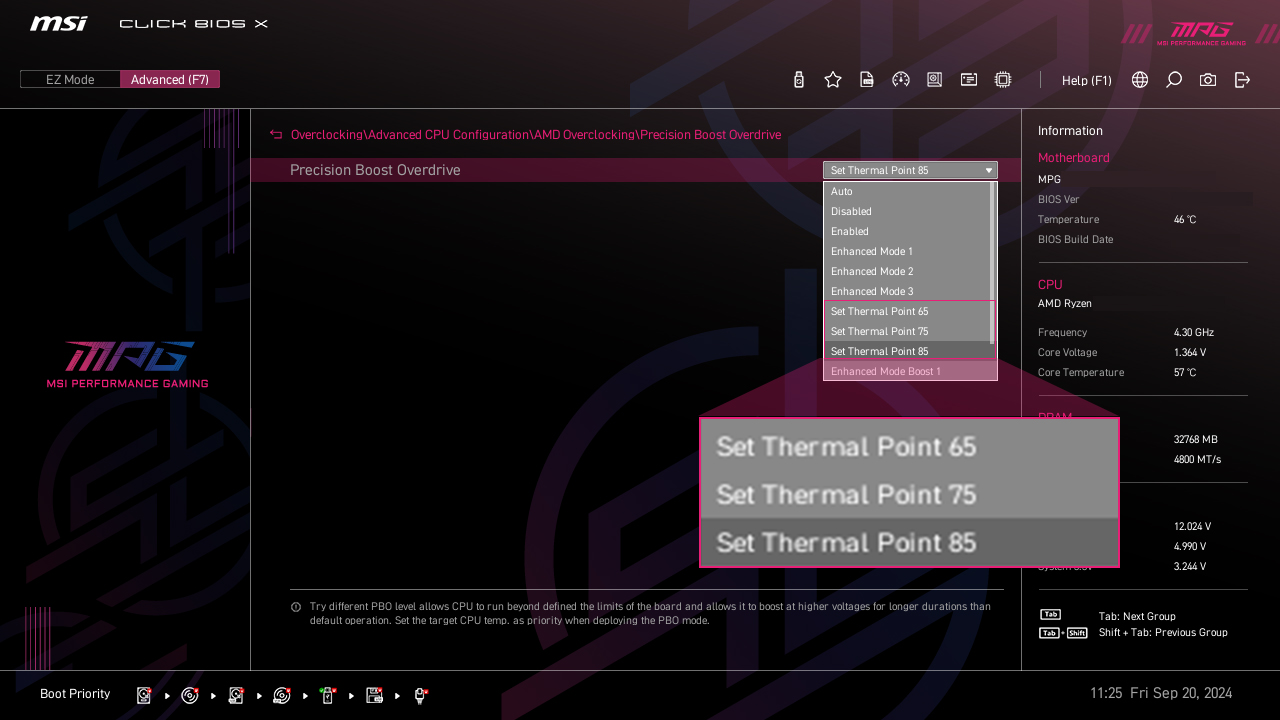
MSI PBO 散热设定档将CPU的最高温度设置在85°C、75°C和65°C等级。透过这些设定档,CPU能以较低的电压和温度运行,但仍可拥有相同效能。
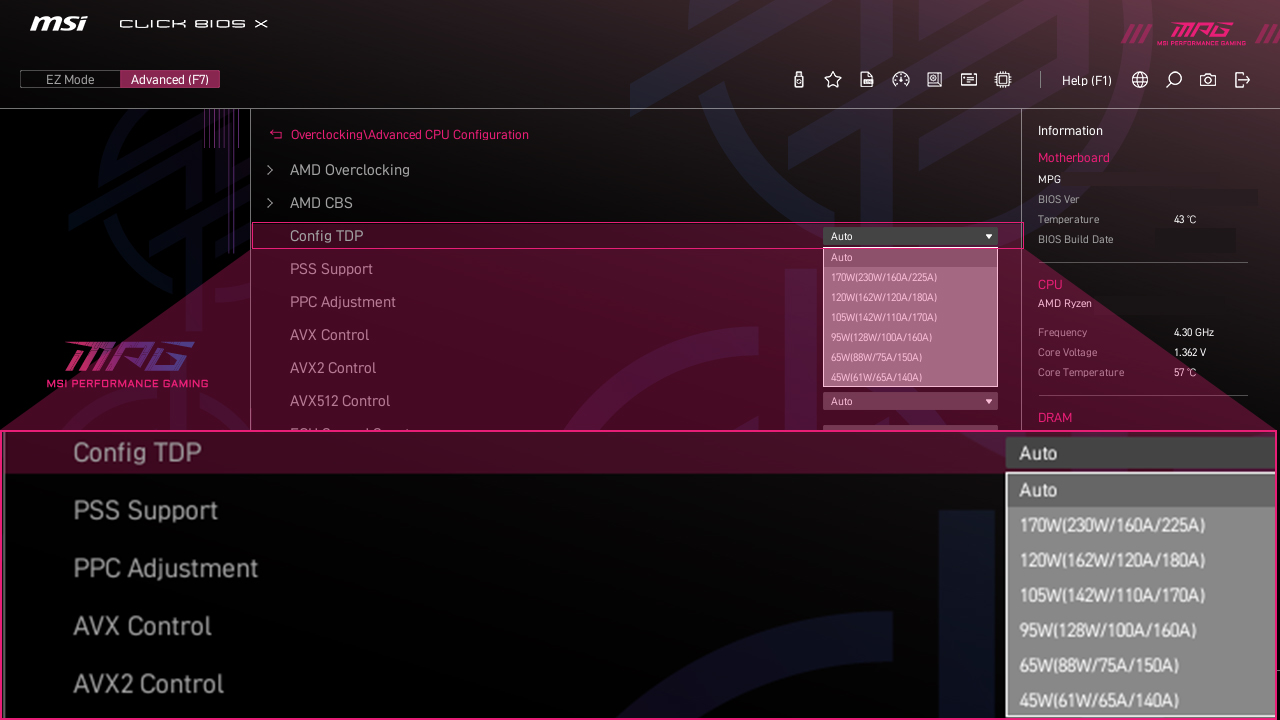
Config TDP 是为重度玩家提供ECO 模式(65W)或不同TDP(PPT/TDC/EDC)设置而设计的。 Click BIOS 5 中提供多个不同TDP 设定档,Config TDP 可以让TDP 设定更加简单,不需要每次手动修改TDP 设定。
更多效能优化
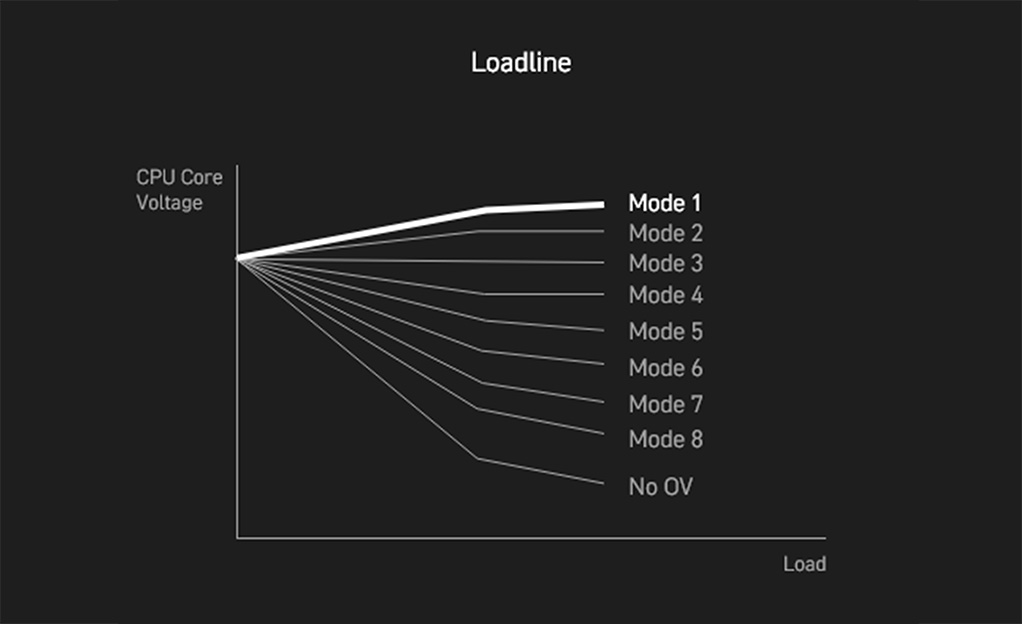
- DDR5
- HIGH-EFFICIENCY MODE
- Latency Killer
最新的 DDR5 内存支持,为 DDR 性能迈进一大步 ! 结合独家 SMT焊接工艺和 MSI Memory Boost 技术, MPG X870E CARBON MAX WIFI 为您激发更强悍的内存性能。

*Memory compatibility and supported speeds can vary depending on the CPU and memory configuration.
“High-Efficiency“高效模式旨在透过增加记忆体频宽并降低延迟来优化记忆体性能。四组记忆体时序设定可让用户根据记忆体模组的体质找到最佳配置组合。

Latency Killer
MSI AM5 脚位主机板BIOS 全面导入全新Latency Killer 延迟杀手功能。使用者只需在BIOS 中启用Latency Killer,即可在高频运行记忆体时,将延迟最多降低12%。
更重要的是,Latency Killer 拥有高度相容性,支援多种记忆体超频功能,包括Memory Try It!!、EXPO、A-XMP 以及高效能模式(High-Efficiency Mode) 等,让玩家轻松追求极致效能与稳定性。
UP TO 12% Memory latency Reduction


*Supports BIOS versions after AGESA 1.2.0.2b.
- TVS
- 实心针脚设计
- 防锈不锈钢I/O挡板
- 过电流保护
- 电源相位接地架构
瞬态电压抑制器(TVS) 是用来防止电压过高的安全装置。微星所有主板均配置TVS。 当电压异常升高时,TVS从高电阻状态切换到低电阻状态,将过高的电压转移到地上,有助于防止高电压造成的电路损坏。

MSI 主板4-pin、8-pin 和24-pin 电源接头均采用实心针脚设计。实心针脚设计优点在于处理高电流负载时,能更安全且稳定地将12V 电力传输至处理器。
实心针脚电源端口的优势
- 提升稳定性:较大的接触面积,强化电力传输的稳定性。
- 低阻抗:实心针脚拥有低阻抗优势,实现高效能电流传输。
- 强韧耐用:实心针脚设计具有出色的耐用性,能够应对严苛的使用环境。
- 适用于高电流场景

加上额外一层海绵和防锈不锈钢I/O保护盖,减少静电和系统的电磁辐射噪音,与传统IO 保护盖相较, 更耐用。


*上方图片仅为示意参考,请参阅规格页面以获取更多详细信息。
MSI 主板内建过电流保护 (OCP) 优先考虑安全性, 确保 USB 端口、DDR 内存、PWM IC 和 CPU 等关键组件免受过电流影响。 这种主动防御机制可降低因过多电流突然涌入而造成损坏或故障的风险, 从而促进系统的长期稳定性。让 MSI 玩家使用的更安心。


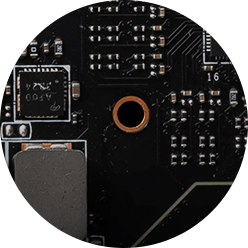
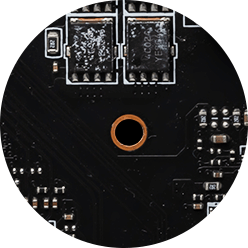
电源相位的接地架构是微星独家设计。这项专利设计能够抑制电源相位所产生的电磁干扰(EMI), 并有助于有效地将热能传导到具有接地特性的铜平面。
FROZR DESIGN
- 散热装甲
- 整合式散热
- 风扇控制
- 散热总览
散热总览

-
扩展型散热片
MSI增大散热片尺寸,确保在高负载环境下仍保持应有的性能表现。
-
直触式导热热管
连接两组MOS散热片,加大散热面积。
-
M.2 冰霜铠甲
M.2 散热解决方案,让 M.2 SSD 降温,以利运作更快不降速。
-
7W/mK 导热垫
高品质 7W/mK MOSFET 散热垫并附加choke散热垫,确保所有核心以高性能运行。
-
M.2散热强化设计
双面M.2 Shield Frozr和散热片加大设计,可以让M.2 SSD避免降速,保护数据安全
-
扩展型南桥散热片
加大散热片设计可以减少灰尘和噪音,同时保有更好的散热效率
- SYSTEM COOLING
- COMBO FAN
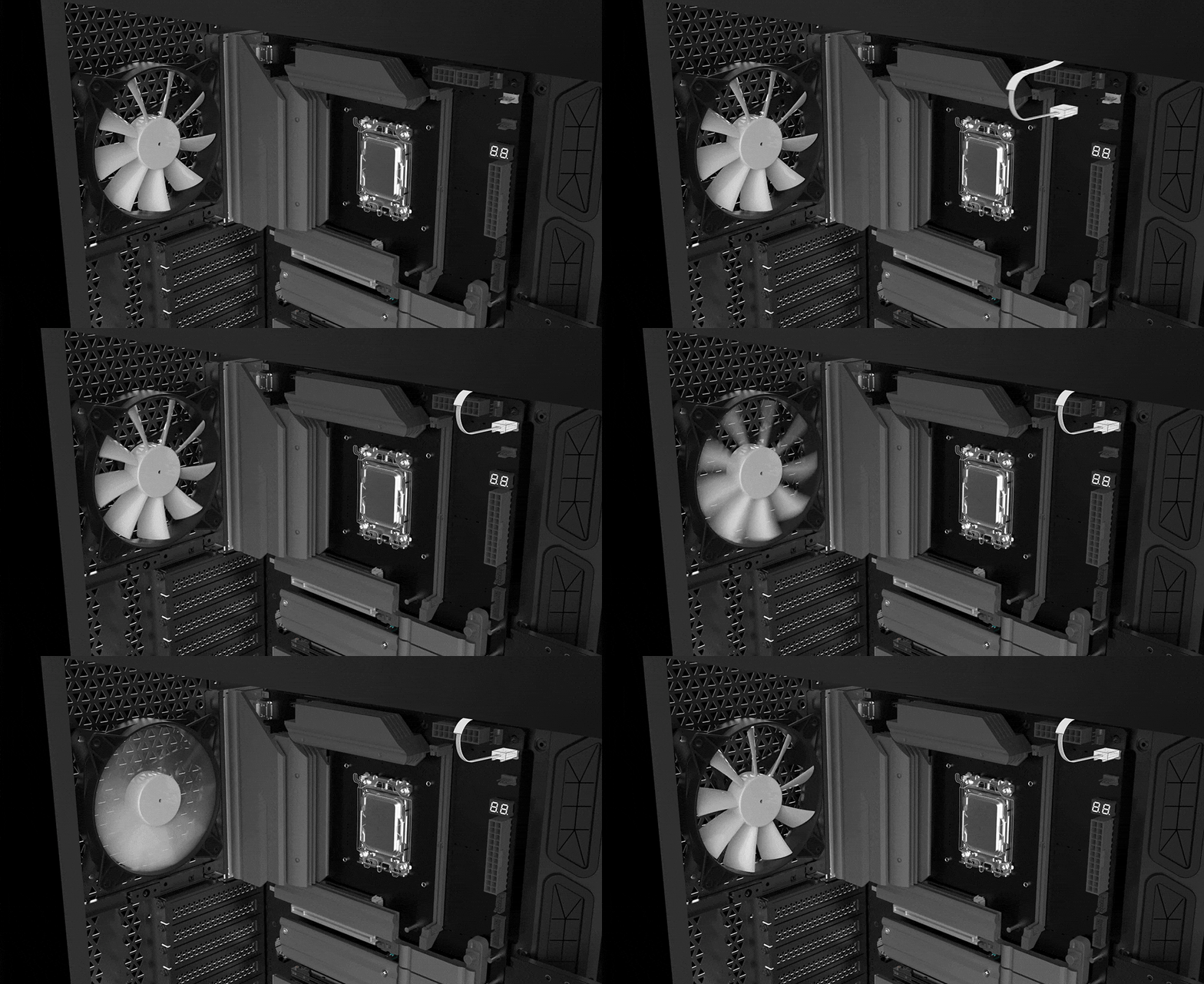
接口配置在最佳的位置 (包含专用的水泵供电接口),并可以连接 MSI 散热器和机箱,进行整合同步





MSI 风扇端口拥有多用途,既可作为水泵接口,也可作为风扇接口。 该接口会自动侦测是否为水泵或 PWM/DC 风扇,其独特的灰色设计,更容易识别。

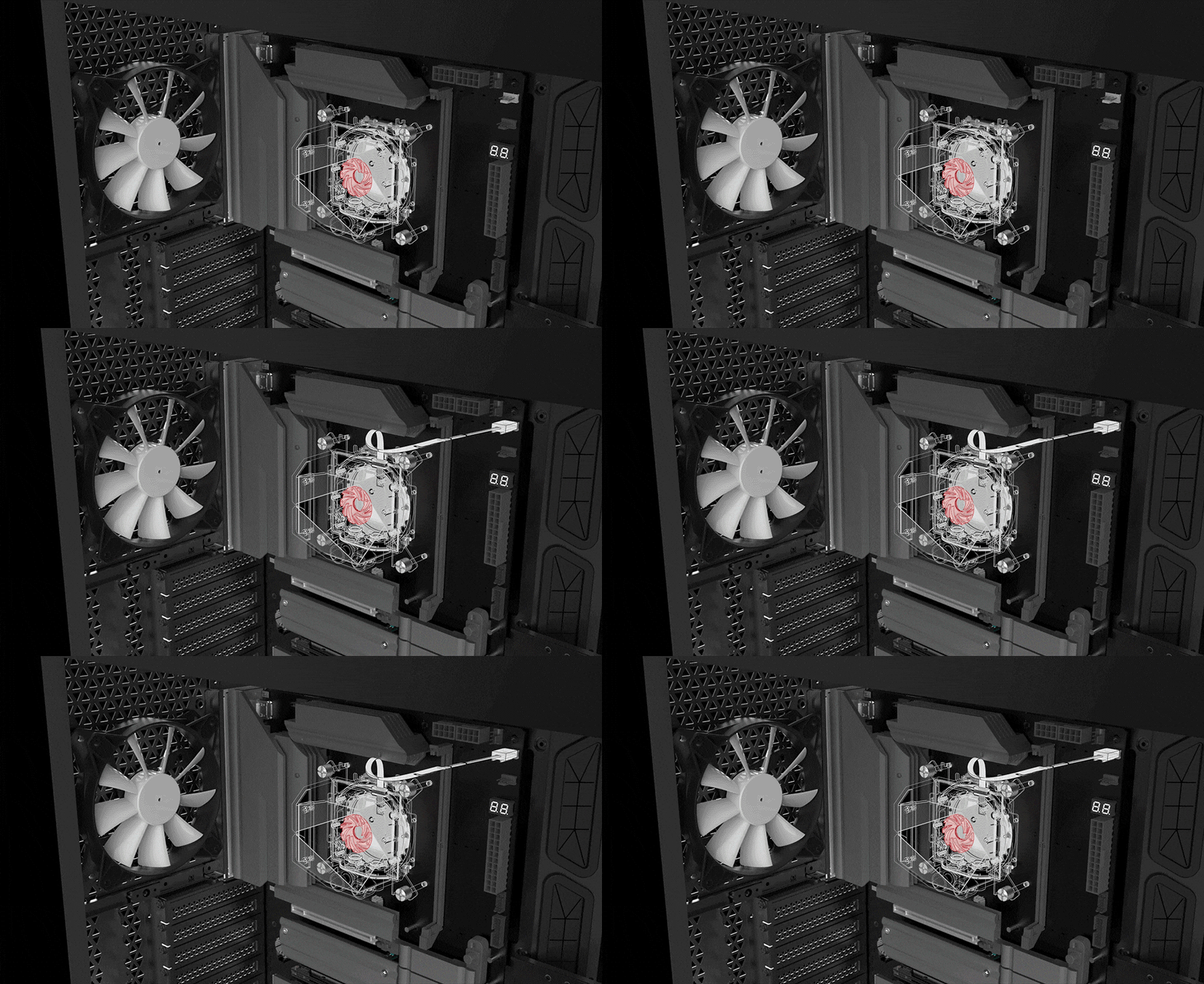
- 酷冷指南
- FROZR AI COOLING
- 自动检测风扇
Cooling Wizard 是一个全面的风扇设定管理解决方案,并适用于所有 MSI 产品。不论是系统风扇、PWM/DC 风扇还是水泵…等, 都可自行调整,让性能和噪音达到自己可以接受的平衡点,只需一键即可轻松控制。

多情景设定
最多可储存5组不同情景设定档
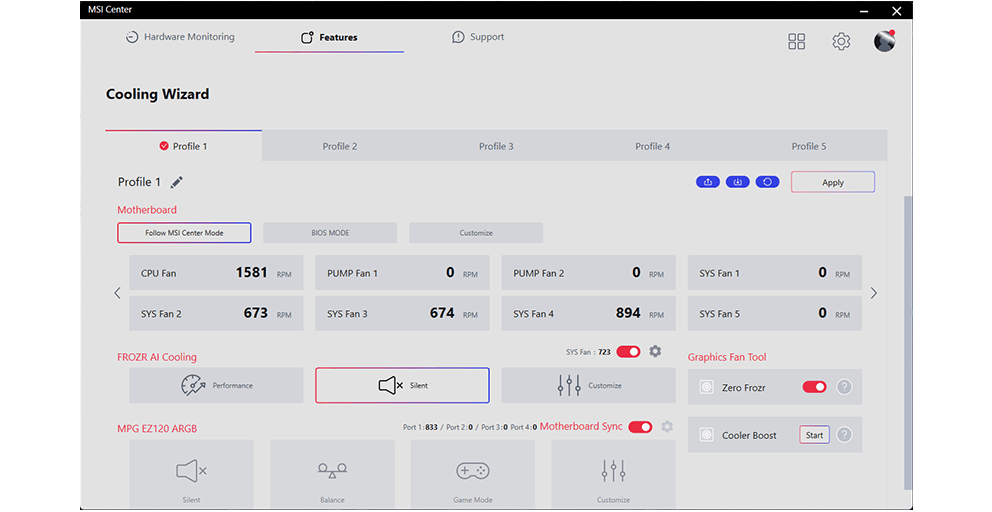

智能调节&手动控制风扇
-
智能调节风扇
用户可设定4组温度与风扇转速节点,并允许手动调整温度曲线
-
手动控制风扇
允许用户设定百分比风扇转速
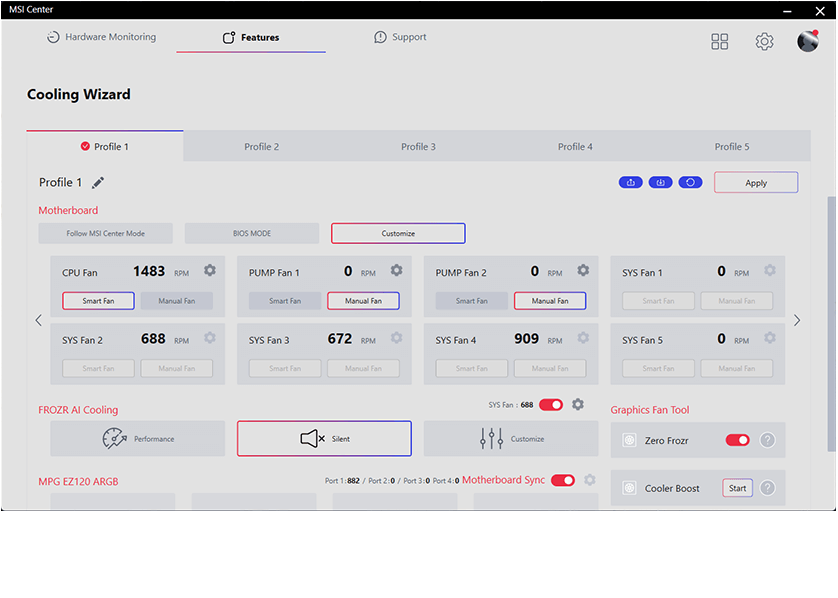

场景应用
-
Follow MSI Center 模式e
根据使用的环境,自动调整风扇设定
-
BIOS 模式
在BIOS中调整风扇设定
-
自定义
允许玩家自行定义风扇转速
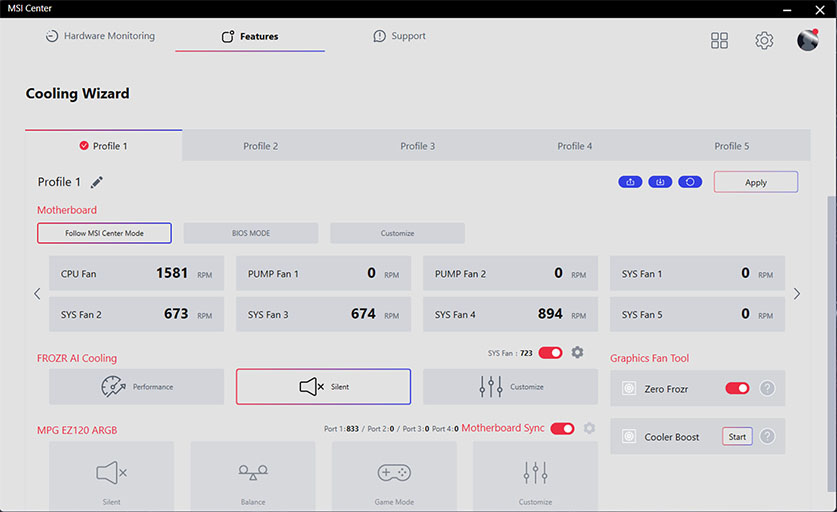
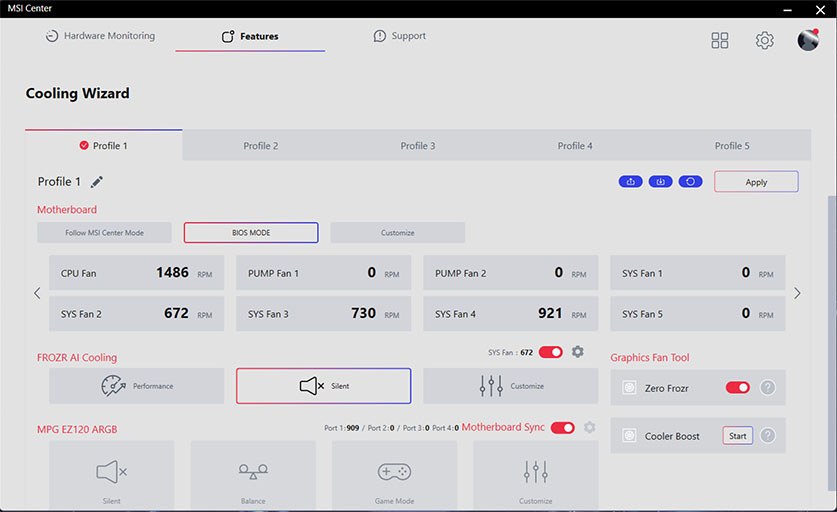
Frozr AI 散热系统针对CPU 与GPU 温度进行调校。 AI 系统会侦测CPU 和GPU 的温度,自动调整系统风扇的转速,确保最佳效能。

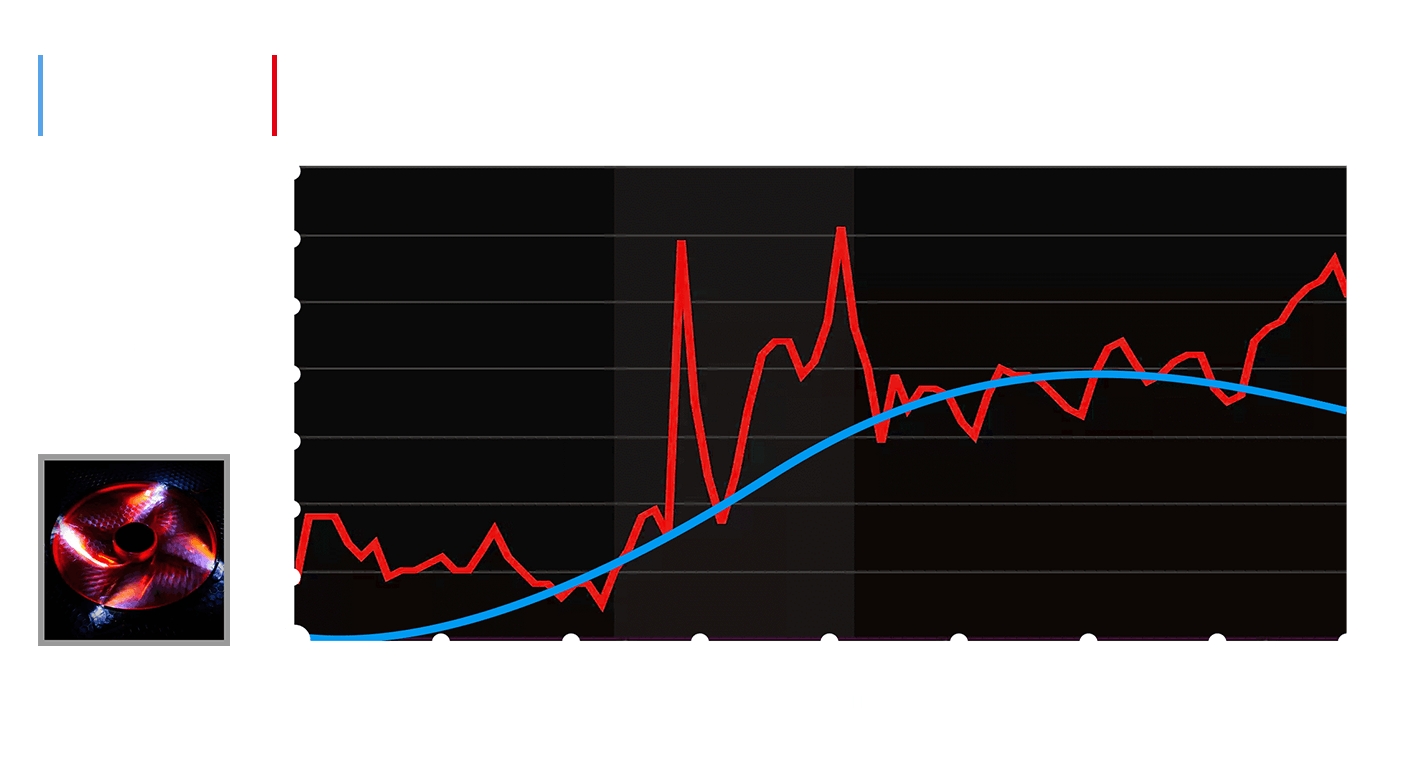
MSI 风扇接口可自动侦测风扇将以直流或PWM哪种模式运行,视情况随时调整风扇转速和进行降噪。 Hysteresis也能让系统风扇的运转更为流畅,并确保系统随时处于安静的状态。
TRILINK
- 网络配置
- 存储
- 拓展性
- 高速连接
- WIFI 7
- AI 网络管理
MSI 配置优质网络解决方案,更快的惊人传输速度,彻底满足玩家的要求。


5G LAN

2.5G LAN

Wi-Fi 7
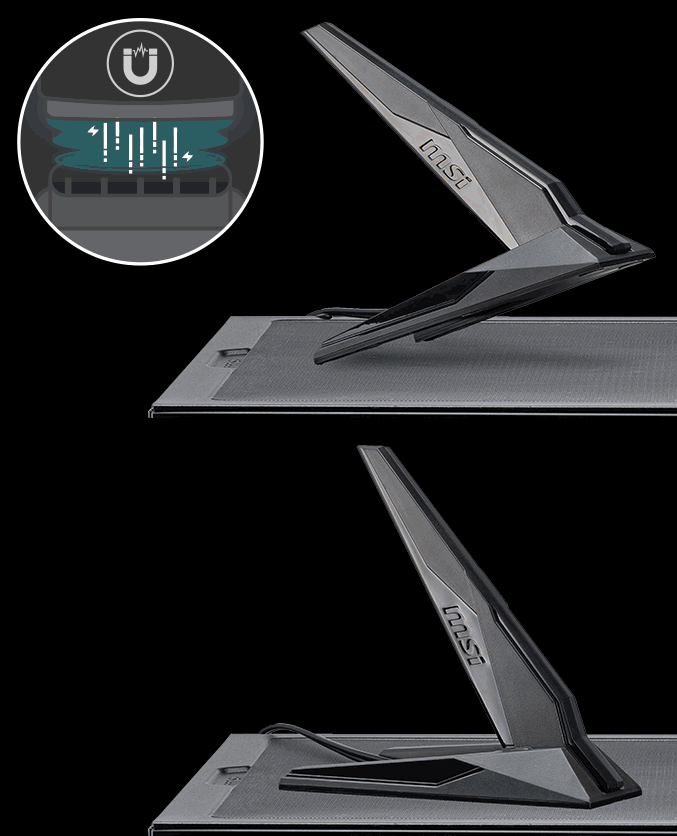
磁吸式WiFi天线
最新的无线解决方案Wi-Fi 7 ,新一代大跃进,多项改良技术, 满足时下越来越多无线装备对庞大带宽的渴望。
*Windows 11 compatibility only
与Wi-Fi 6 (802.11ax) 相较,Wi-Fi 7 (802.11be)提供更高的速度、更大的频率,大幅降低延迟问题, 并拥有更好的联机效率。并提供更长的电池使用寿命,在拥挤环境中也能提供更佳性能。
Wi-Fi 7 连接速度高达 5.8 Gbps ! 比之前的 Wi-Fi 6/6E 标准快 2.4 倍, Wi-Fi 7 将成为未来的联机主流
前几代 Wi-Fi 带宽为160MHz 。Wi-Fi 7 将带宽提升至 320MHz(6GHz )——确保在最大速度传输时,也能同时拥有高稳定性。
QAM(正交振幅调变)的数值越高,每个封包所能承载的资料量就越多。Wi-Fi 7 将调变技术从 1024-QAM 提升至 4096-QAM,大幅提升峰值传输速率与网络容量。
Wi-Fi 7 支持多重链接技术,使装置能同时在多个频段与信道间进行数据的传输与接收,以满足不断增长的无线装置数量与高带宽流量需求。
MSI AI 网络管理器会自动分类并优先处理需要低延迟的应用程序,如在线游戏,为您提供最佳的联机体验。

MSI AI 网络管理
- 自动优先处理游戏联机需求。
- 允许更改应用程序的流量优先处理顺序。
- 允许自行设定各应用程序的带宽。
- 分析 Wi-Fi 讯号以选择最佳讯号源。
- STORAGE
MSI MPG 系列系列主板支持所有最新的存储技术标准,用户可以自由选择存储设备。更快速启动游戏、下载,比敌人更具优势。
2x

2x

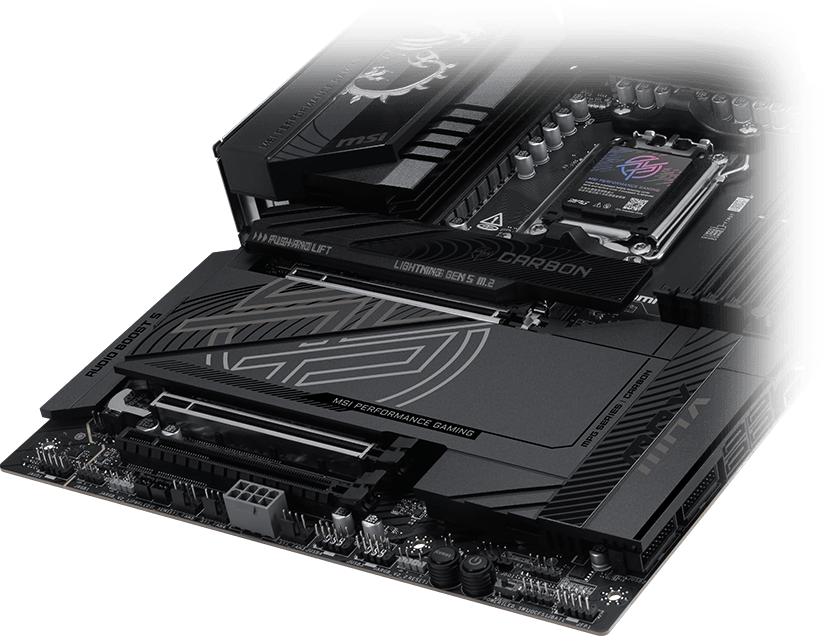
- 64MB BIOS
- 通道优化
- LIGHTNING GEN 5 PCI-E
- 额外8pin供电
- USB4
- PD快充 +
64MB BIOS
更大的BIOS容量,让用户在搭配 CPU 时能享有最完整、最丰富的 BIOS 接口功能。即使未来升级处理器,也能确保完全兼容,无需担心兼容性问题。


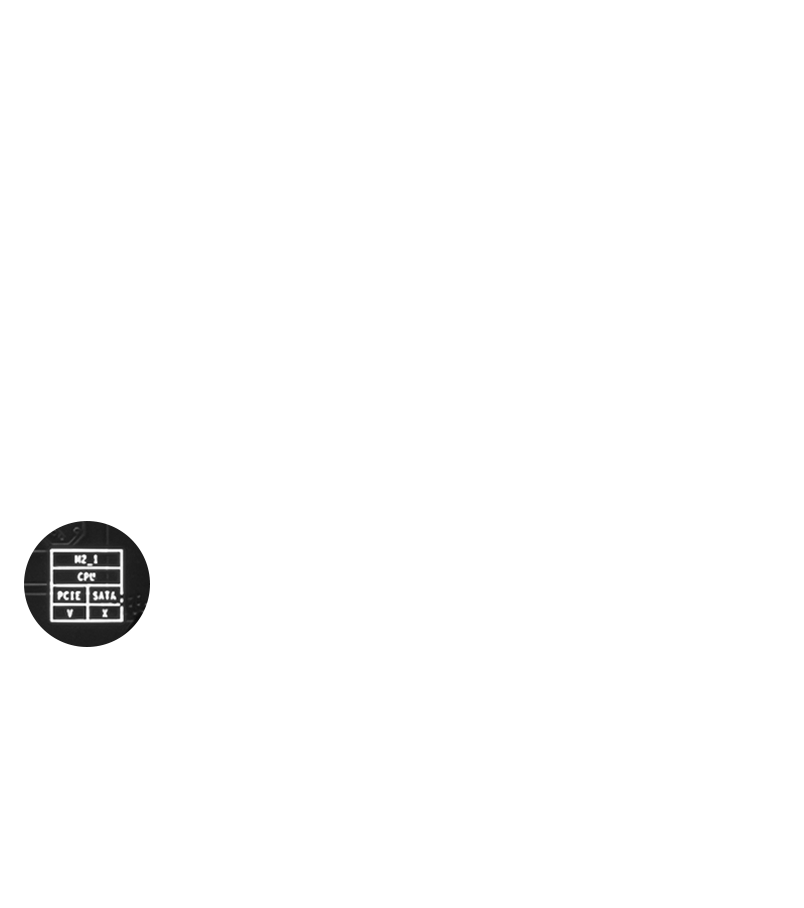
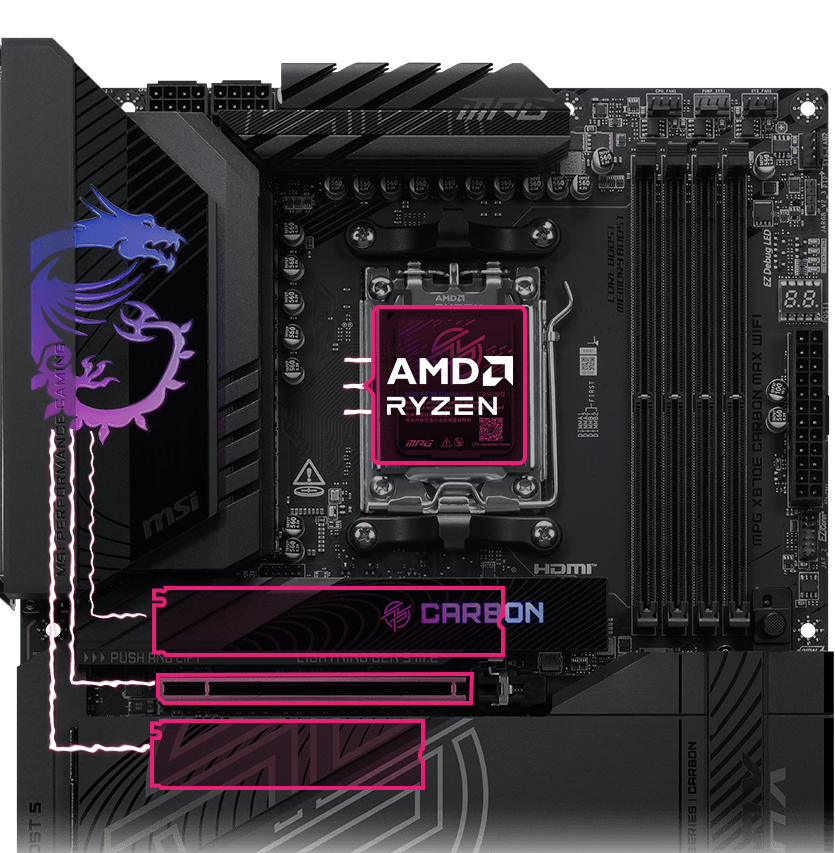
MSI 主板透过优化的 PCIe 通道分配设计,完整发挥 CPU 原生 PCIe 5.0 通道效能, 使 PCIe Gen 5 x16 插槽与双 PCIe Gen 5 M.2 插槽可同时、独立运作,不需分流共享带宽, 有效避免带宽冲突,全面释放显示适配器与 SSD 的极致效能。
CPU 直出PCIe Gen5
不分流的完整带宽设计
优化的 PCIe 信道配置
提供 24 Ryzen 9000/7000 系列处理器原生PCIe 5.0 通道
PCIe 5.0 x4 for M.2 SSD
PCIe 5.0 x16 for GPU
PCIe 5.0 x4 for M.2 SSD
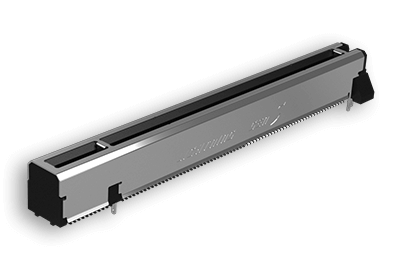
LIGHTNING GEN 5 PCI-E
提供x16插槽·频宽可达到128GB/s,是上一代速度的两倍
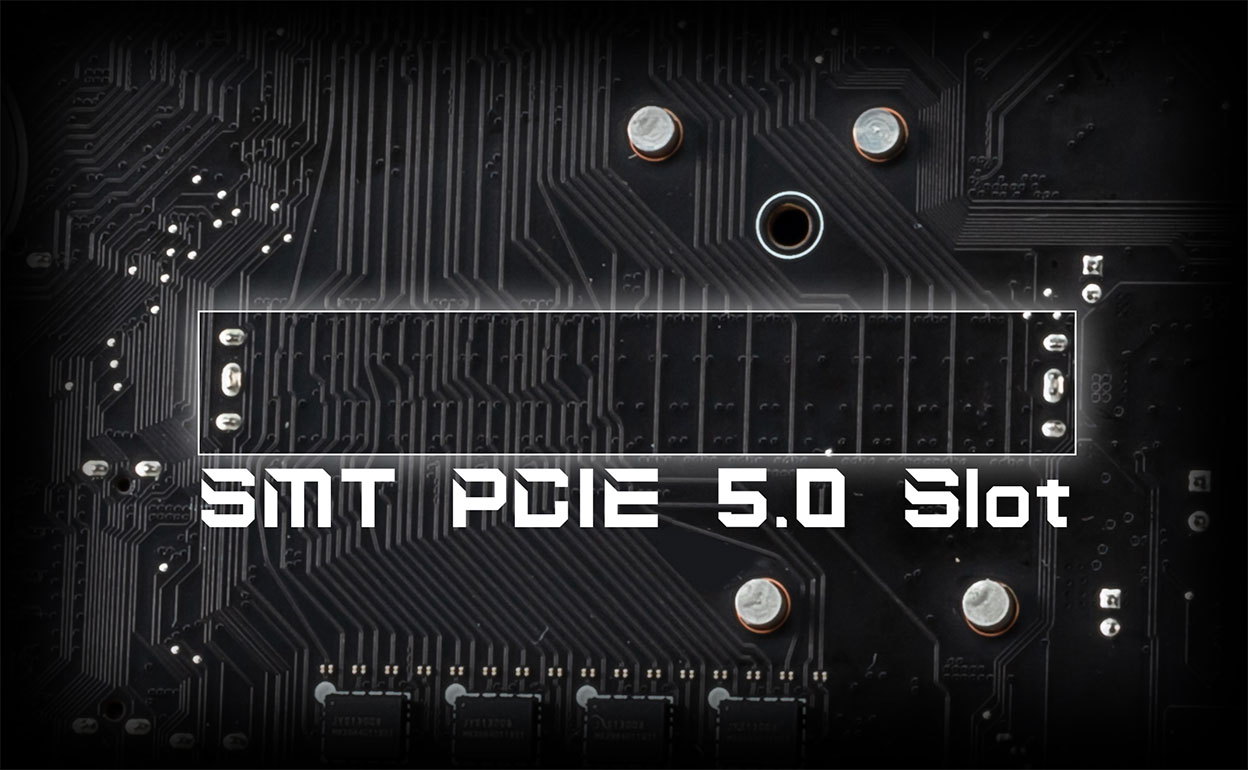
SMT PCIE 5.0 SLOT
PCI-E 插槽采用先进的 SMT 焊接工艺(Surface Mount Technology),降低噪声干扰和电噪声、充分支持更高带宽和传输速度的 PCI-E 5.0 讯号。
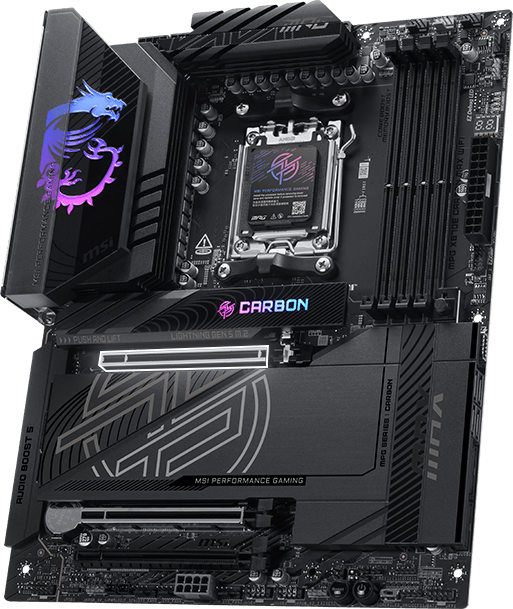

1.2X 承重
第二代钢铁装甲
与前一代相比,第二代钢铁装甲拥有双倍的承受力,并提供更优异的信号传输质量。
独家PCIE 拓源架构设计,为高阶显卡提供更稳定、更安全的专用电源,为未来 AI 运算智能世代做好准备! 相容机箱列表。


MSI 主板采用最新一代 USB4 技术,为使用者带来全面升级的传输体验。

高达 40Gbps 的传输速率
大型文件传输速度更快。

多设备连接能力
可透过单一接口同时连接多个装置。

动态带宽分配
可同时传输数据、影像与影片等内容,效率更高。
Super Charger + 让专用的前置 USB 埠提供快速充电(PD 27W)功能,适用于 PD 兼容的设备。 除了优化充电效率外,它还能实时监控 USB 的输出功率、电压和电流。


Experience
- 音效
- mystic light
- BIOS
- 软件
- Audio Boost 5
- 独立类比结构
- 高清晰度ALC4080音频处理器
- 高品质音效电容
- 高品质音效S/PDIF连接埠
- 耳机功率扩大晶片
- AUDIO线路独立区域
- DE-POP保护机制
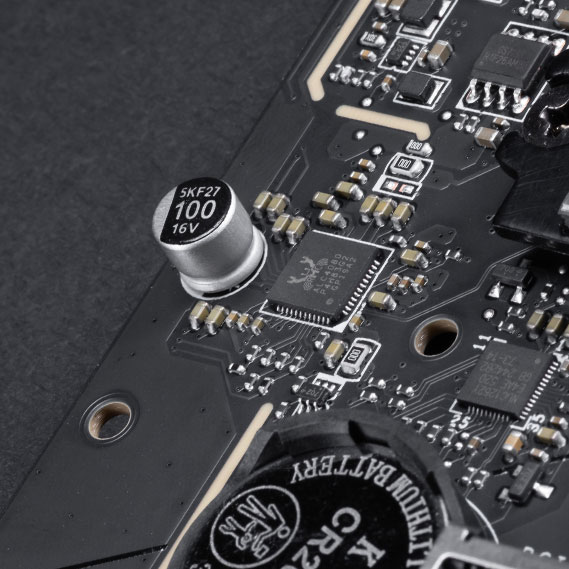
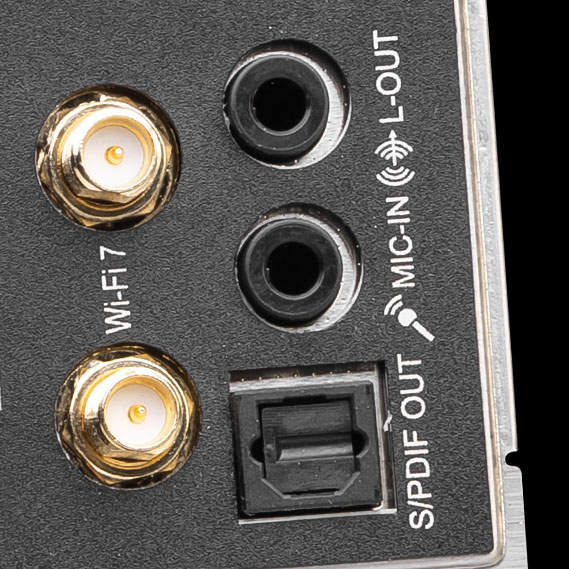
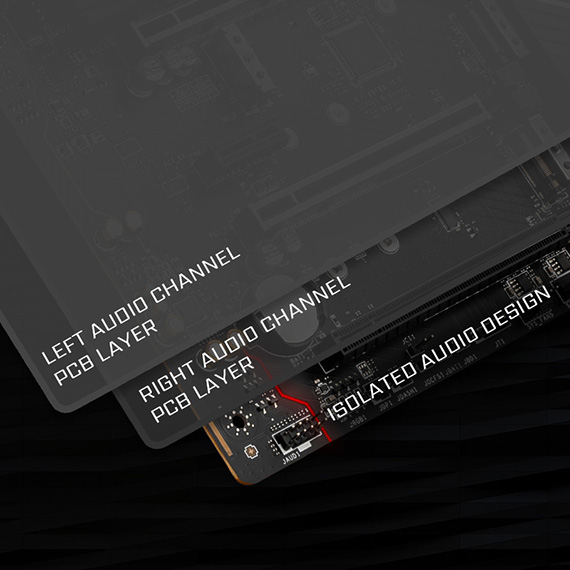
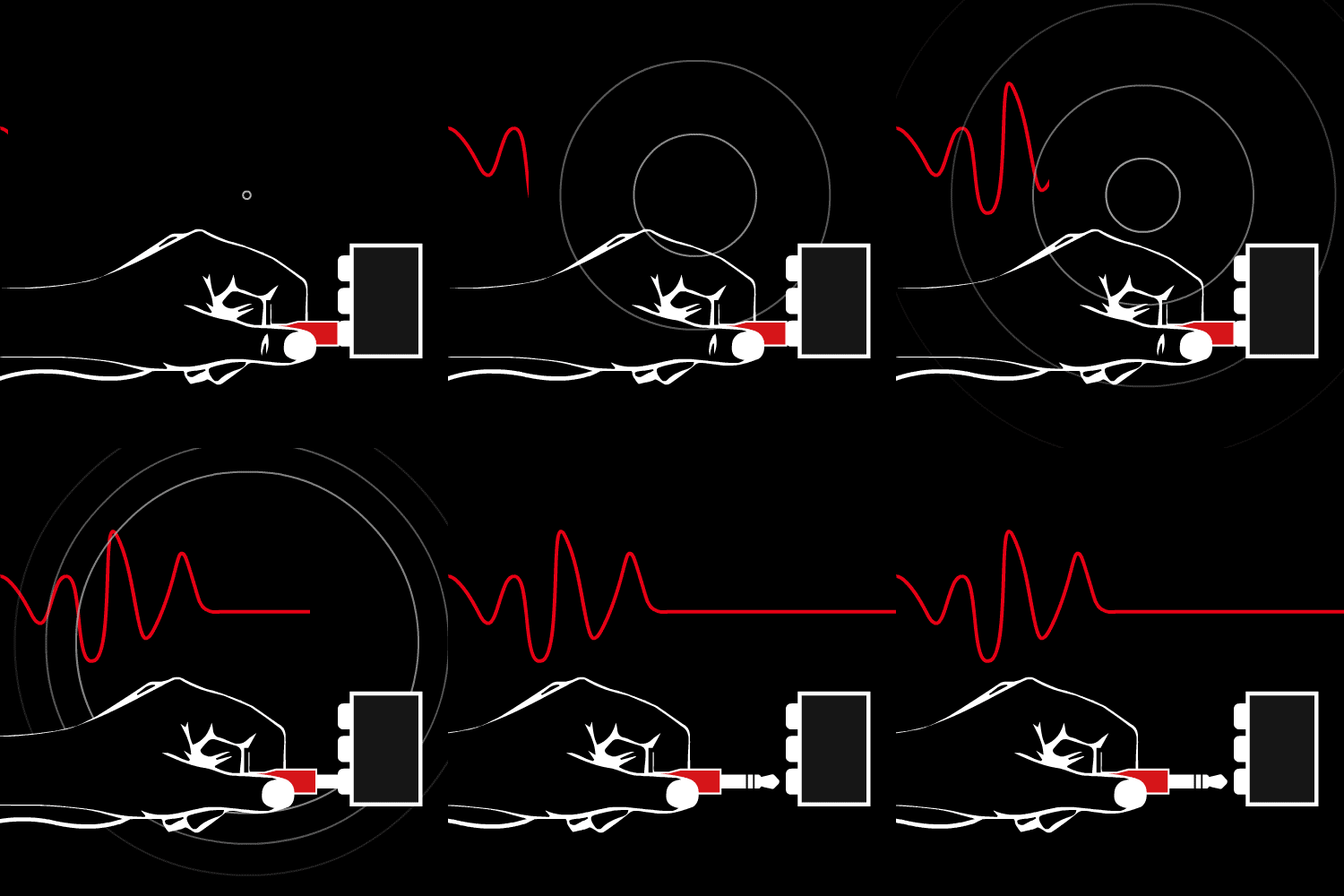
为了提供清晰的语音,微星设计独特的——隔离结构设计。音效连接埠加上金属框架,与内部构造完全隔离,让音质更新清脆无杂讯。
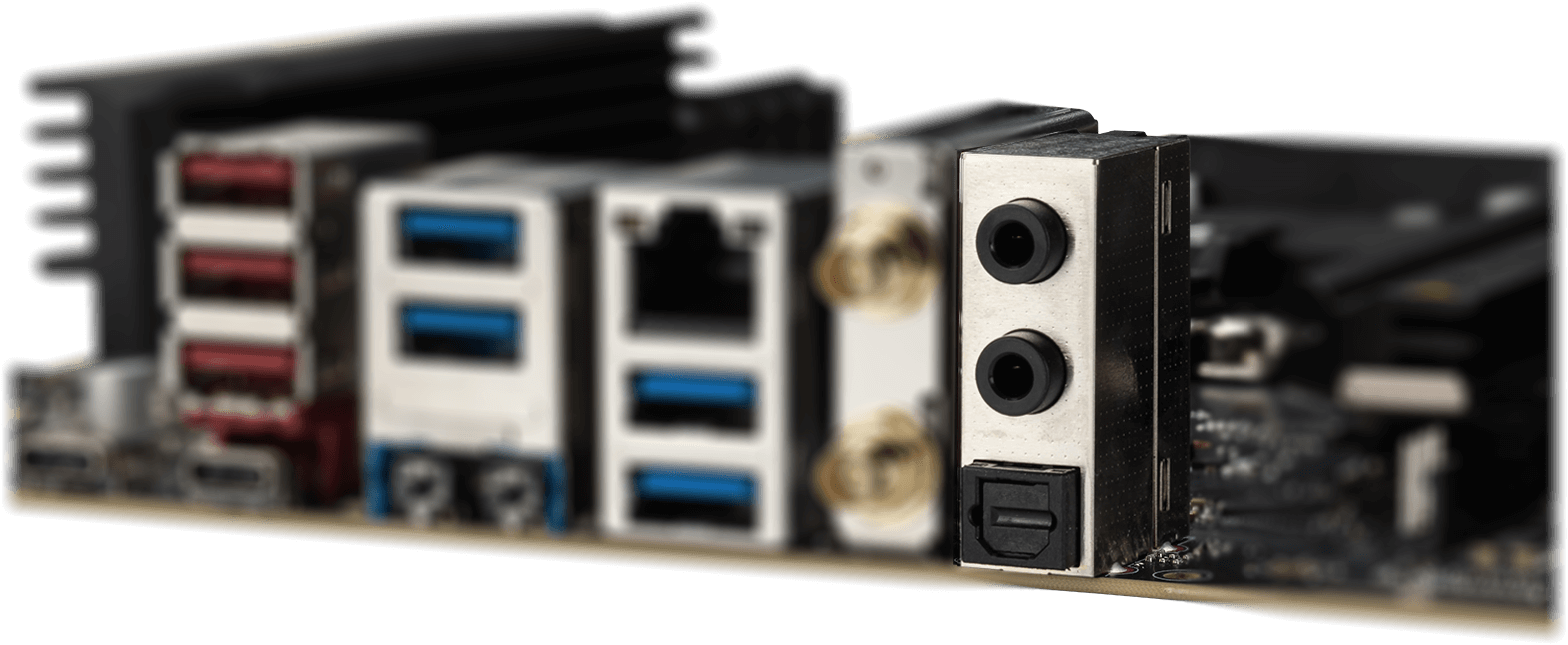
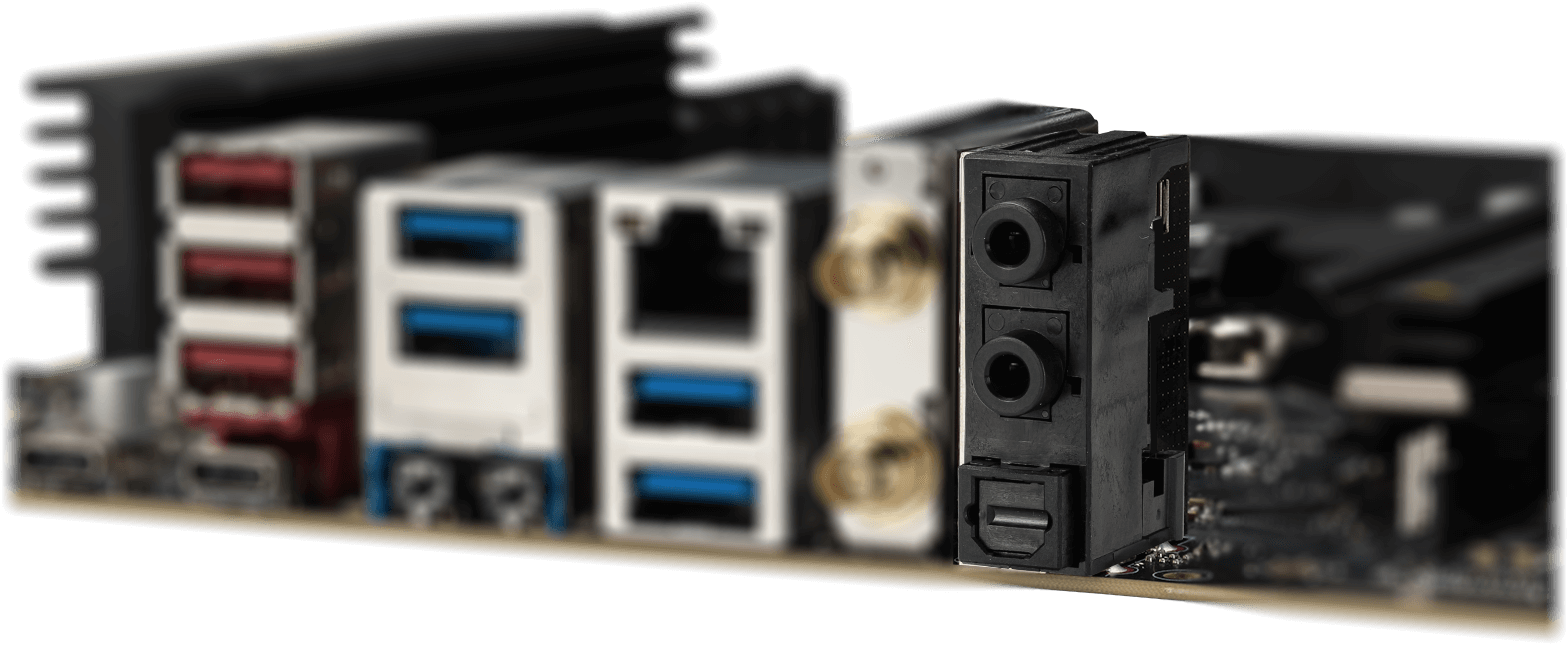
* The image above is an illustrative reference. Please refer to specification pages for more details.
- Mystic Light
- Synchronized
透过MSI Center 的Mystic Light 工具,为你的桌机增添色彩和充满活力的RGB 灯效。拥有上百万种颜色选择与多样炫酷的LED 效果,任您选、任您配、自由随意!
波浪
稳重
火焰
呼吸
处理器温度
色环
闪焰
娱乐
流星
默认
利用Mystic Light 扩充插槽,可增添RGB 灯条或其他RGB装置装置。 Mystic Light 软件直觉式界面,更方便您操作控制,无需再另外单购RGB控制器。
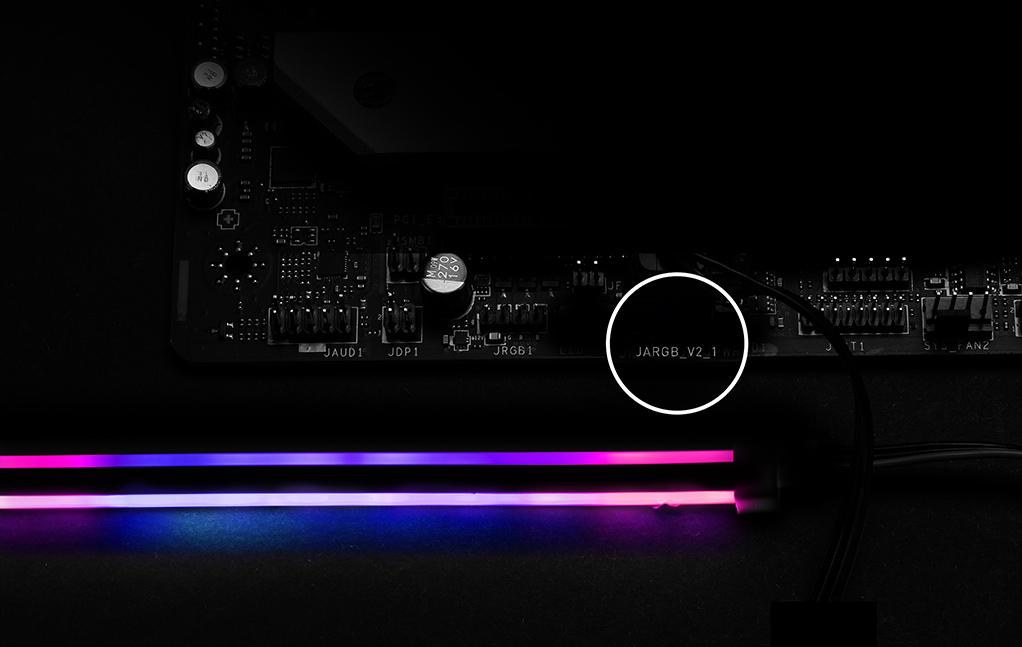
*Gen2装置仅支持7种RGB灯效
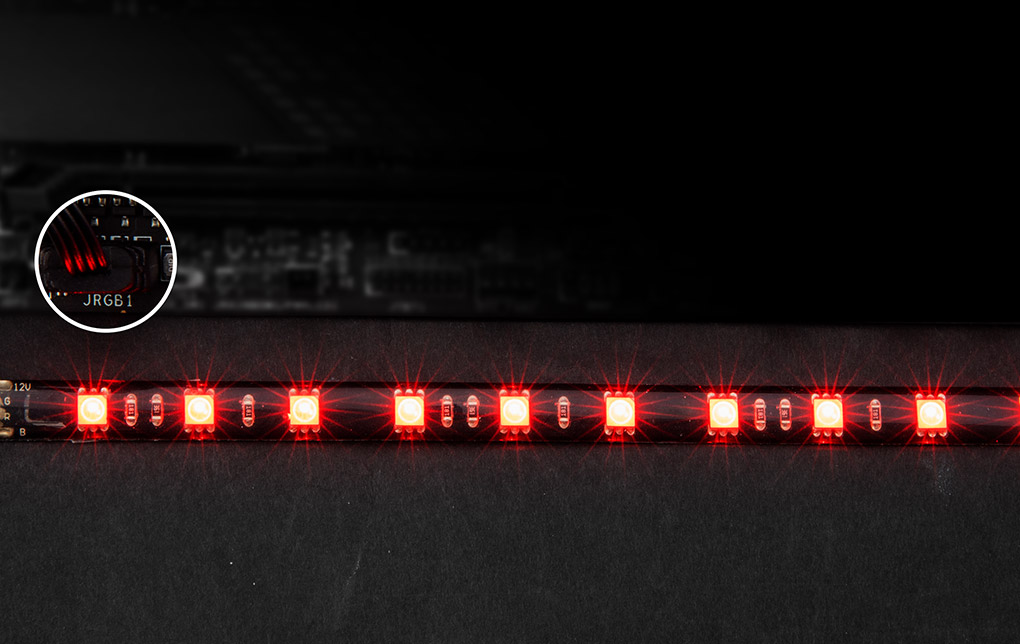

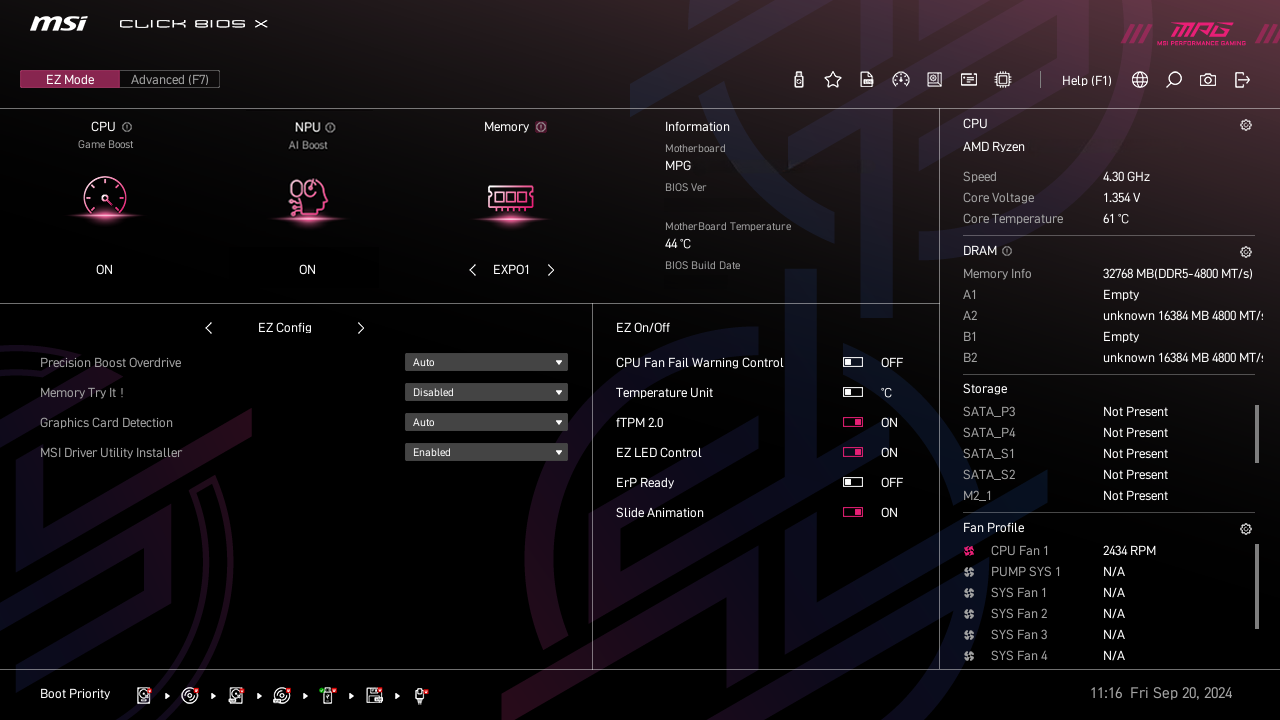
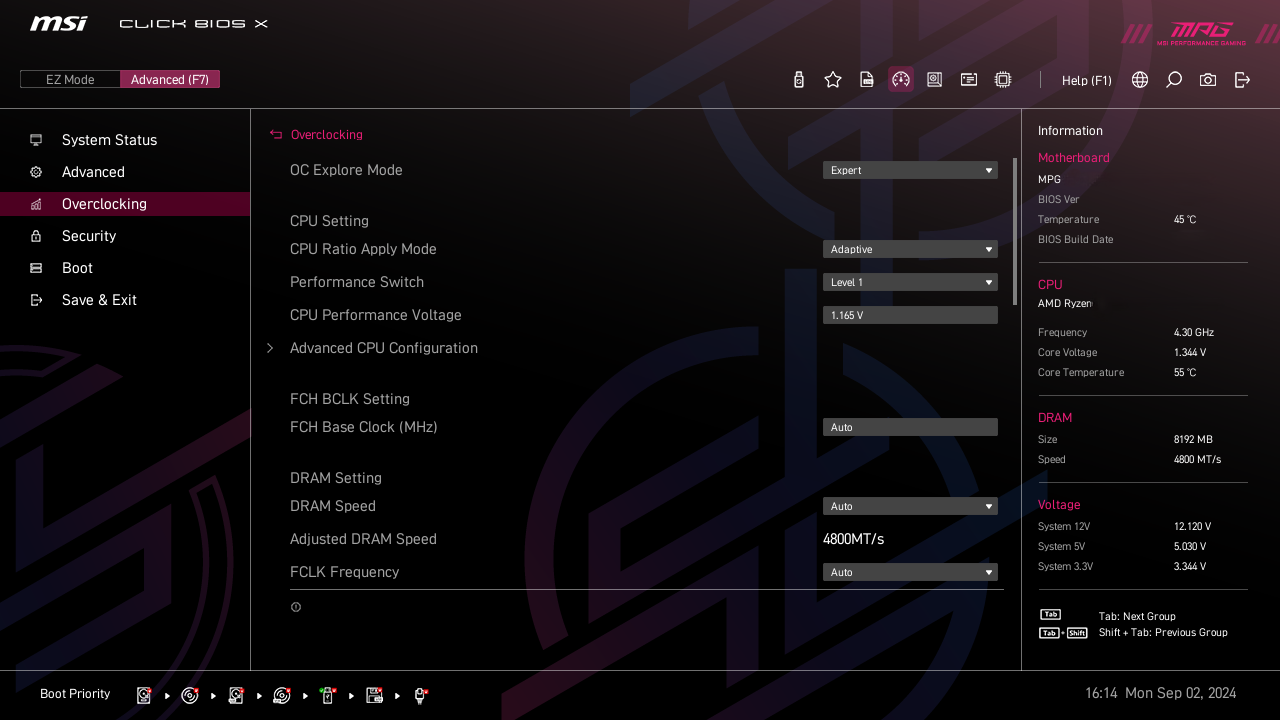
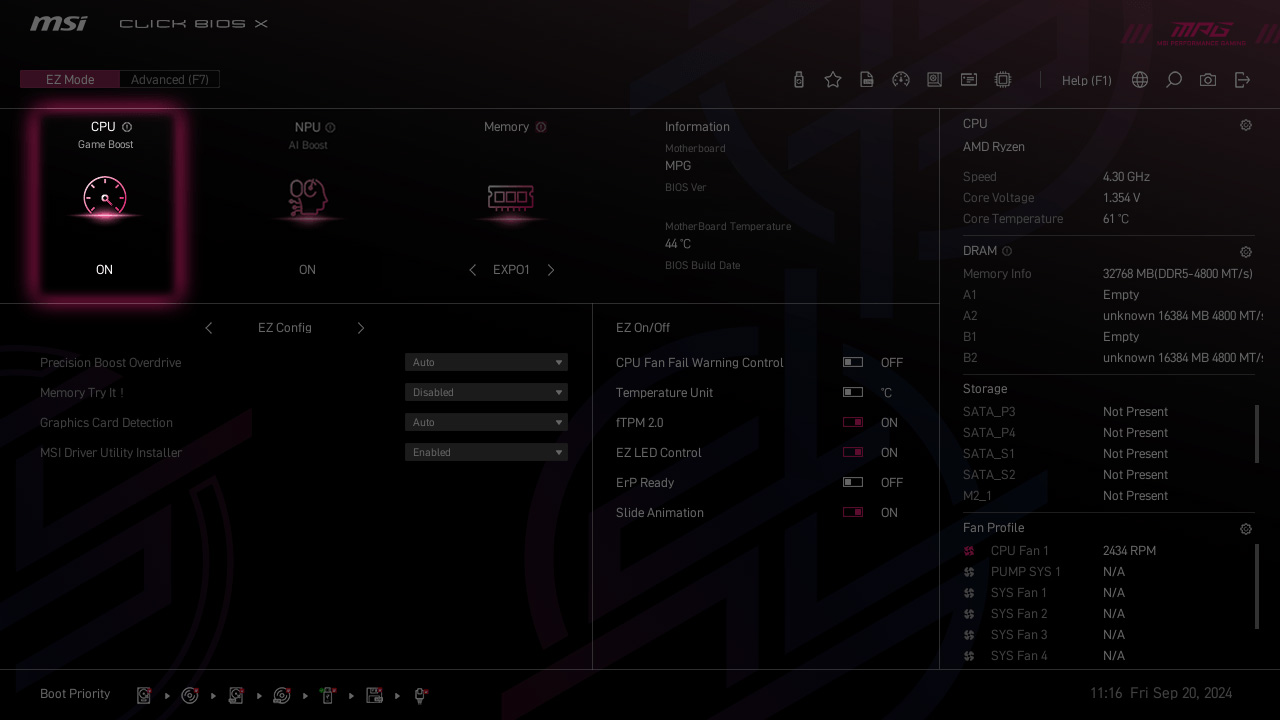
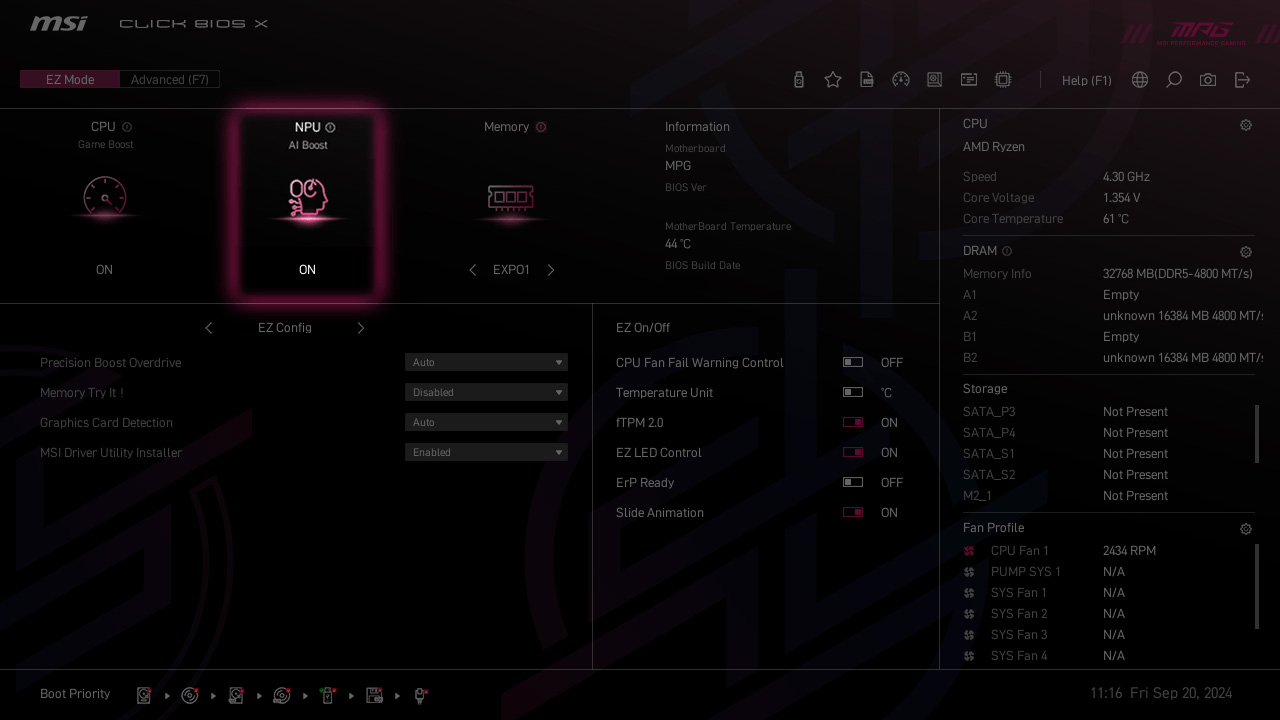
- Click BIOS X
- BIOS KEY FEATURES
微星全新设计的CLICK BIOS X 提供美观更友善使用体验,让玩家可以更快速存取和调整系统配置。
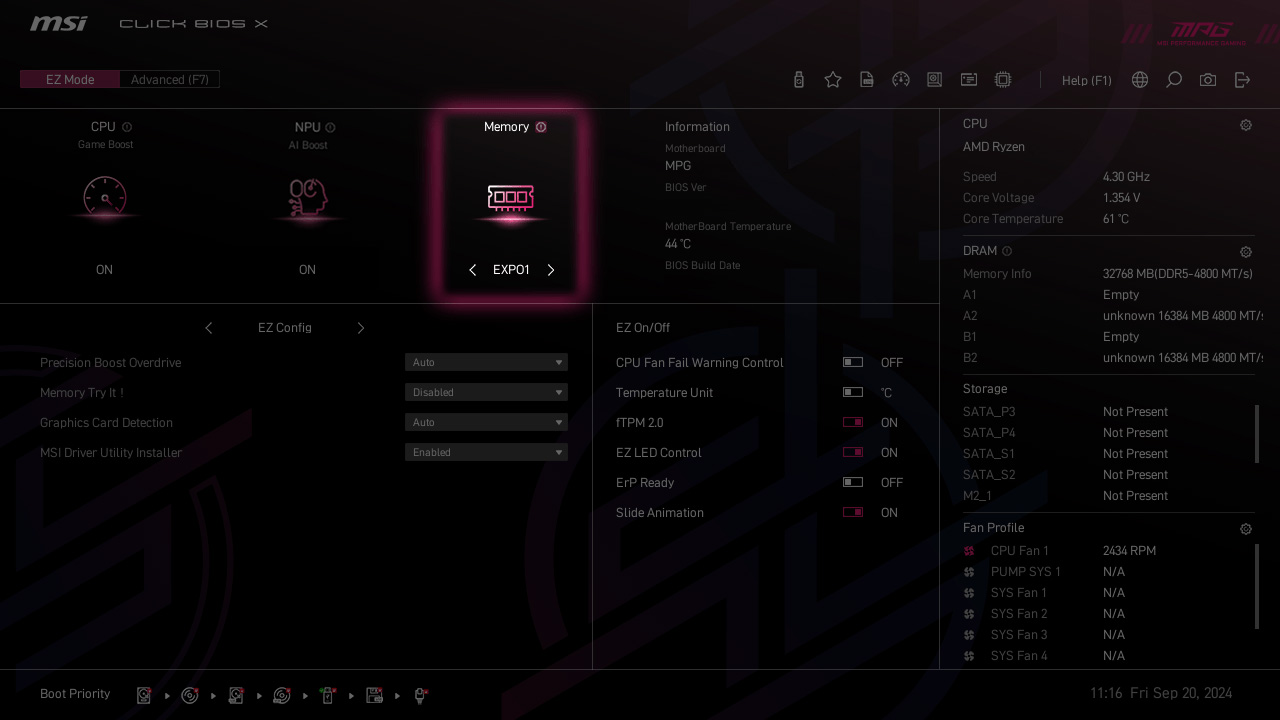
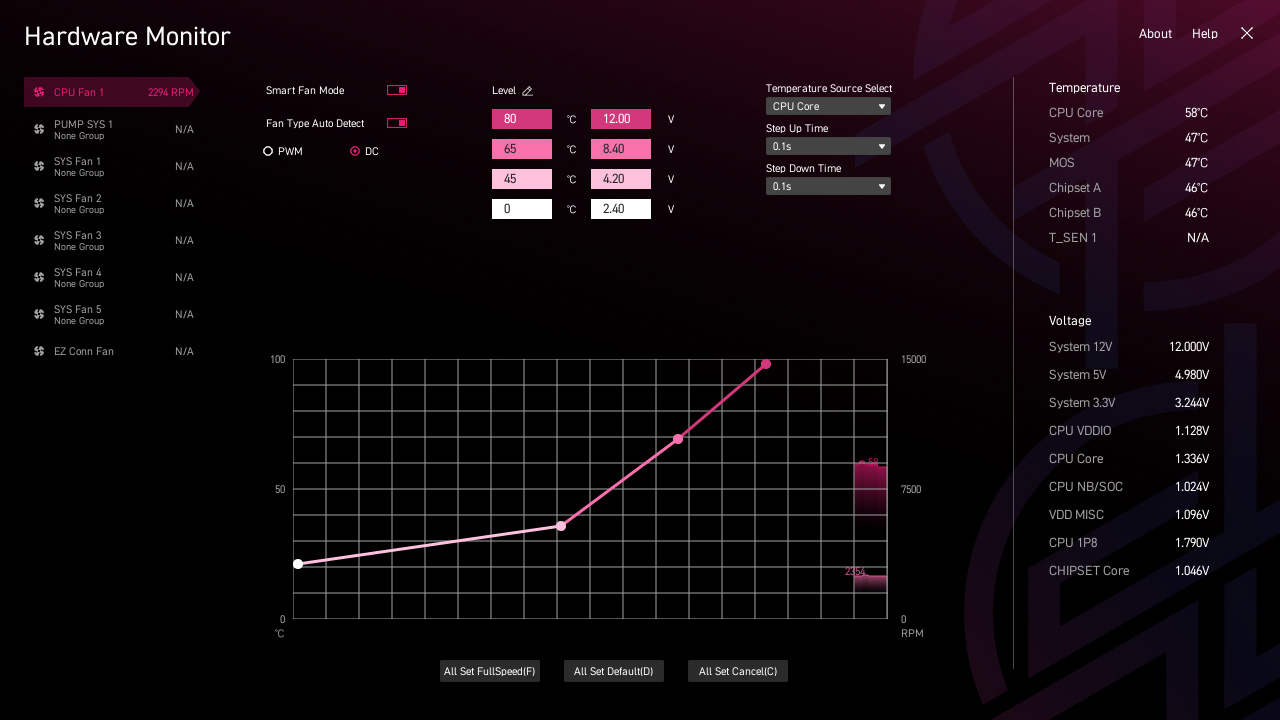
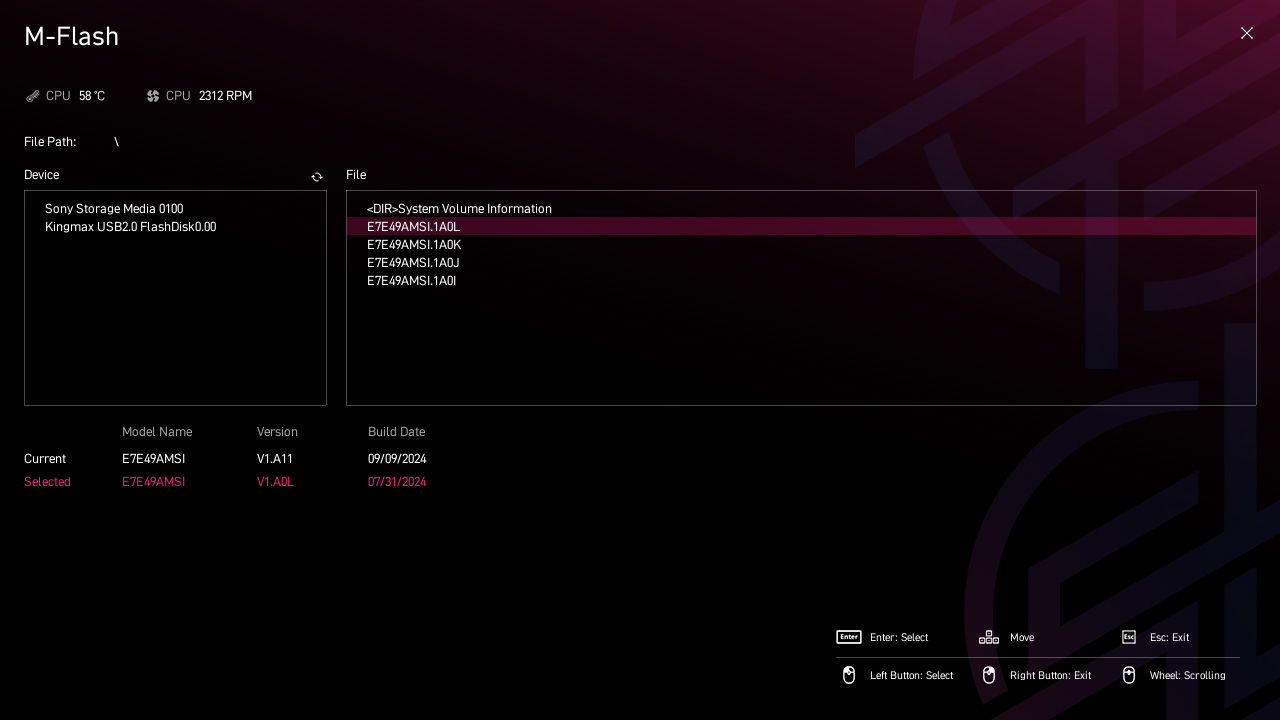
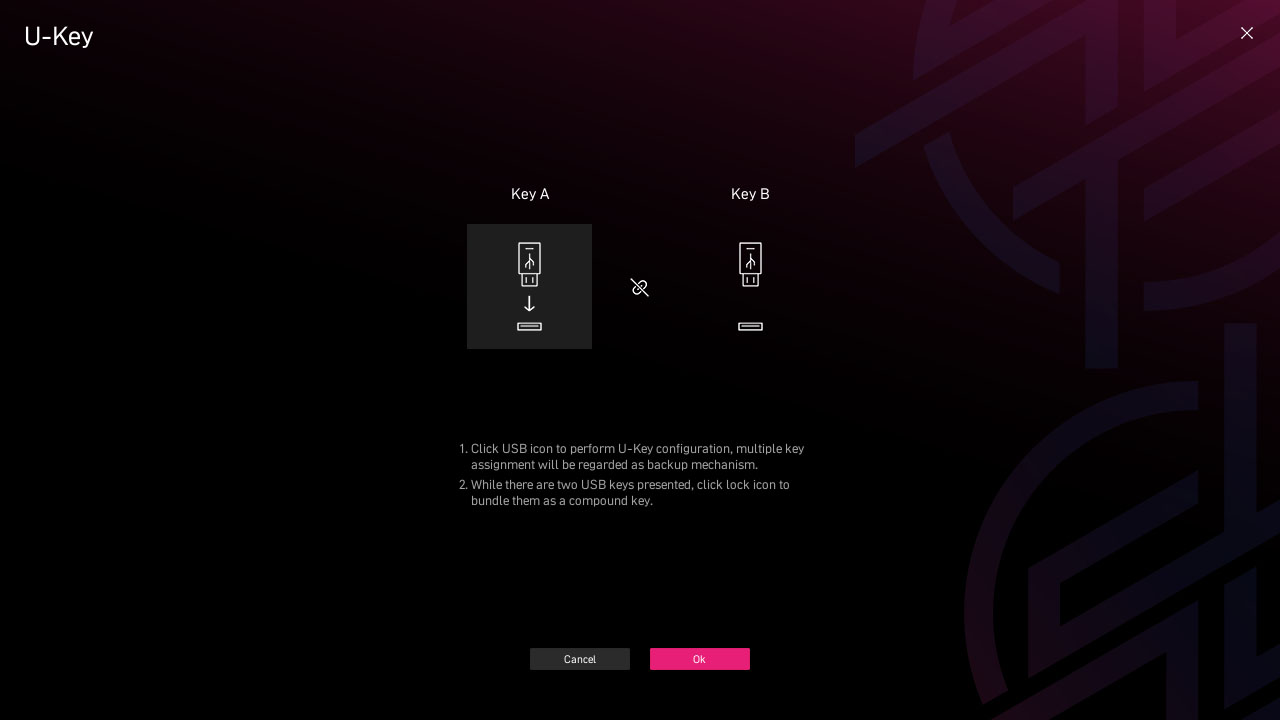
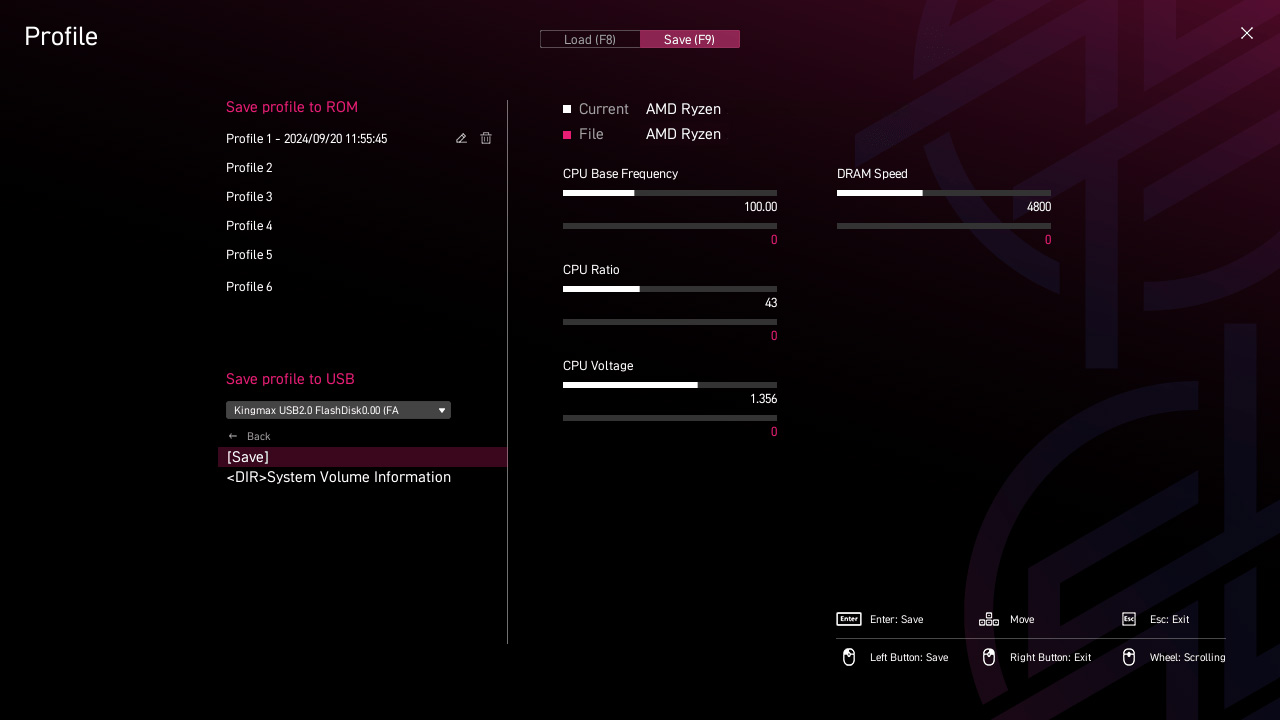
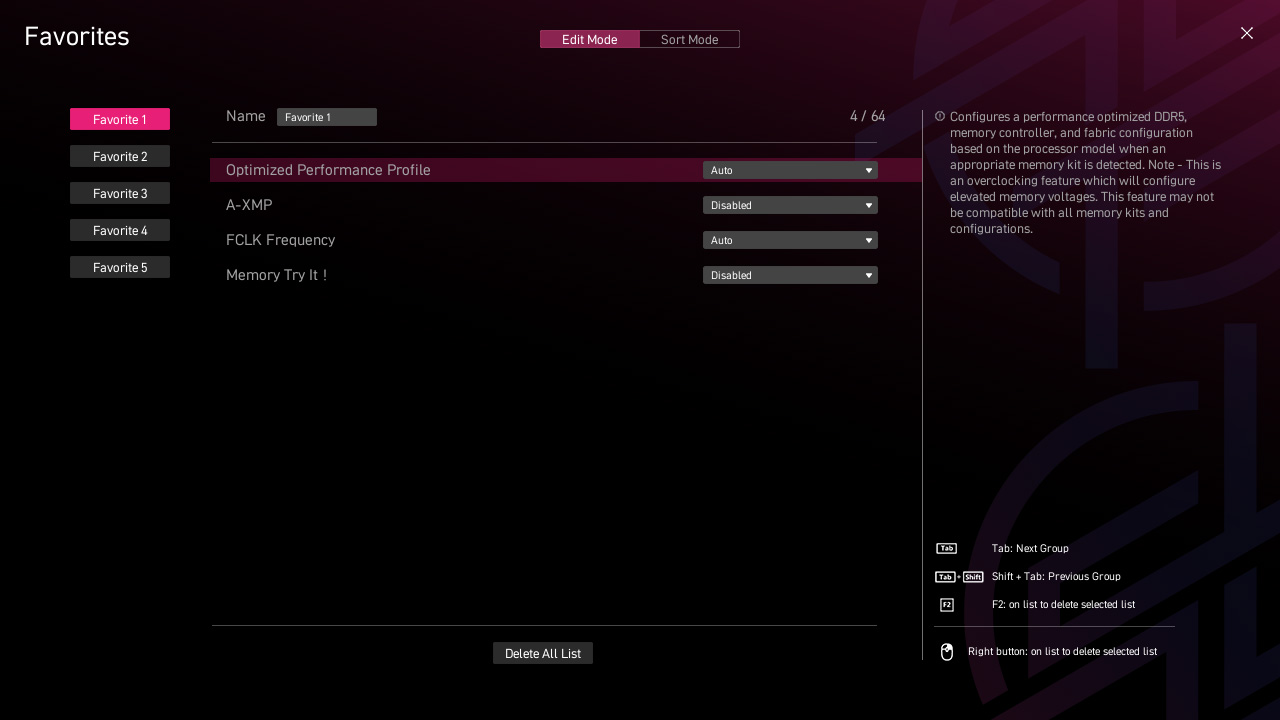
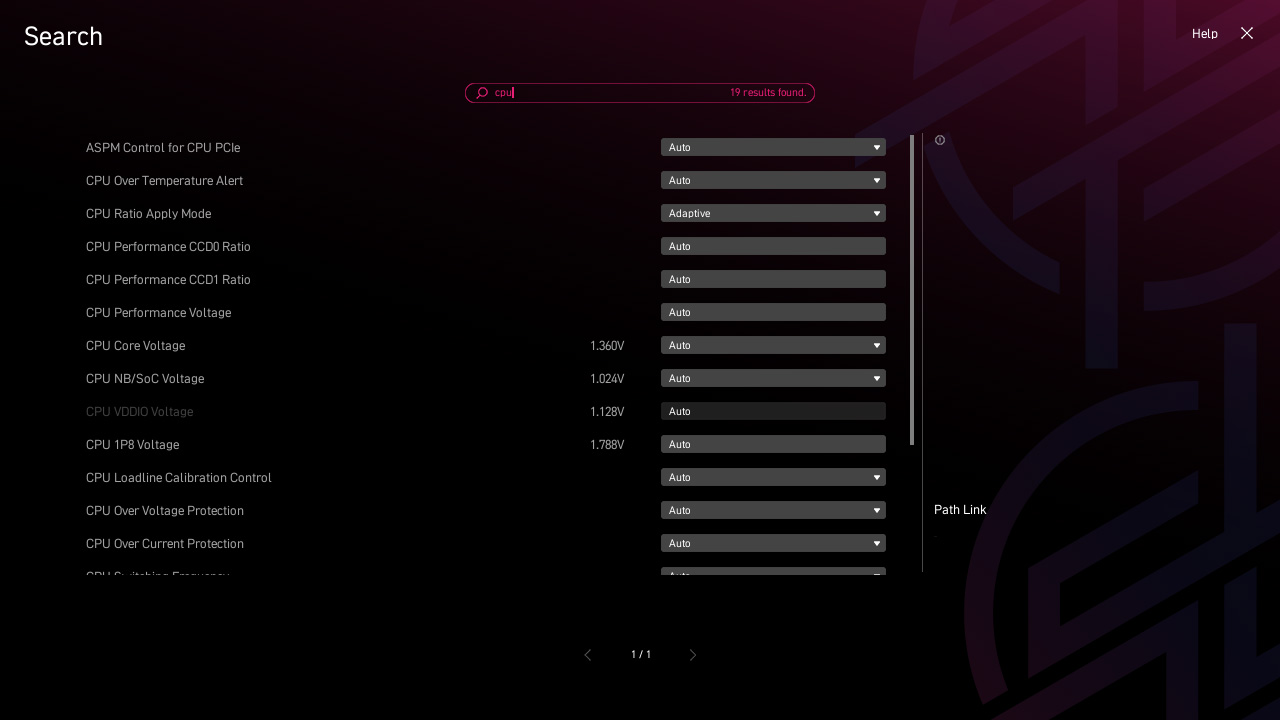
- MSI CENTER
- AIDA64
- NORTON 360
MSI CENTER
MSI 全新的MSI Center 将MSI 所有软件整合到一个应用程序中。进一步控制主板功能,以释放无限可能性。
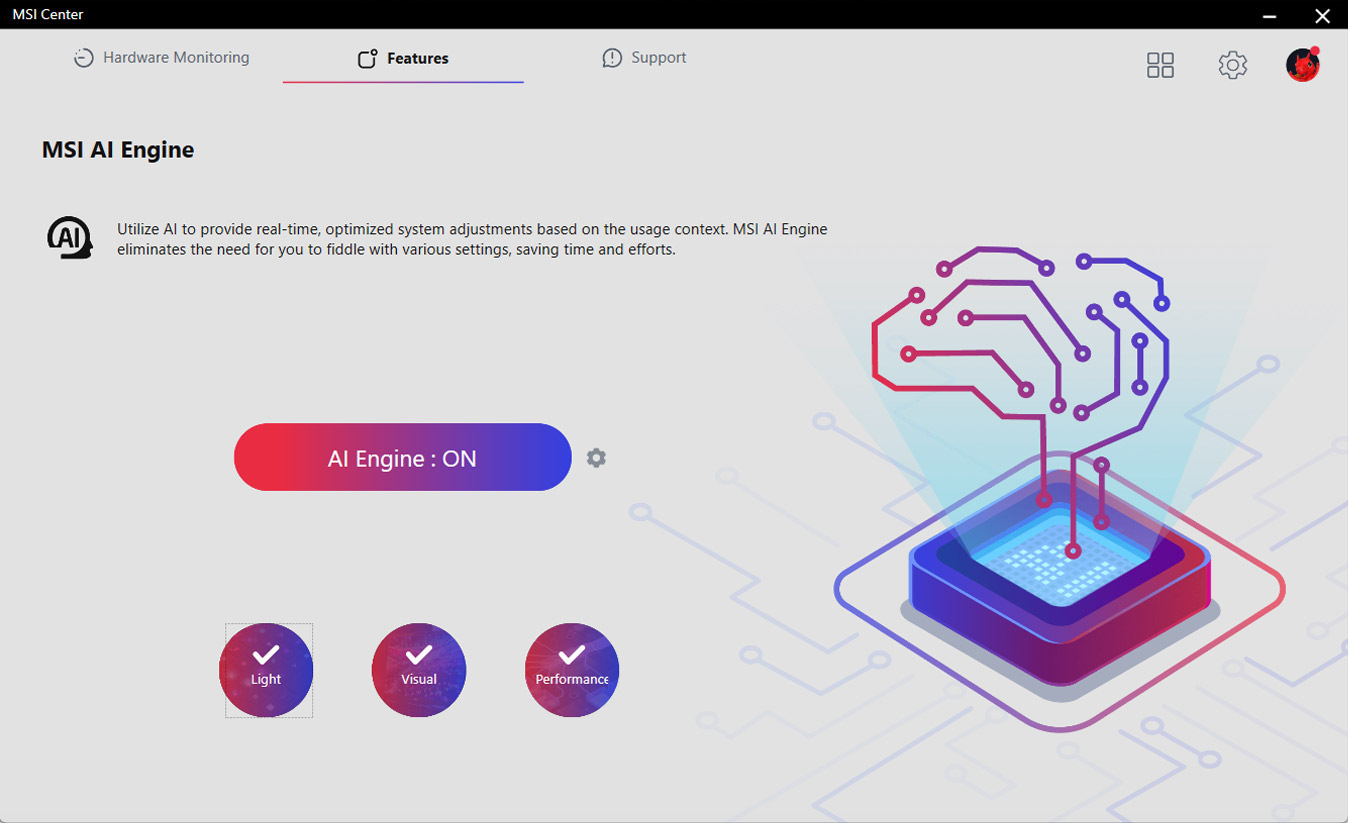
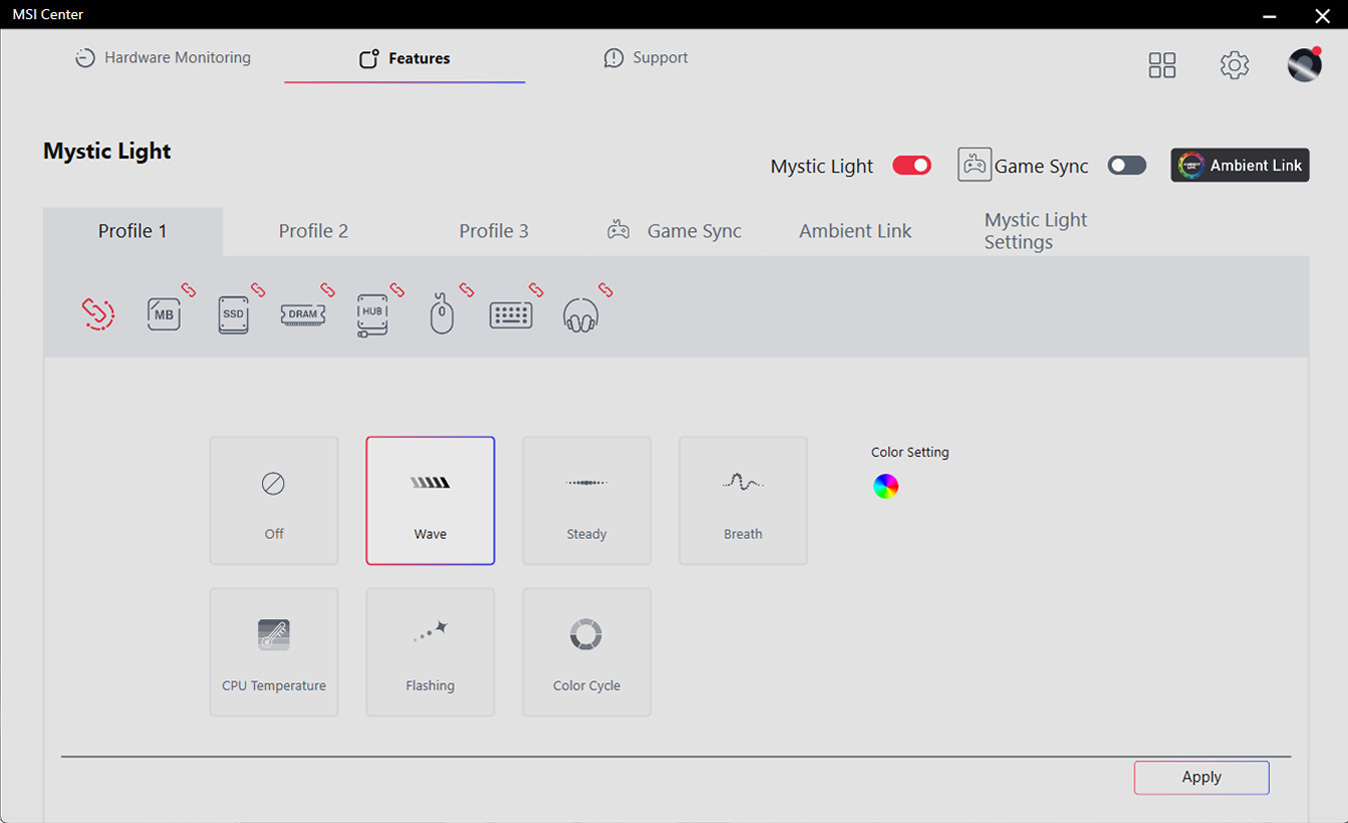
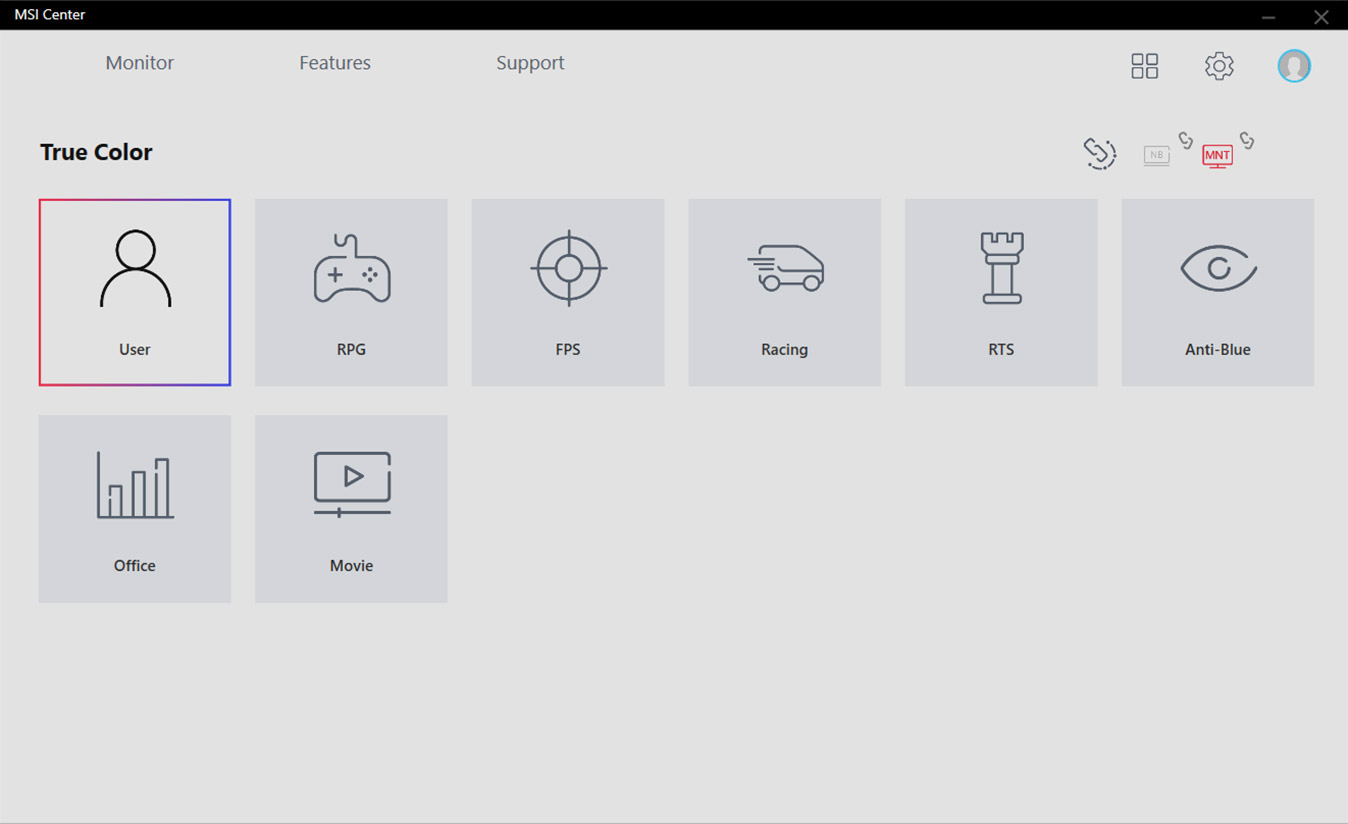
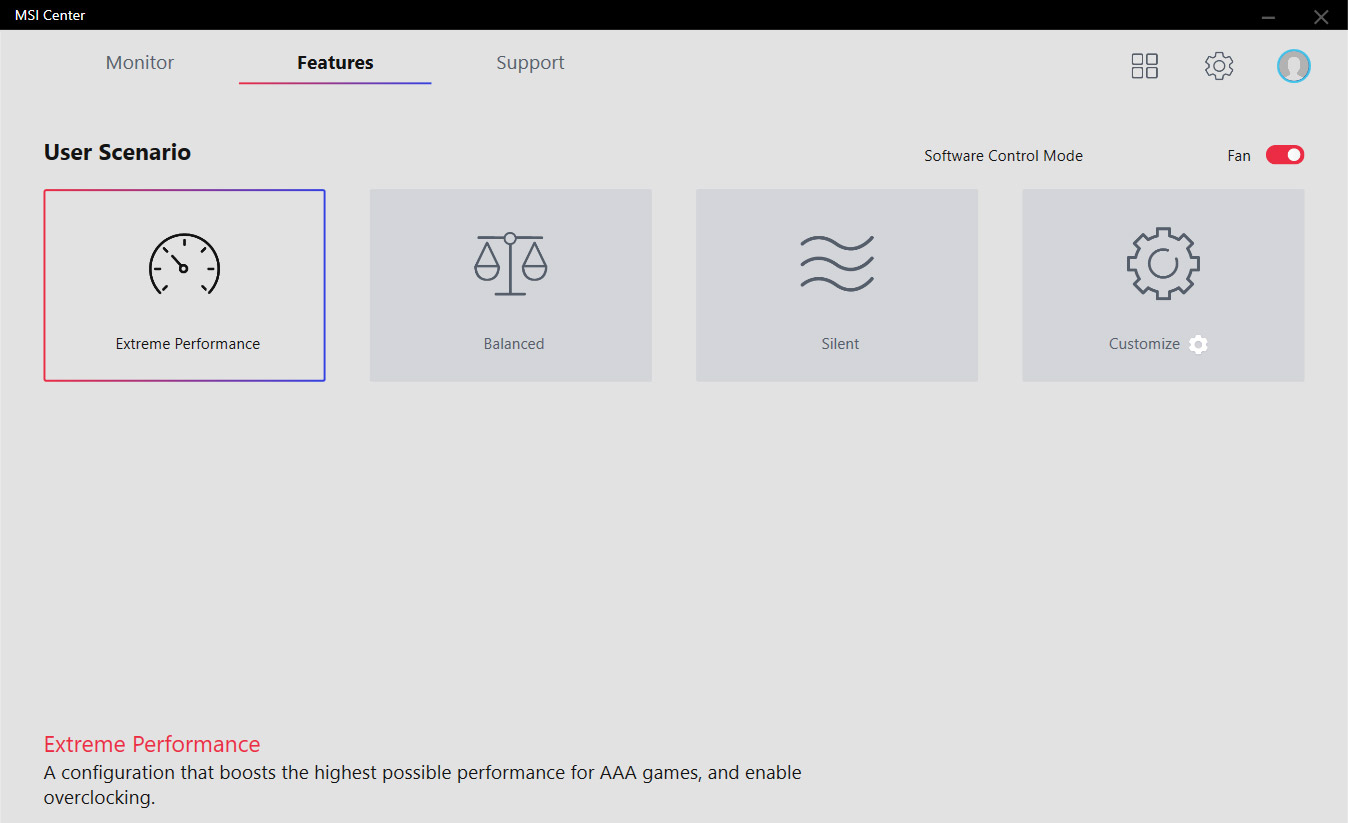
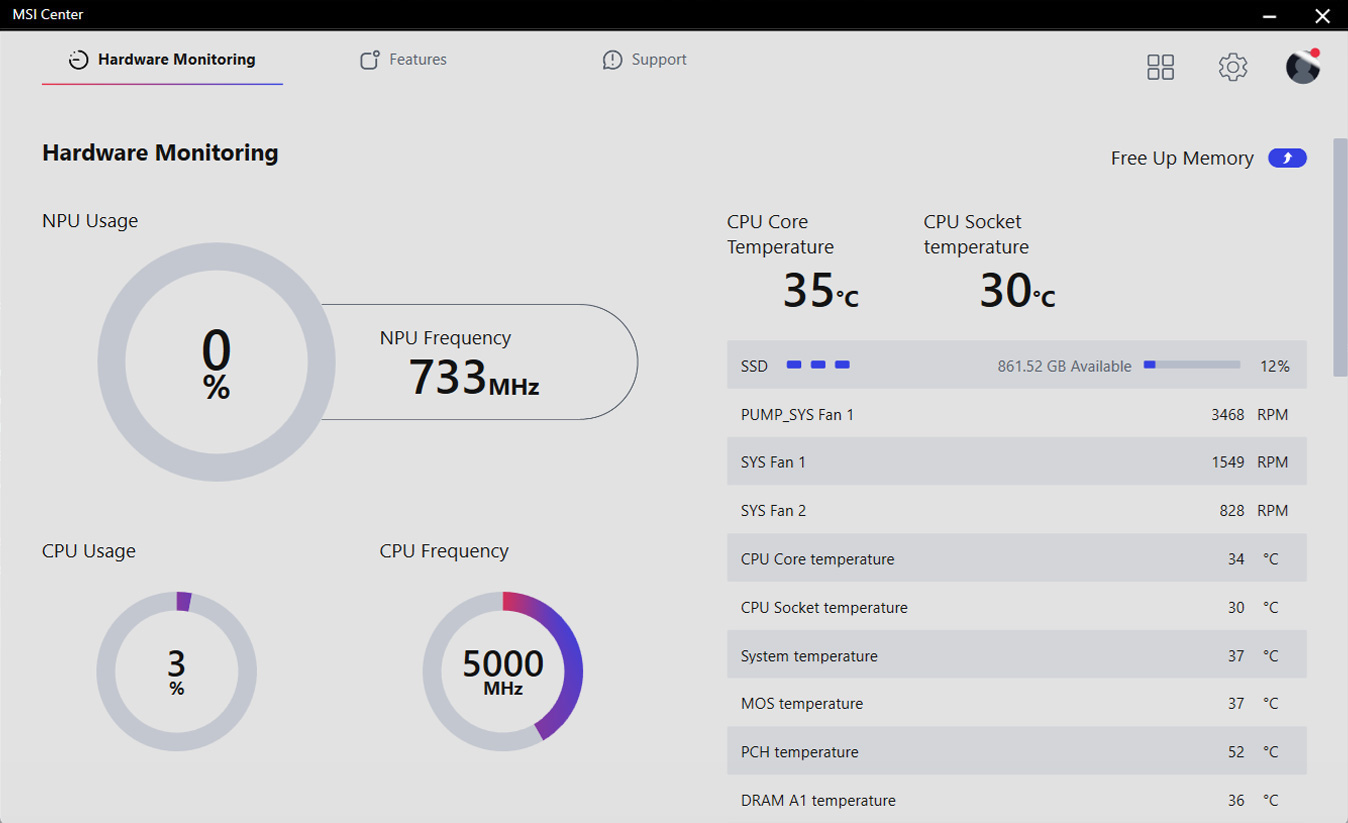
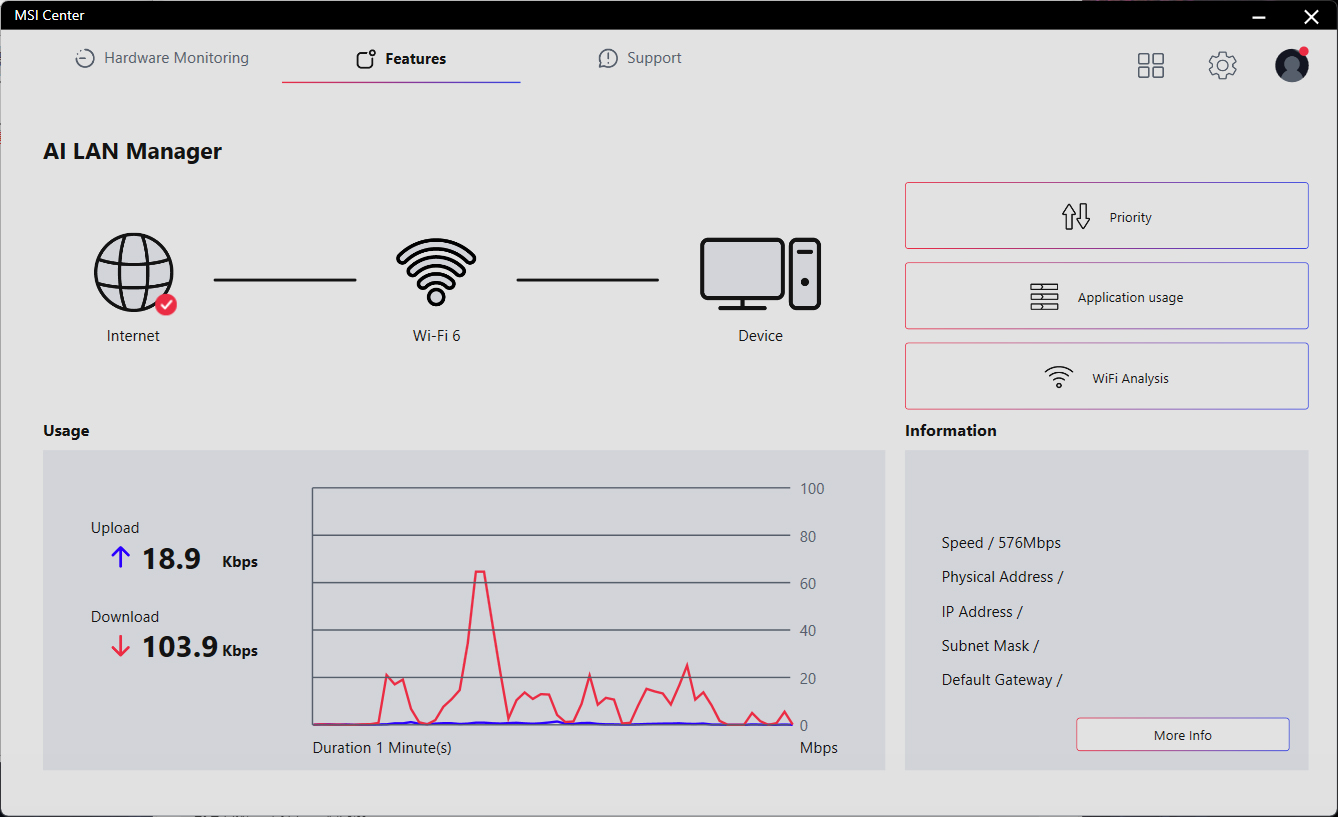
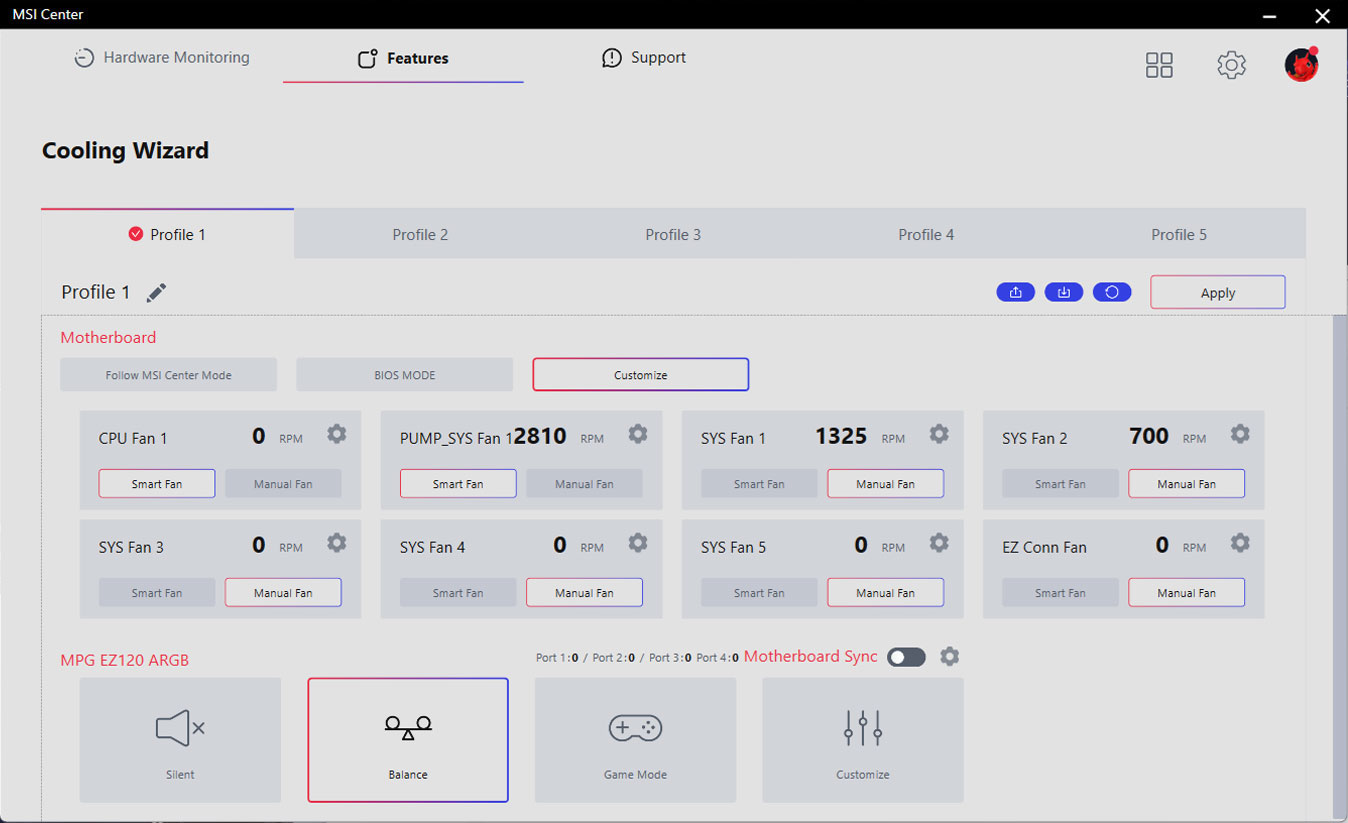
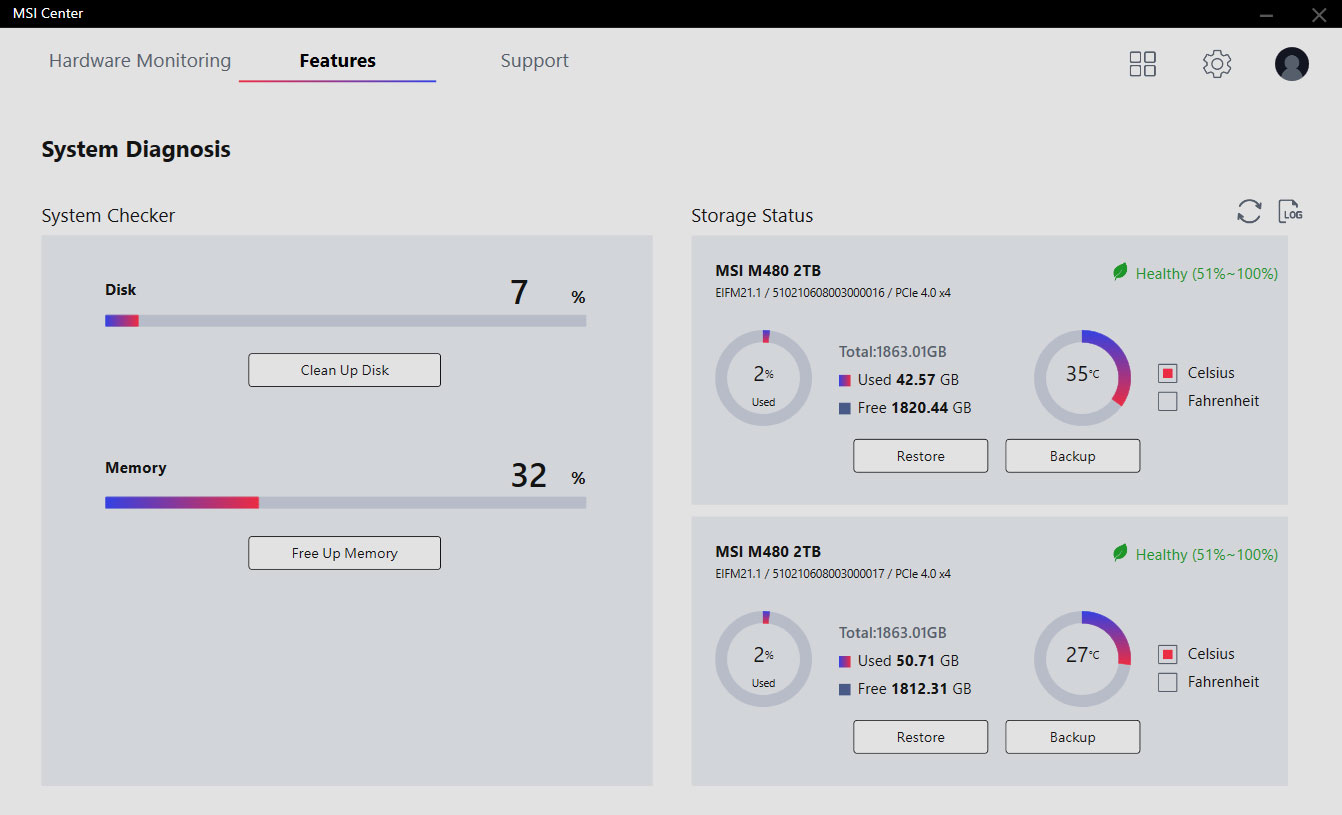
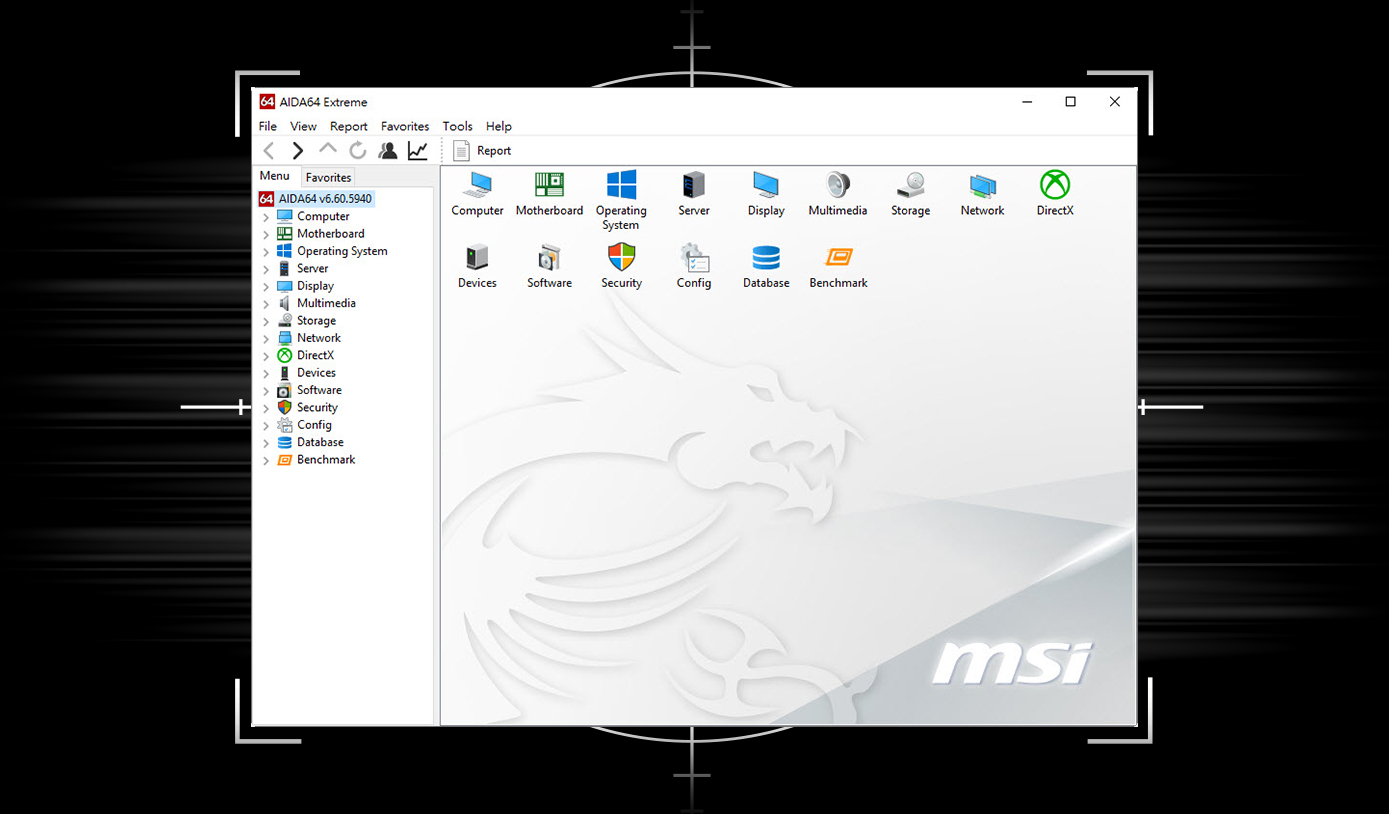
微星主板提供AIDA64 Extreme 独家版本60 天免费试用。 AIDA64 Extreme 是一款计算机软硬件侦测诊断软件。透过该软件,您可以在计算机上监控操作系统、主板、CPU、BIOS…等相关详细信息,并可储存CSV、HTML 等多种格式档案。
为您的装置提供多层保护、在线隐私功能包含安全VPN,以及暗网监测,并全数整合在单一解决方案中。使用MSI 主板,即可免费试用Norton 360 Deluxe 60 天。
- 提供高达50 GB云端备份空间
- 实时威胁防护和智慧防火墙
- 密码管理员
- PC SafeCam

MSI 试用优惠不适用于现有的诺顿客户。如果您已订购诺顿方案,则需要选择退出订购才有资格享受此优惠。有关重要的订阅、订价和优惠详情,请参阅NortonLifeLock 授权和服务协议。 NortonLifeLock 产品和服务隐私声明。

为游戏和创作打造最先进的 PC
MSI X800 系列主板为提供最快效能而生。搭载 USB 4.0 和强大的超频能力,支持更快的双信道 DDR5 内存、AMD EXPO™ 技术,以及 PCIe® 5.0 对图形和 NVMe 效能需求。搭配AMD Ryzen™ 9000、8000 和 7000 系列处理器强悍的革命性能,让您从容面对所有项目挑战。
- Overclocking and/or undervolting AMD processors and memory, including without limitation, altering clock frequencies / multipliers or memory timing / voltage, to operate outside of AMD’s published specifications will void any applicable AMD product warranty, even when enabled via AMD hardware and/or software. This may also void warranties offered by the system manufacturer or retailer. Users assume all risks and liabilities that may arise out of overclocking and/or undervolting AMD processors, including, without limitation, failure of or damage to hardware, reduced system performance and/or data loss, corruption or vulnerability. GD-106.
© 2024 Advanced Micro Devices, Inc. All rights reserved. AMD, the AMD Arrow logo, Radeon, Ryzen and combinations thereof are trademarks of Advanced Micro Devices, Inc. Other product names used in this publication are for identification purposes only and may be trademarks of their respective owners.
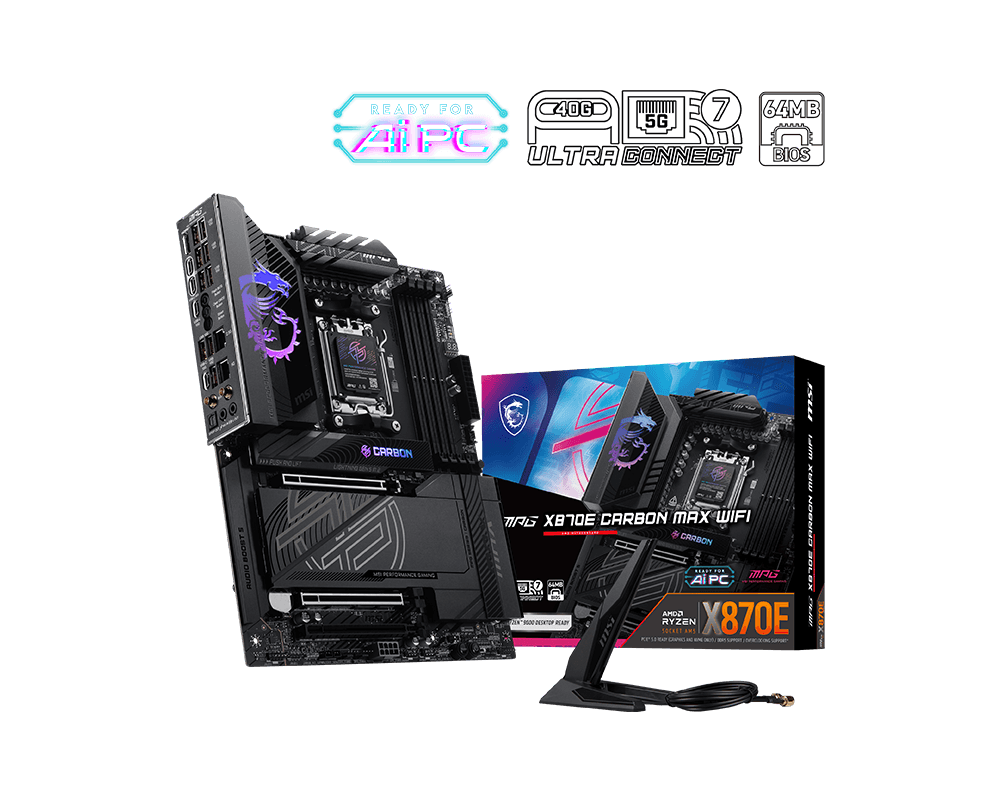
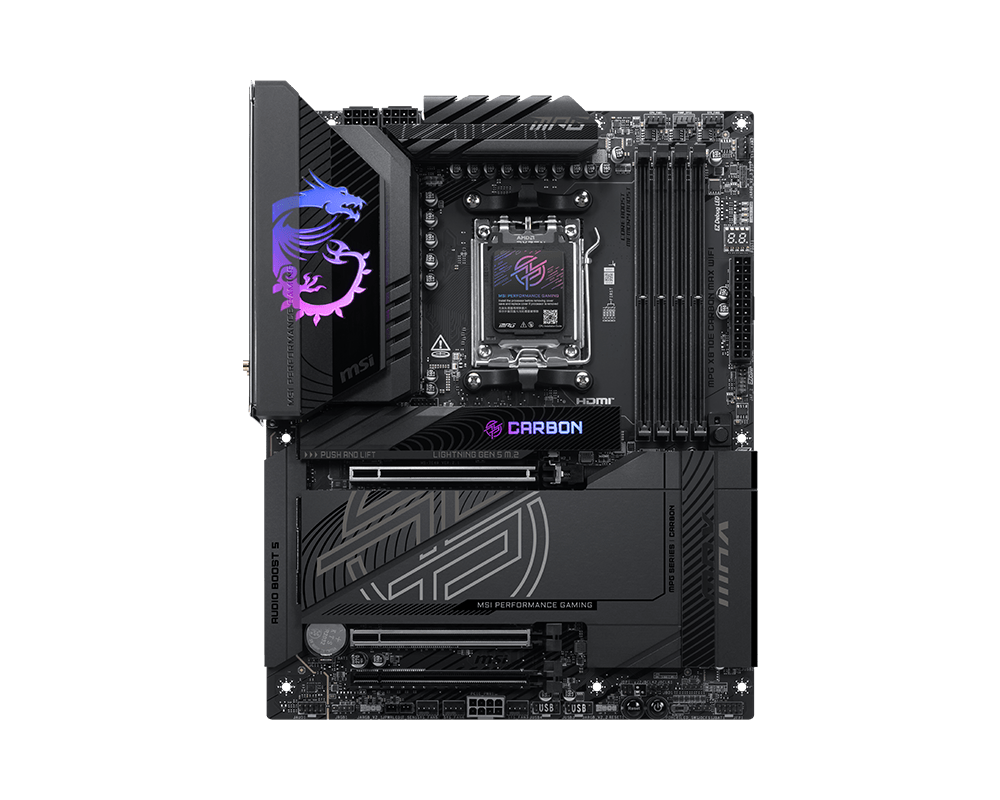
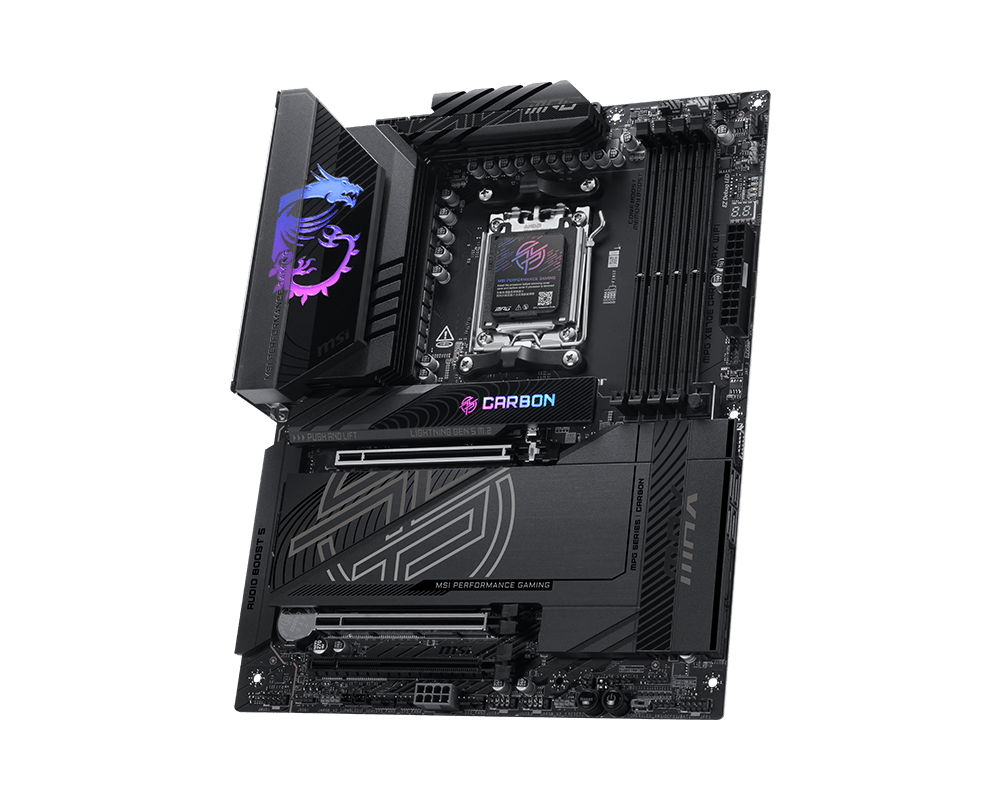
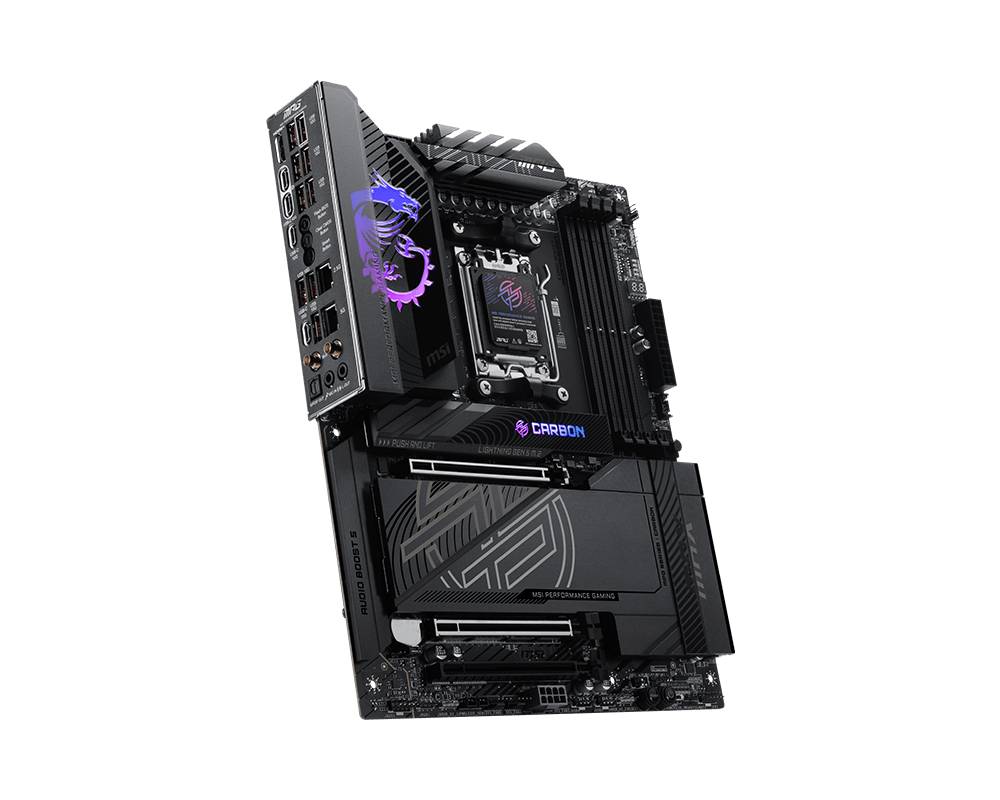
MPG X870E CARBON MAX WIFI 暗黑
- 支持 AMD Ryzen™ 9000 / 8000 / 7000 系列桌面处理器
- 支持 DDR5 内存, 双通道 DDR5 9000+ MT/s (OC)
- 强劲性能: 18+2+1 路智能供电设计, 搭载时钟发生器, 双 8-pin CPU 供电接口, 核心加速引擎, 内存加速引擎, 采用2oz 厚度铜的8 层伺服器等级PCB
- 高效散热: 扩展型VRM散热片, 7W/mk 导热垫, 导热垫片, 双面M.2冰霜铠甲以及智能AI散热,确保在低温下实现极致性能。
- EZ DIY: 64MB 大容量 BIOS,显卡快拆设计, 第二代免工具M.2冰霜铠甲, 第二代免工具M.2快拆,直插式WiFi天线以及EZ CONN设计.
- 闪电般快速游戏体验: PCIe 5.0 插槽, Lightning Gen 5 M.2
- 高速连接: USB4 以及 5G + 2.5G双网口设计, Wi-Fi 7 - 专为高性能系统和持久的使用体验而设计
- 第五代电竞级音效组件: 用录音室级别的音质犒赏你的耳朵,带来最身临其境的游戏体验。