Z890M GAMING PLUS WIFI 主板专为追求全面体验的游戏玩家打造,提供广泛的连接性、多样的工具以及优质的 Wi-Fi 解决方案。 它配备了雷电 4 接口、Wi-Fi 7、5G 有线网卡、PCIe 5.0 解决方案、辅助 PCIe 供电以及独家 EZ DIY 功能, 为搭载英特尔酷睿 Ultra 处理器的全天候不间断游戏做好了准备。




步骤更少,轻松掌控

12+2+1 路智能供电设计

扩展型散热片设计
第二代免工具M.2冰霜铠甲

Wi-Fi 7 & 5G有线网口
USB20G Type-C 接口

一键超频

全新优化的用户界面/用户体验设计

微星的主流MAG系列以稳定性和耐用性著称,专为长时间的游戏体验而打造。该系列采用坚实的金属质感外观,具备出色的散热性能,为关键游戏组件提供稳定保障。其外观沉稳,彰显出坚韧不拔的精神,MAG 不仅是硬件,更是玩家的可靠伙伴。它为个人和团队的胜利提供必备工具,将坚固耐用与强大韧性相结合。MAG 对耐用性和稳定性的专注为游戏体验奠定了坚实的基础,即使在激烈的游戏过程中也能为玩家提供支持。
Learn more >

最佳效能


扩展型散热片


6层服务器级PCB
2Oz加厚铜

水泵接针

12+2+1路智能供电设计

7W/mK 导热垫

第二代免工具M.2冰霜铠甲
高速连接


雷电4

5G 网口
Wi-Fi 7

Lightning PCIe Gen 5

支持DDR5内存

1x PCIe 5.0 M.2 插槽
2x PCIe 4.0 M.2 插槽
轻松组装


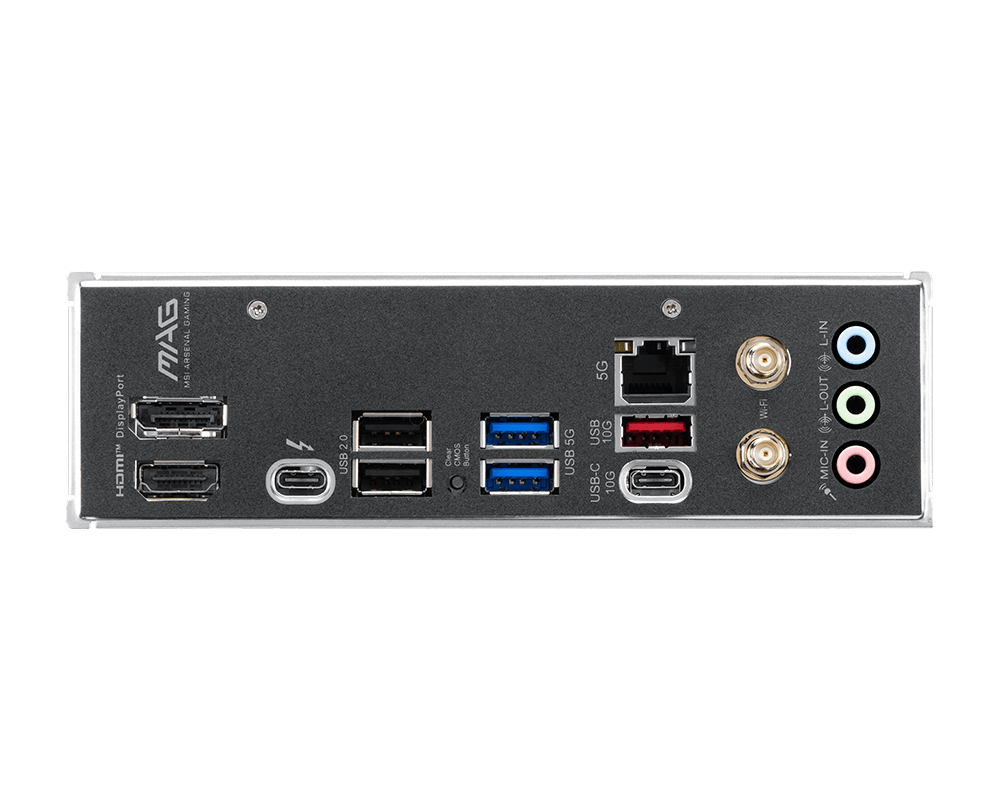
预装 I/O 面板


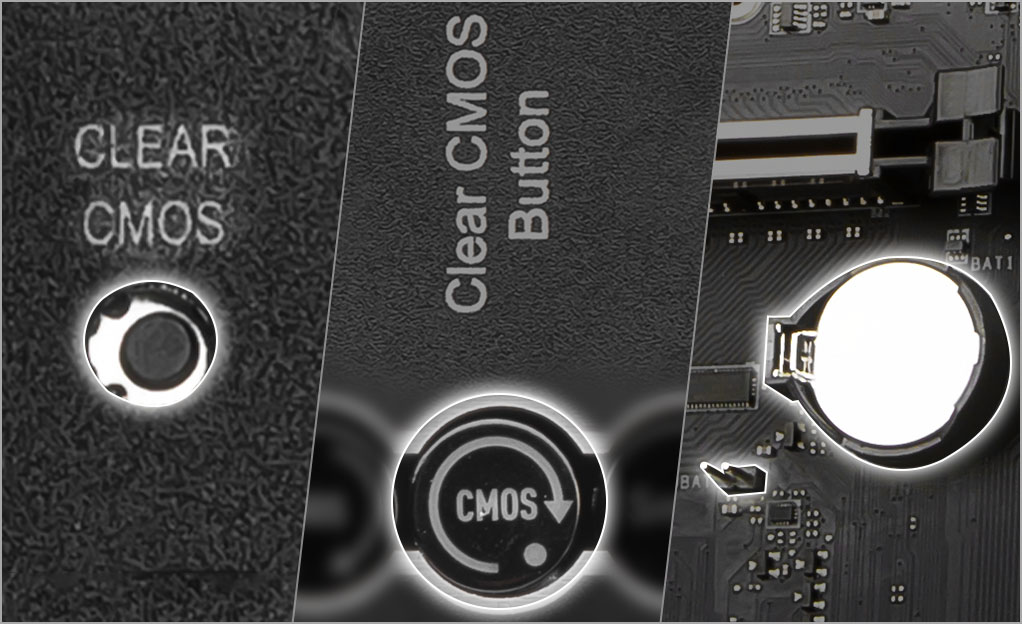
Clear CMOS & Flash BIOS 按键

金属装甲II

8 PIN 辅助供电

EZ Debug 灯

显卡快拆设计

EZ Conn 设计

Ready for AI PC
微星主板结合强悍的硬件配置与独家先进技术,满足游戏玩家与 AI 使用者的需求。同时,MSI 将 AI 功能融入 MSI Center 与 BIOS,使操作更加直观方便
AI Engine
提供多项同步项目,自动优化应用程序运行,营造流畅舒适的使用体验。
AI LAN MANAGER
针对网络性能进行优化,少延迟,带来流畅的在线体验。
Frozr AI Cooling
智能调节风扇速度,确保系统在凉爽稳定的高性能状态下运行。
AI Boost
MSI 独家技术,透过超频NPU 提升AI性能。
EZ DIY
- ONE-FINGER
- ONE HAND
- ONE STEP
- ONE GLANCE
- ONE CLICK
- EZ M.2 拆装
- 显卡快拆设计
- EZ BUTTON
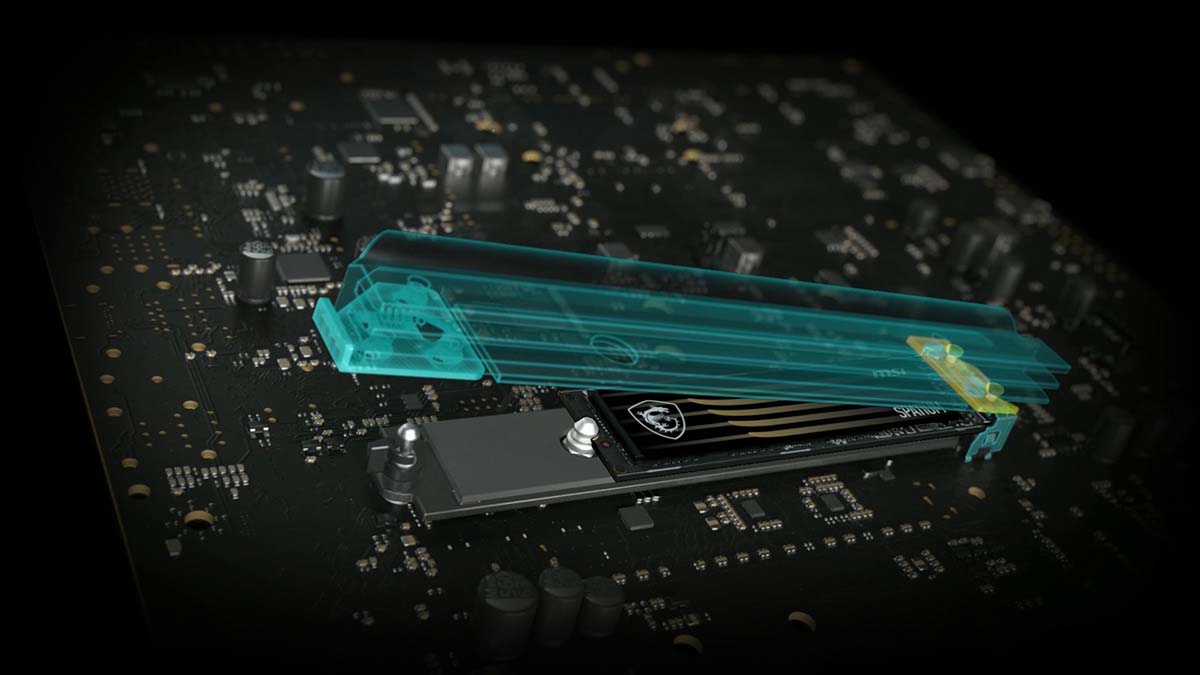
MSI 第二代独家EZ M.2 CLIP 设计, M.2 SSD 插入插槽后,并轻轻推动闩锁即可锁住,确保SSD 安装到位。取出时,也只需要将闩锁向外弹开,只需一指,即能轻松完成拆卸。
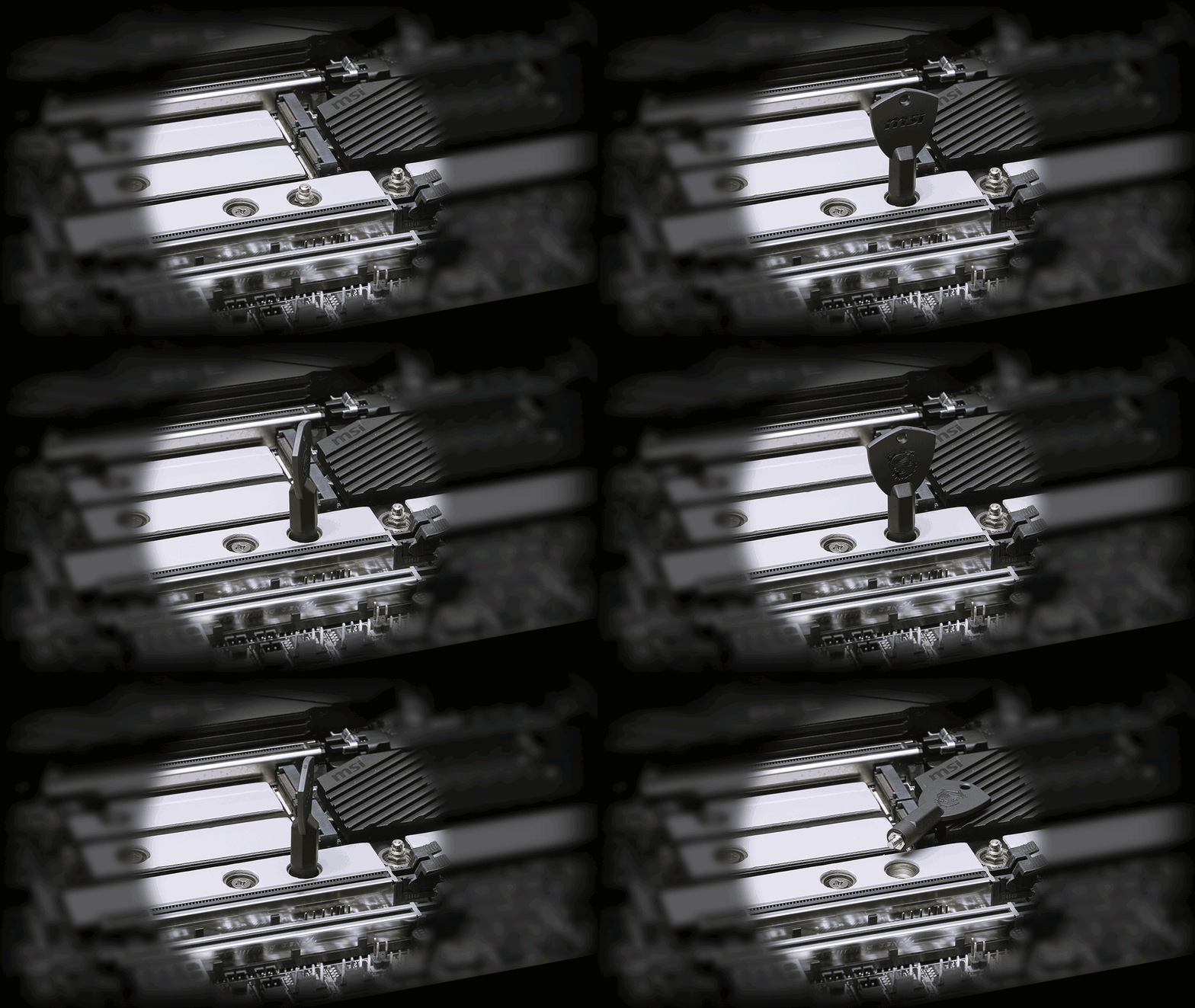
MSI 主机板彩盒中,随附第二代EZ M.2 CLIP 移除辅助锁,可以轻松地将EZ M.2 CLIP II 从主机板上拆下,或装需要的M.2 插槽,是一款十分方便的小工具。
易于操作的回弹机制设计,只需轻轻一按即可快速移除显卡。 即使在机箱内拥挤空间中,也能轻松升级显卡,简化整体流程并提升使用体验。
MORE FOR DIY FRIENDLY
- 预装 I/O面板
- 保护措施
组装主板过程中不再需要额外安装 I/O 挡板。预装I/O 挡板,可以更贴合、坚固,提供最好的保护力。


保护措施
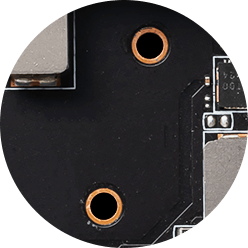
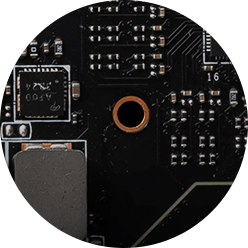
MSI主板电路区域清楚标示机箱螺丝锁点须避开的位置,让此区域净空。每个螺丝孔都有附加保护漆,防止零组件刮伤或损坏主板。

防刮保护

区域净空

双重防静电保护
- EZ 天线
- EZ Conn 设计
- 驱动程序安装
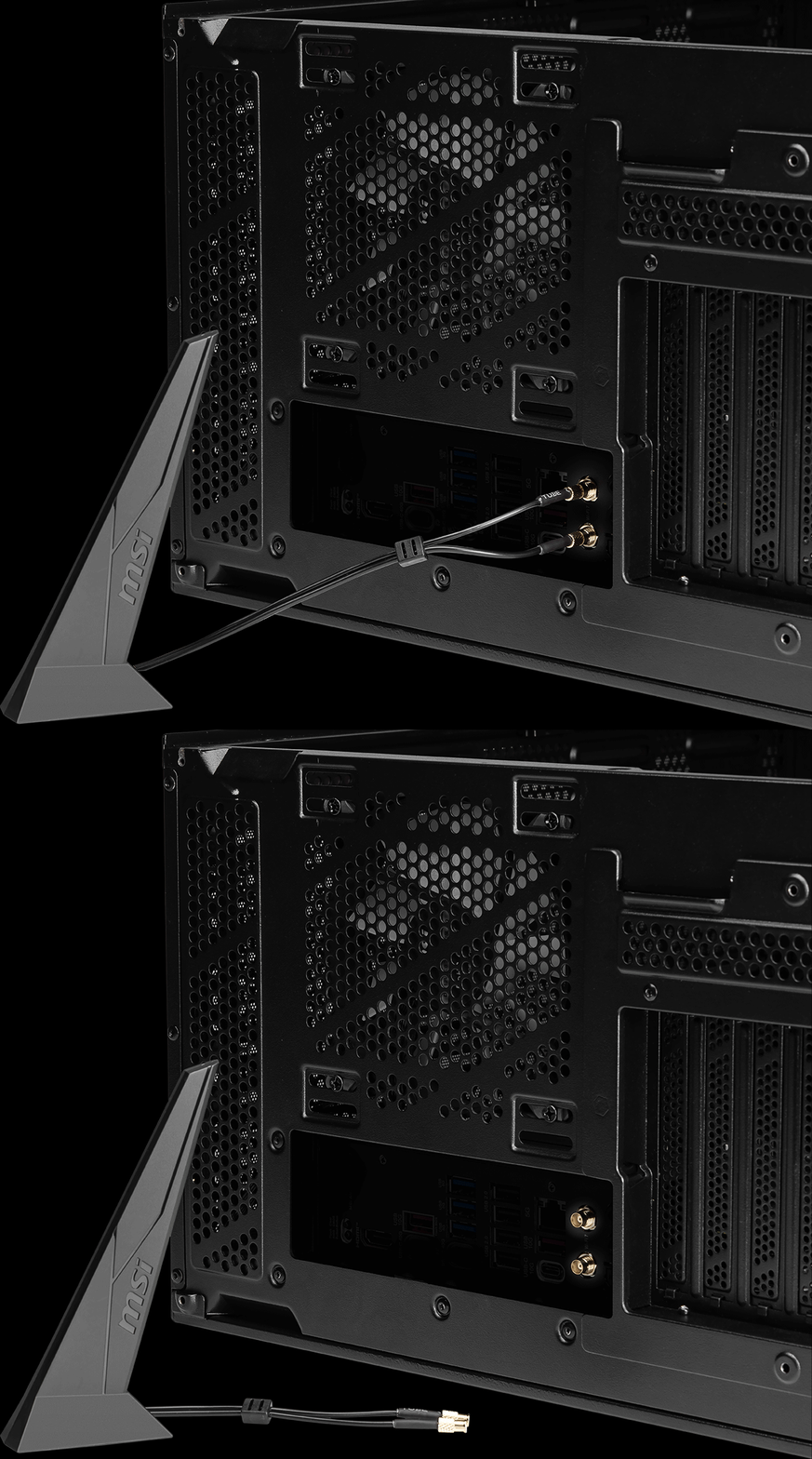
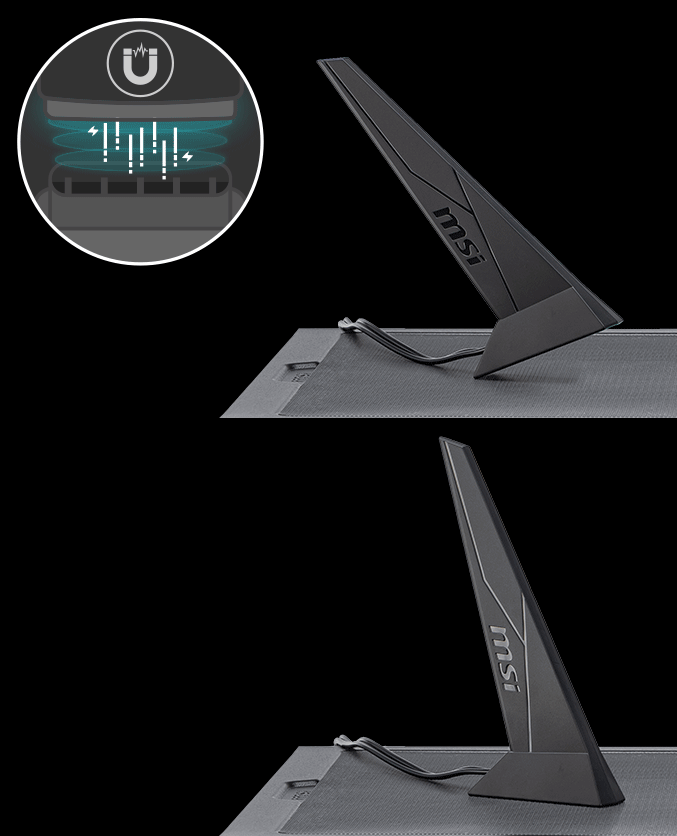
微星EZ 天线,不需旋转即可紧密接上,轻松完成安装。

EZ Conn 设计(JAF_1)
MSI 独家JAF_1 接头可让MPG EZ120 ARGB 风扇只要一条线材即可。此外,JAF_1 接头也可通过专用的1对2 EZ Conn线材转换成额外的ARGB Gen 1 和风扇接头,让整个装机过程更加简单。


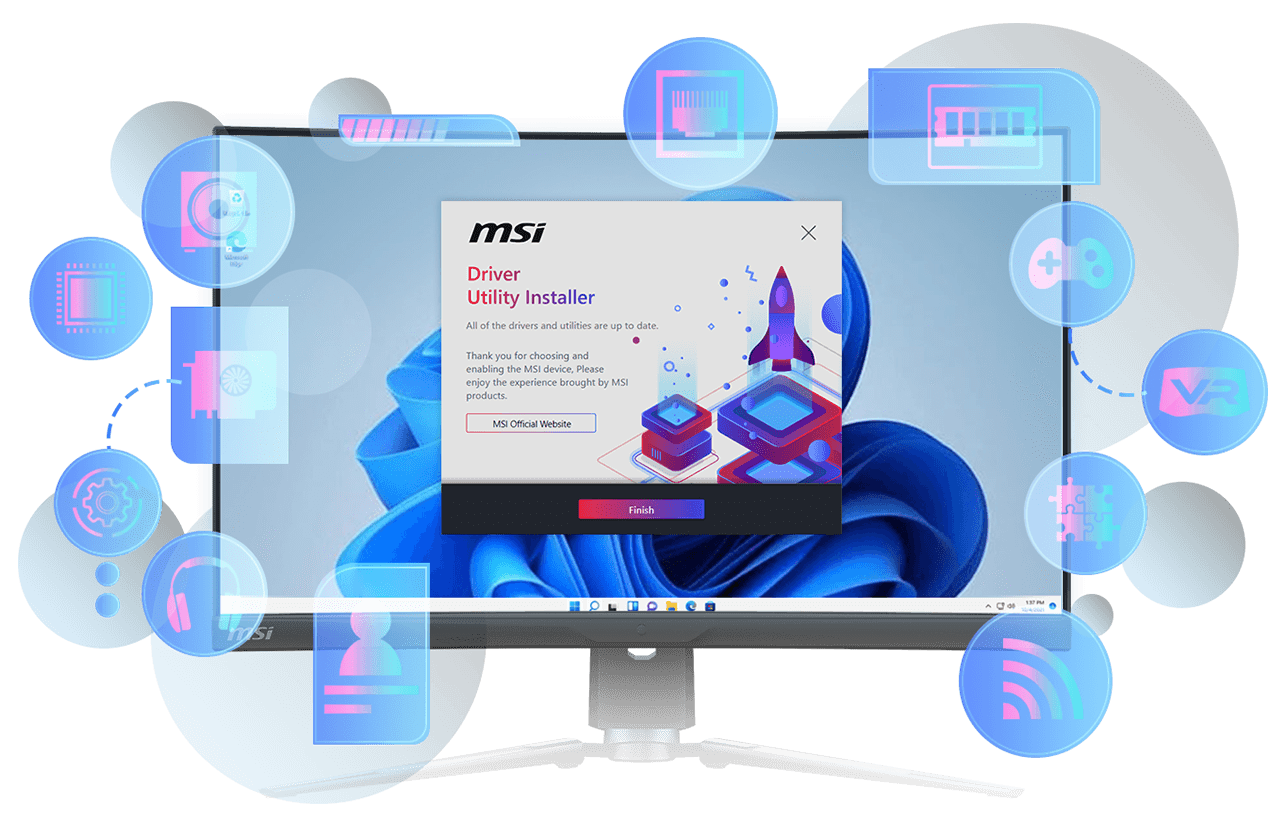
MSI DRIVER UTILITY INSTALLER
一连接到网路,MSI Driver Utility Installer 将自动检测并显示合适的驱动程序和实用程序,您只需点击几下即可下载和安装Learn more
* 请确保连接到网路,否则Driver Utility Installer 不会自动启动。
* MSI Driver Utility Installer 将会内建在Windows 11 build 22H2 中。
- EZ DEBUG
- EZ Identify

EZ DEBUG LED
Onboard LEDs will indicate the source of the problem so you know exactly where to look to get up and running again.

EZ Memory Detection LED
This LED lights up when it detects faulty memory in slots, eliminating guesswork from troubleshooting.


- EZ OVERCLOCKING
- EZ 优化
EZ Ooverclocking
虽然超频对某些人来说可能过于复杂,但MSI Click BIOS X 设计多款一键超频功能,就是要让处理器和记忆体超频变得更简单,不再需要复杂设定,即使没有理工背景的玩家也能轻松提升系统性能

AI BOOST
智能演算法能提升NPU 效能,在额外运算能力时,提供最佳的AI 性能。 *需搭配相容处理器启用。
*Enabled with compatible processors.
XMP
从预设的XMP资料夹中选择,并可自动超频相容的DDR记忆
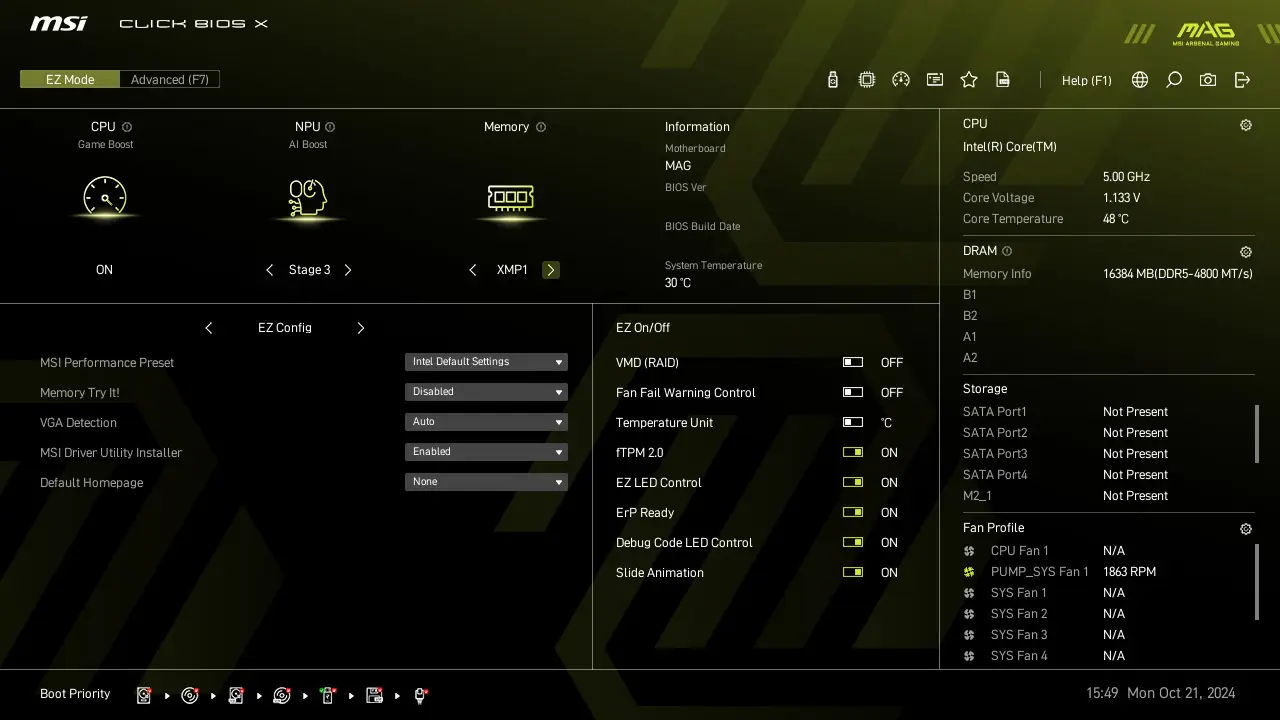
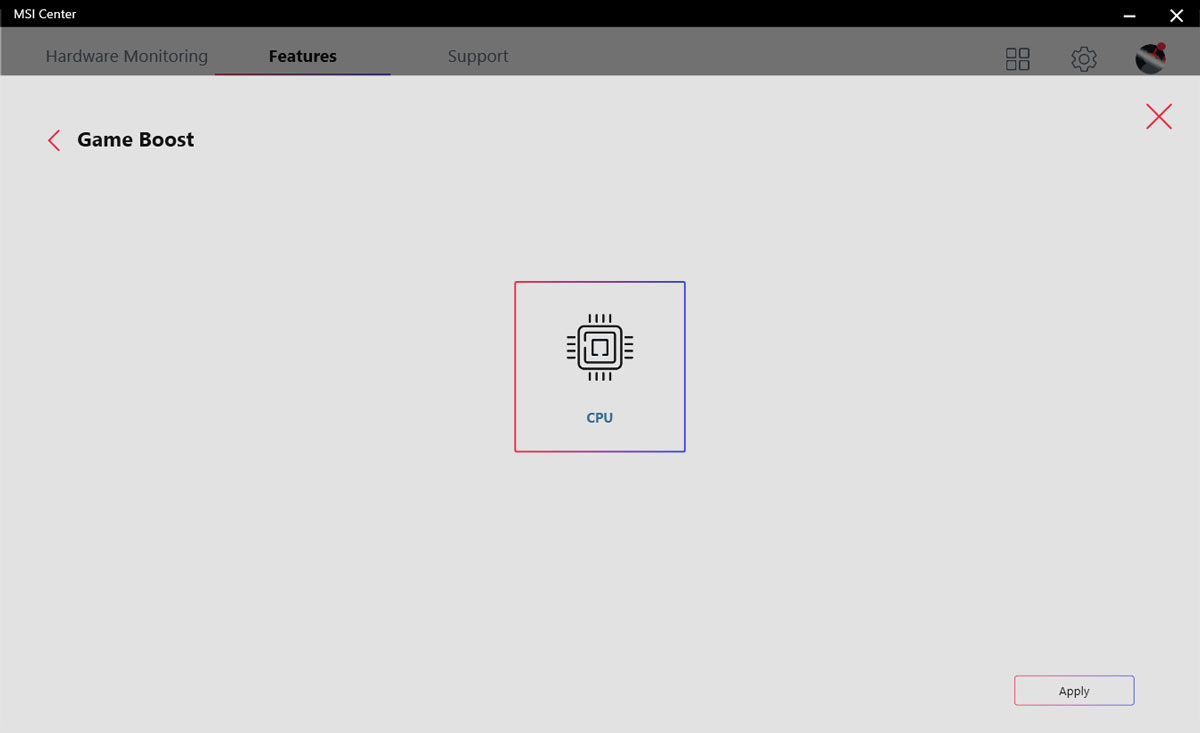
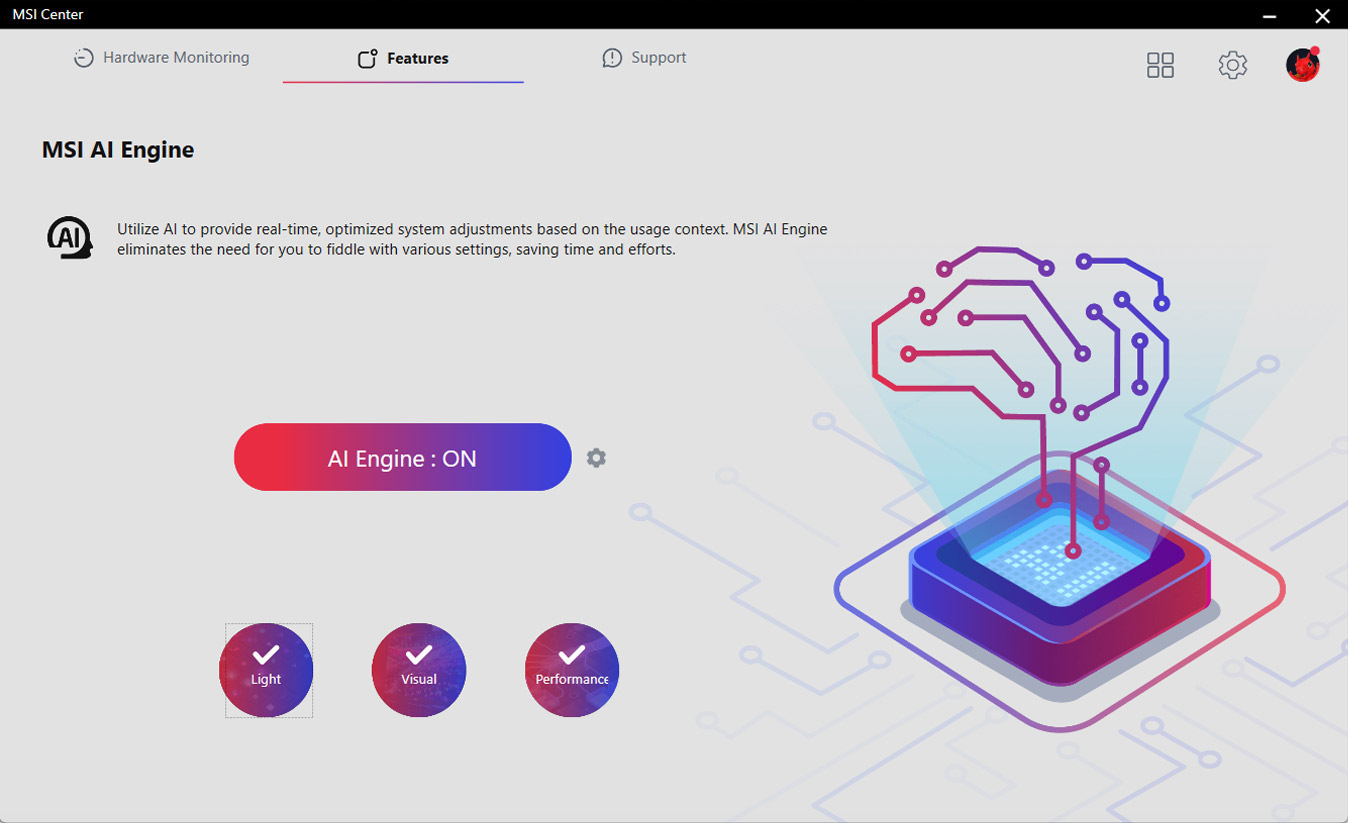
多款功能为您的运算体验注入人工智能,实现更智慧的实时优化。 MSI Center 接口简洁清楚,让您轻松订义并管理计算机设定。 例如: AI 引擎能根据您使用的应用程序自动调整设定,确保流畅的效能表现。

ULTRA PERFORMANCE
- 供电解决方案
- 内存
- 保护装置
- POWER DESIGN
- PCB DESIGN
- EZ OC TUNING
- 更多效能优化
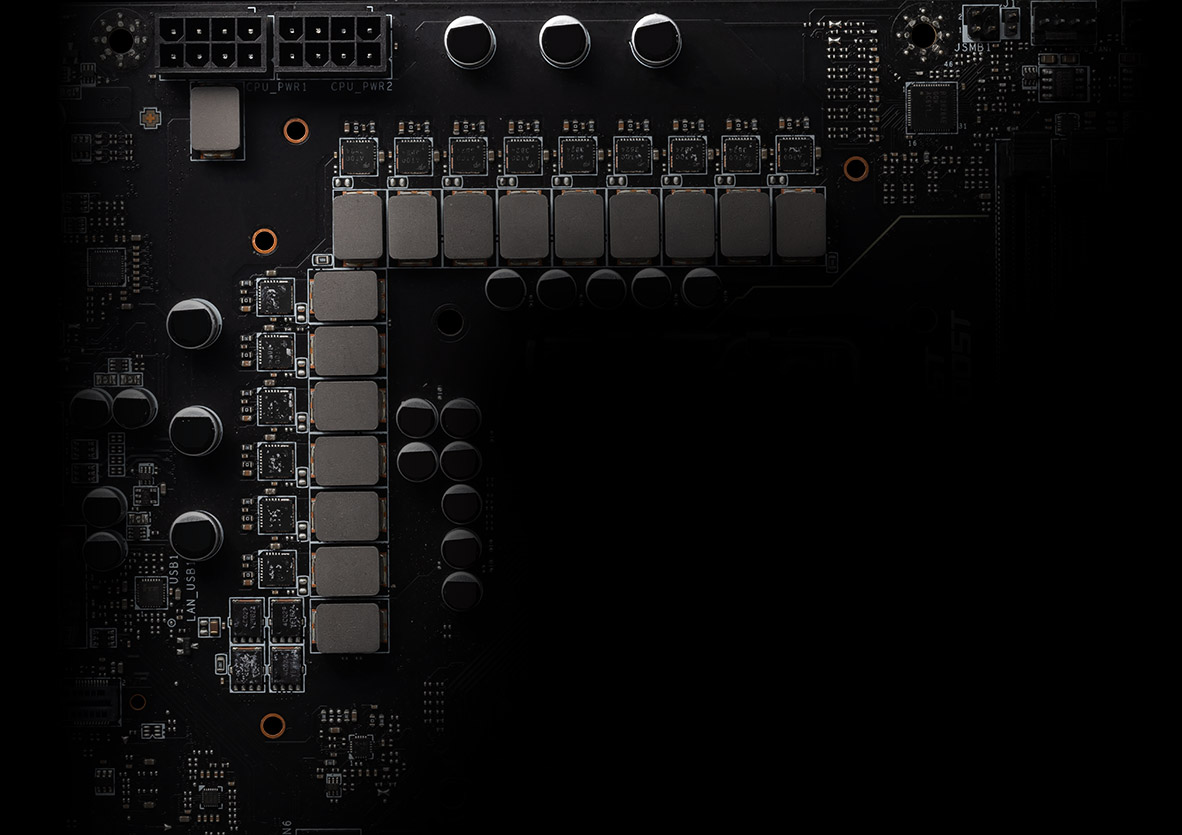
Unleash and sustain maximum performance with a flagship VRM design built with a total of 12 + 1 + 1 + 1 digital power phases. With a 8 + 4-pin power connector, MAG Z890M GAMING PLUS WIFI is ready for the challenge of heavy-loading tasks.
12
PHASE
1
PHASE
1
PHASE
1
PHASE

CPU Power

Core Boost

Digital Power

MSI utilizes PCB Fabric Technology to enhance signal performance, resulting in higher bandwidth and faster data transfer while minimizing signal loss. The PCB Fabric Technology also offers better impedance control and improved thermal stability, allowing the boards to endure demanding conditions. Due to the high-quality materials used, MSI motherboards are highly reliable and well-suited for the requirements of modern technology.

- 6 PCB Layers
- PCB Fabric Peak
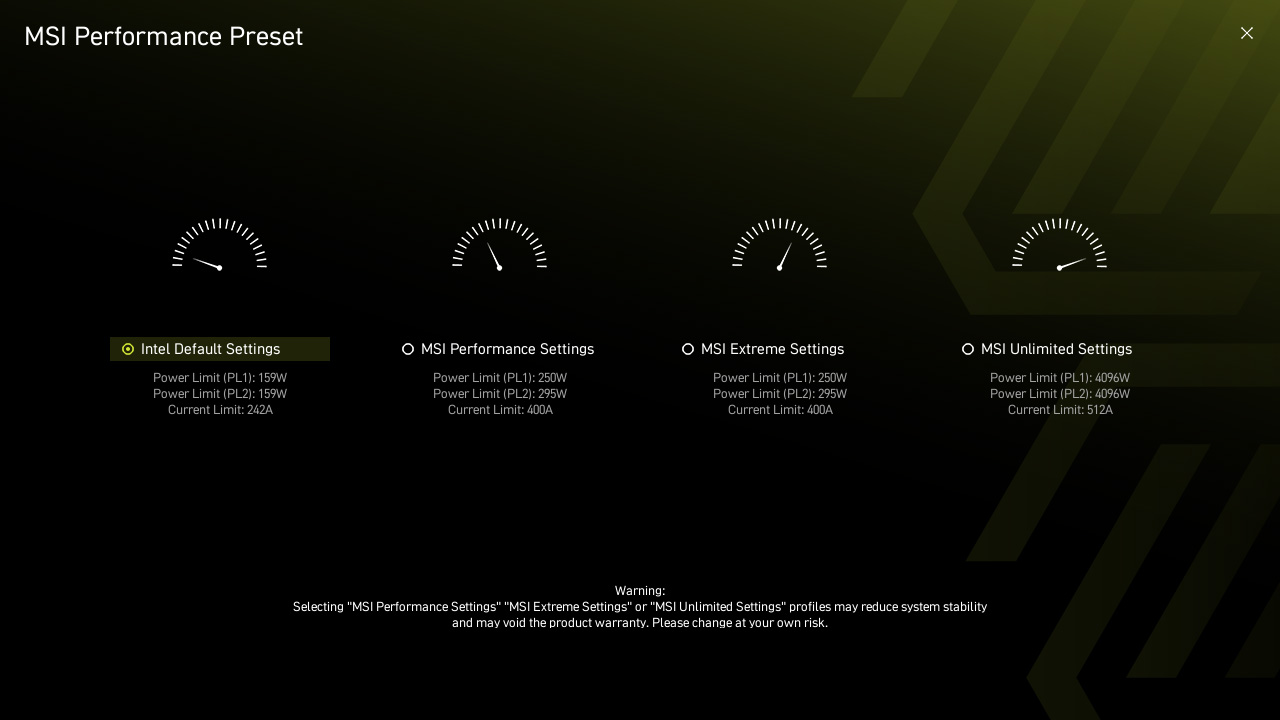
MSI exclusive Performance Preset is a more intuitive way to boost performance by setting the power limitation as your preference.
There are four level settings – Intel Default Settings, MSI Performance Settings, MSI Extreme Settings and MSI Unlimited Settings.
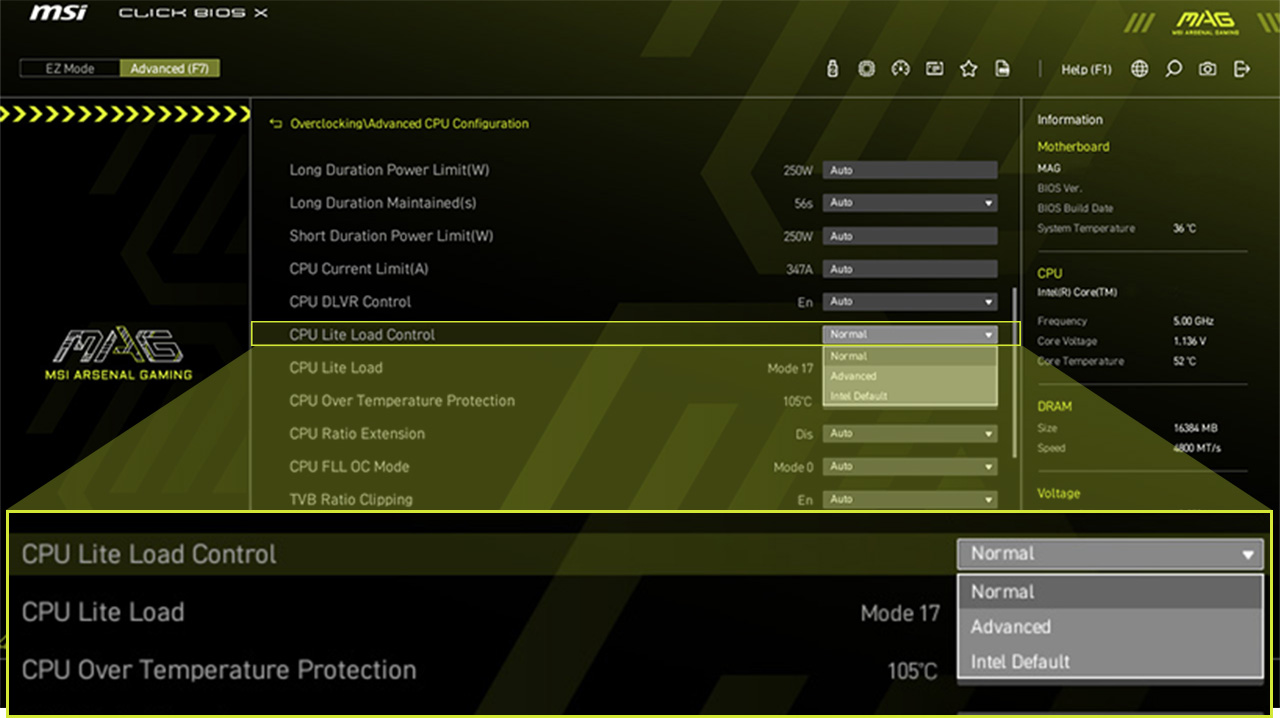
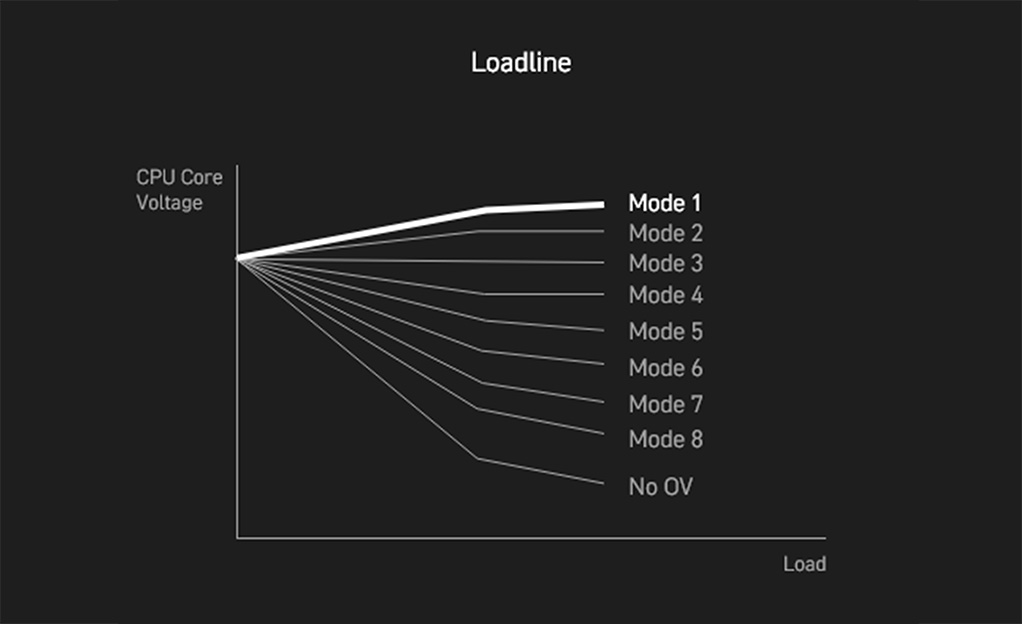
CPU Lite Load Control is a feature that allows for easy adjustment of the AC/DC loadline settings. It is primarily used to fine-tune the CPU's operating voltage to optimize power consumption and thermal performance. The system can maintain stable performance while improving energy efficiency, reducing overall power consumption and temperature. This feature is ideal for users who want more precise control over system power management.
更多效能优化
- DDR5
- Memory Extension Mode
A huge step of DDR performance enhancement with the latest DDR5 memory. Combines with dedicated SMT welding process and MSI Memory Boost technology, MAG Z890M GAMING PLUS WIFI is ready to deliver the world class memory performance.

*Memory compatibility and supported speeds can vary depending on the CPU and memory configuration.
Memory Extension Mode provides optimized memory parameters for enhanced capability at the same frequency, achieving lower latency and higher performance. Furthermore, Memory Extension Mode can combine XMP profiles to maximize memory frequency, enabling users to effortlessly discover the best configuration based on their requirements.

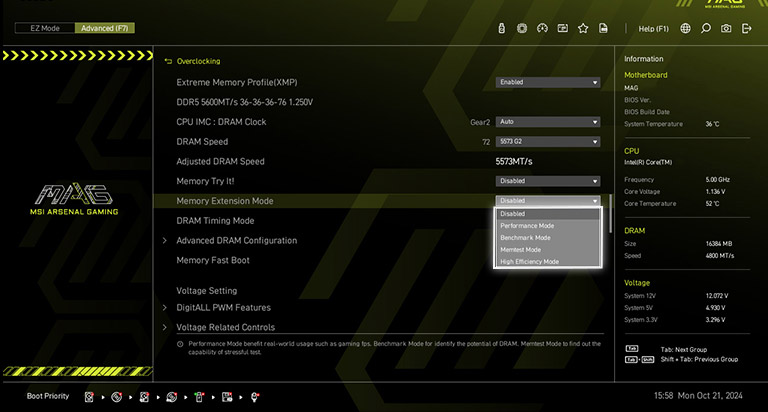
Performance Mode, Benchmark Mode and Memtest Mode provide users with the flexibility to swiftly identify the ideal configuration tailored to their requirements and memory overclocking capabilities.
- TVS
- 实心针脚设计
- 防锈不锈钢I/O挡板
- 电源相位接地架构
瞬态电压抑制器(TVS) 是用来防止电压过高的安全装置。微星所有主板均配置TVS。 当电压异常升高时,TVS从高电阻状态切换到低电阻状态,将过高的电压转移到地上,有助于防止高电压造成的电路损坏。

MSI 主板4-pin、8-pin 和24-pin 电源接头均采用实心针脚设计。实心针脚设计优点在于处理高电流负载时,能更安全且稳定地将12V 电力传输至处理器。
实心针脚电源端口的优势
- 提升稳定性:较大的接触面积,强化电力传输的稳定性。
- 低阻抗:实心针脚拥有低阻抗优势,实现高效能电流传输。
- 强韧耐用:实心针脚设计具有出色的耐用性,能够应对严苛的使用环境。
- 适用于高电流场景

加上额外一层海绵和防锈不锈钢I/O保护盖,减少静电和系统的电磁辐射噪音,与传统IO 保护盖相较, 更耐用。


*上方图片仅为示意参考,请参阅规格页面以获取更多详细信息。
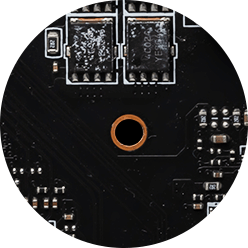
电源相位的接地架构是微星独家设计。这项专利设计能够抑制电源相位所产生的电磁干扰(EMI), 并有助于有效地将热能传导到具有接地特性的铜平面。
FROZR DESIGN
- 散热装甲
- 整合式散热
- 风扇控制
- cooling overview

Extended Heatsink
Extended Heatsink enlarges the surface of heat dissipation and maintain the performance at heavy loads.
EZ M.2 Shield Frozr II
Strengthened M.2 thermal solution helps keep M.2 SSD safe and ensures incredible performance.
Heavy Plated VRM Heatsink
The VRM heatsink covers the upper MOS and helps dissipate the heat.
7W/mK Thermal Pad & Additional Choke Pad
High-quality 7W/mK MOSFET thermal pads and additional choke thermal pads ensure stable performance when all cores are runnging at high speed.
Chipset Heatsink
The heatsink is designed to reduce dust and noise and capable of maintaining high efficiency of heat dissipation.
- SYSTEM COOLING
- COMBO FAN
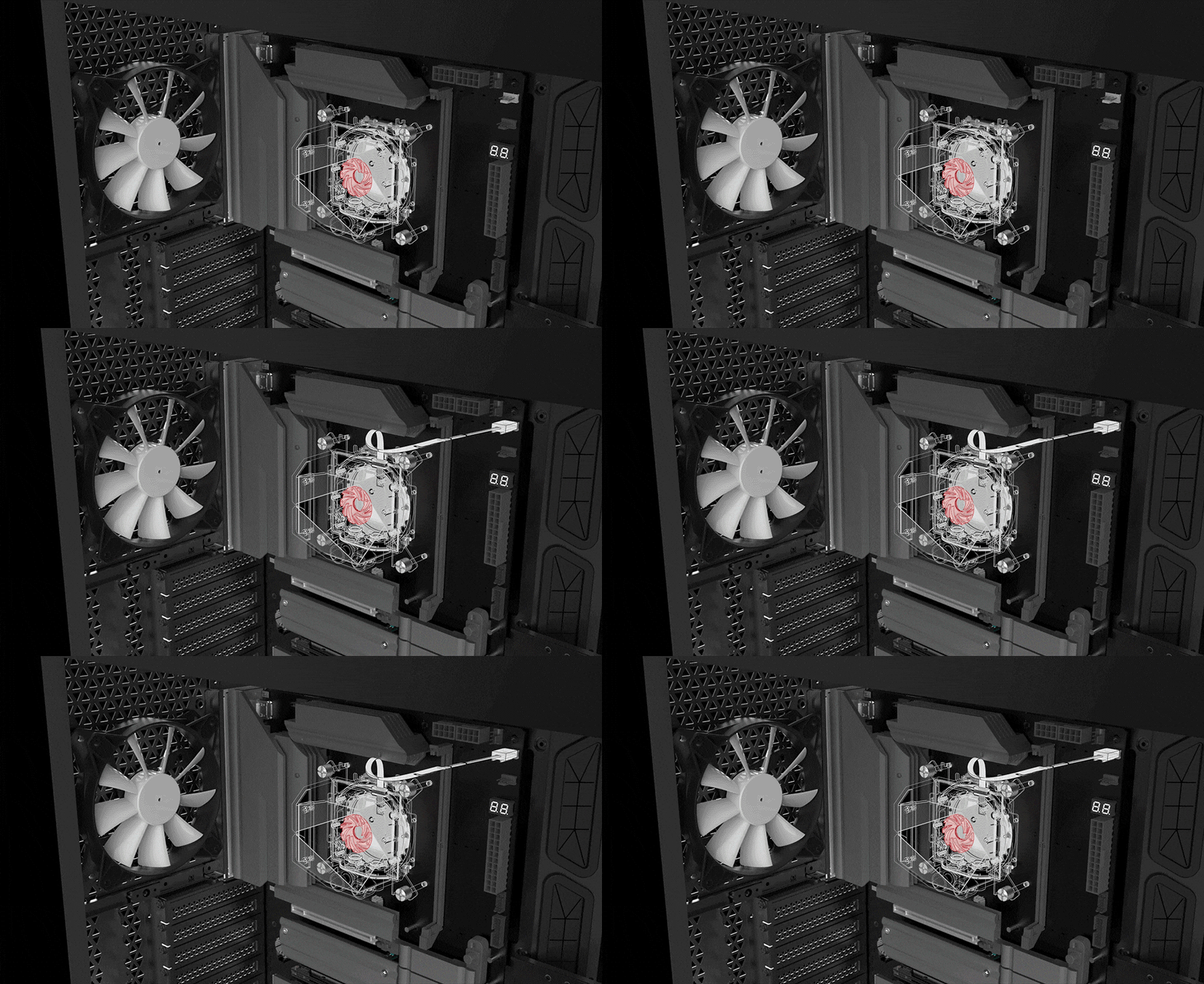
Connect and synchronize with MSI coolers and cases with strategically positioned pin-header locations including a dedicated pump-fan header.

FOR CPU COOLER

FOR LIQUID COOLER
3A power deliver / Supports auto-detect

FOR SYSTEM FAN
Supports auto-detect

EXCLUSIVE EZ CONN. - JAF_1
2A power deliver(fan) / Supports dedicate MSI PC components.
Lean more
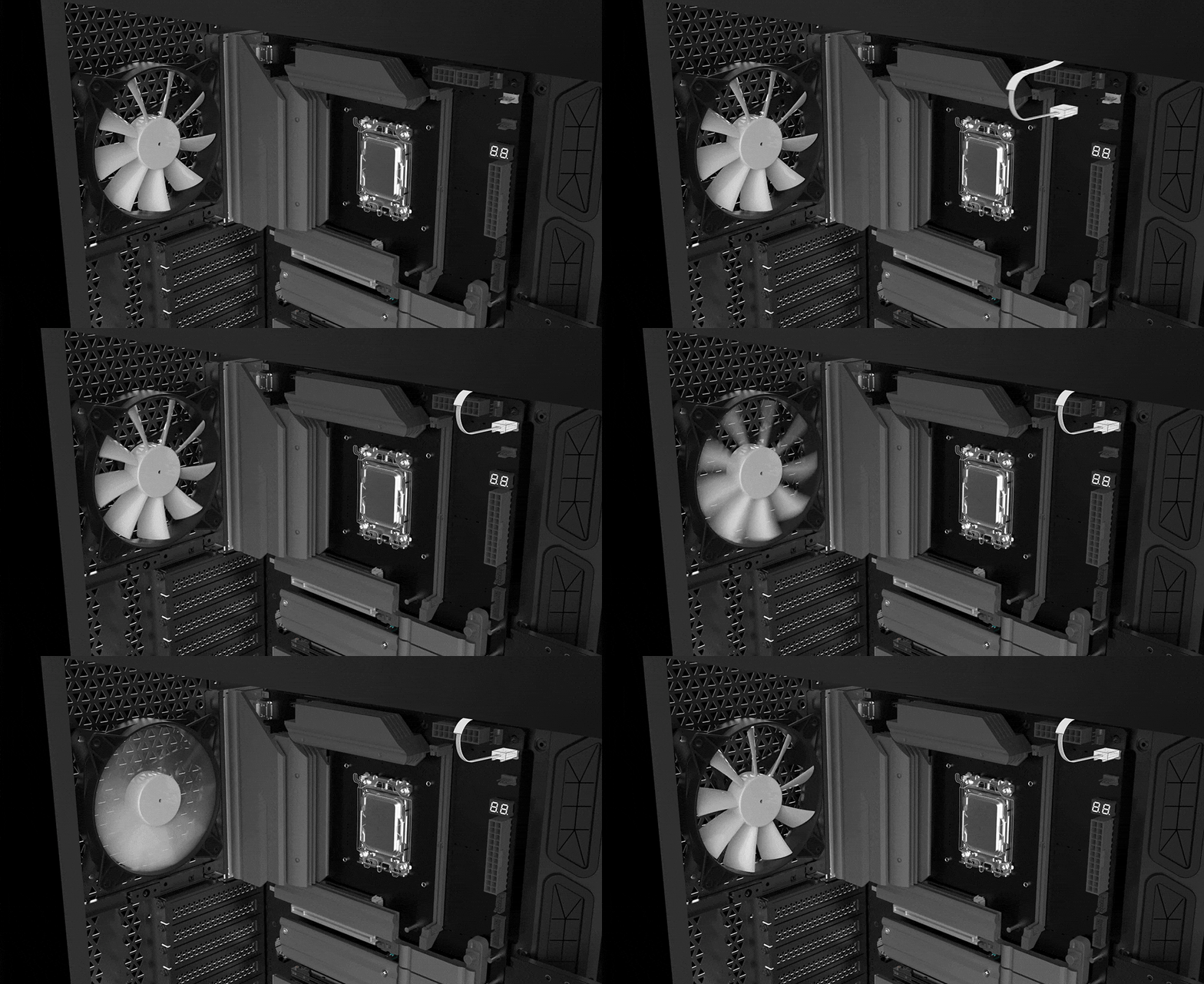
MSI 风扇端口拥有多用途,既可作为水泵接口,也可作为风扇接口。 该接口会自动侦测是否为水泵或 PWM/DC 风扇,其独特的灰色设计,更容易识别。

- 酷冷指南
- FROZR AI COOLING
- 自动检测风扇
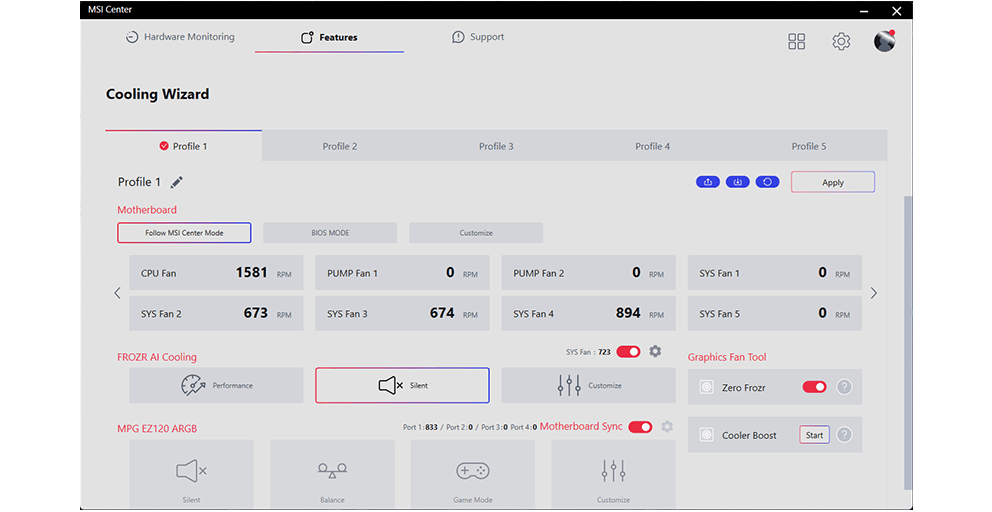
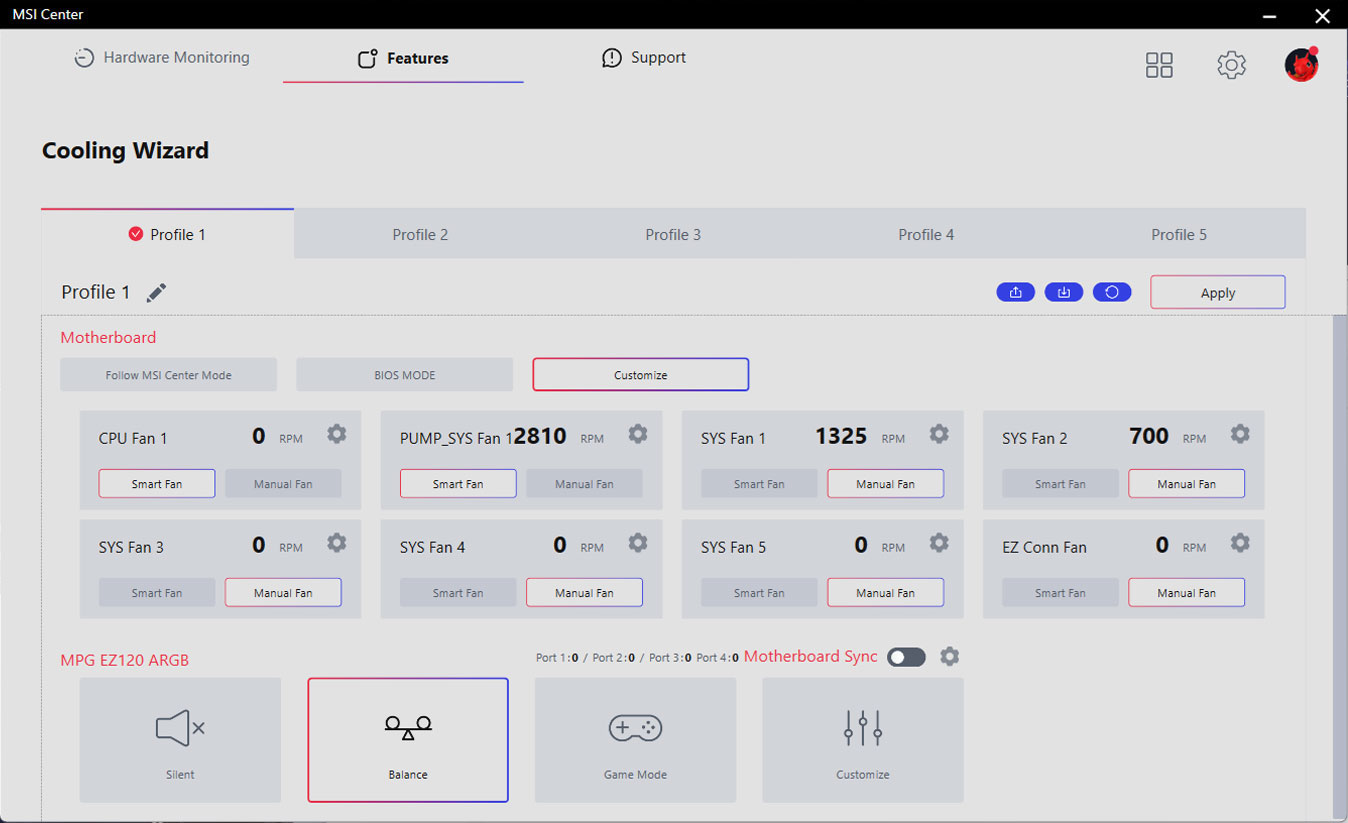
Cooling Wizard 是一个全面的风扇设定管理解决方案,并适用于所有 MSI 产品。不论是系统风扇、PWM/DC 风扇还是水泵…等, 都可自行调整,让性能和噪音达到自己可以接受的平衡点,只需一键即可轻松控制。

多情景设定
最多可储存5组不同情景设定档

智能调节&手动控制风扇
-
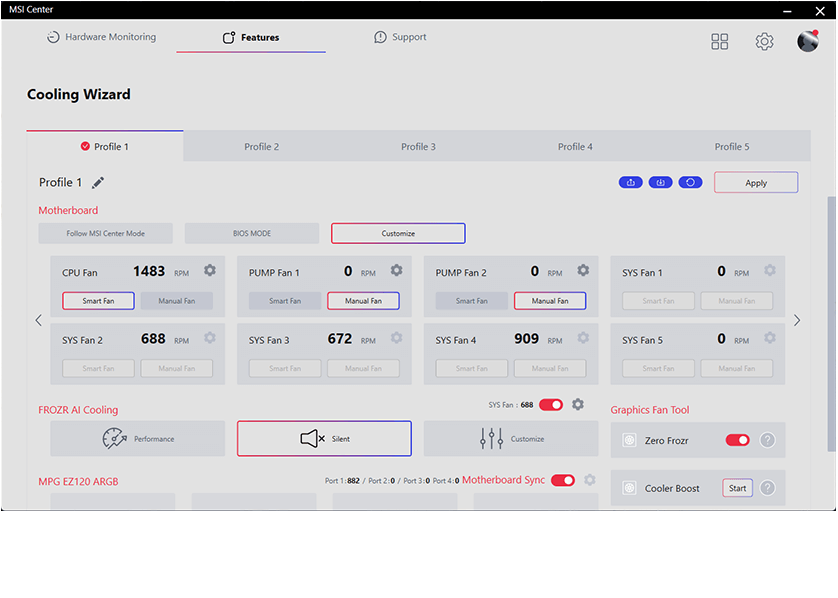
智能调节风扇
用户可设定4组温度与风扇转速节点,并允许手动调整温度曲线
-
手动控制风扇
允许用户设定百分比风扇转速

场景应用
-
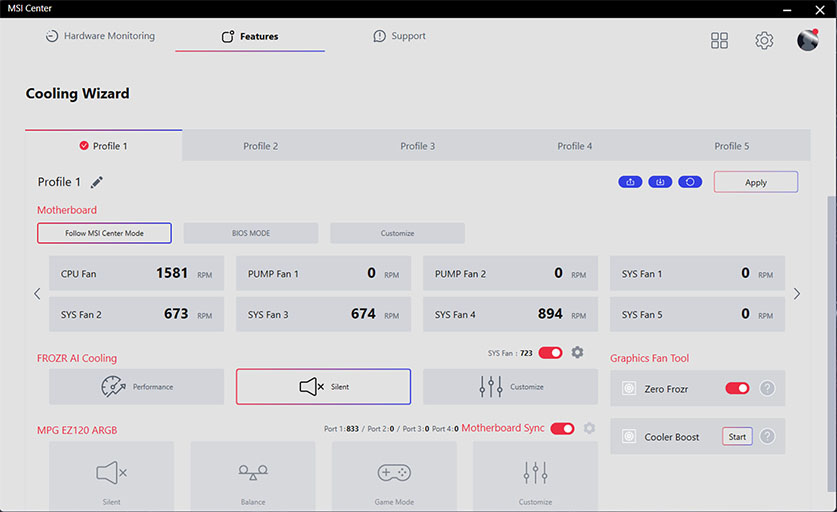
Follow MSI Center 模式e
根据使用的环境,自动调整风扇设定
-
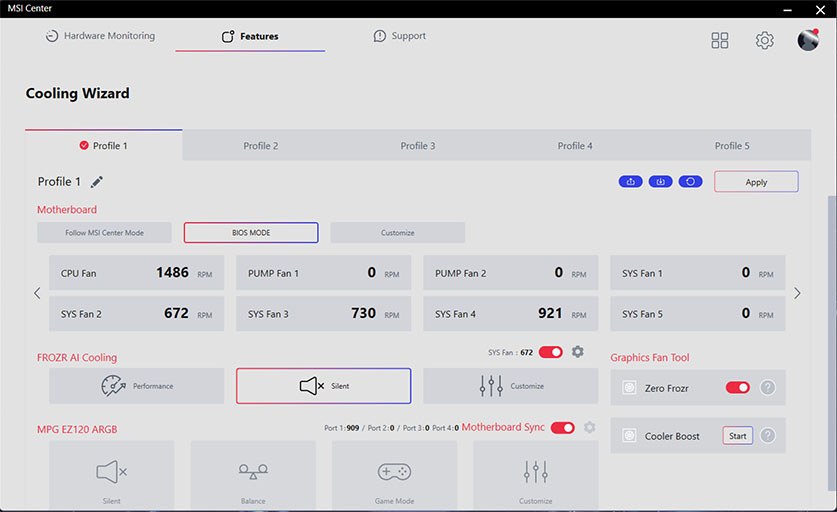
BIOS 模式
在BIOS中调整风扇设定
-
自定义
允许玩家自行定义风扇转速
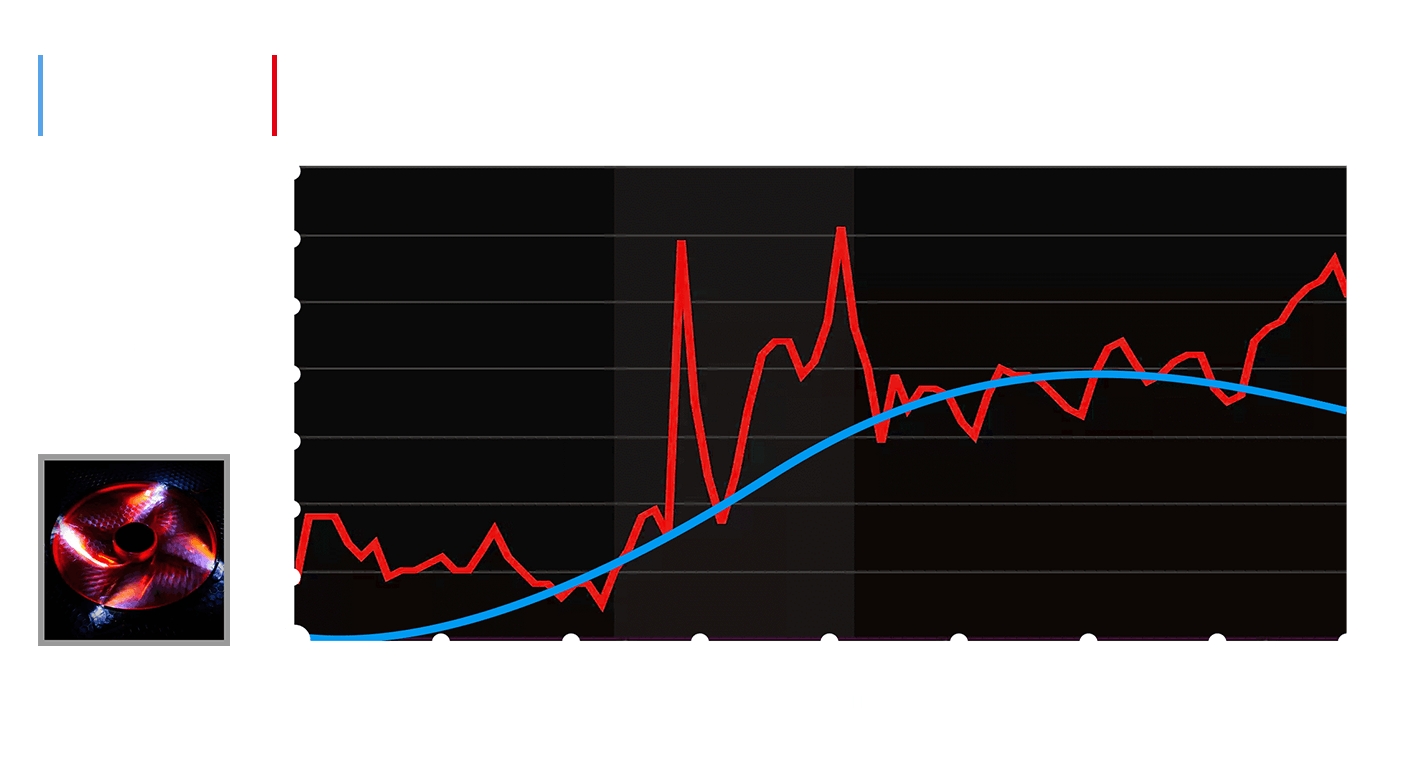
Frozr AI 散热系统针对CPU 与GPU 温度进行调校。 AI 系统会侦测CPU 和GPU 的温度,自动调整系统风扇的转速,确保最佳效能。

MSI 风扇接口可自动侦测风扇将以直流或PWM哪种模式运行,视情况随时调整风扇转速和进行降噪。 Hysteresis也能让系统风扇的运转更为流畅,并确保系统随时处于安静的状态。
TRILINK
- 网络配置
- 存储
- 拓展性
- FLAWLESS CONNECTION
- WIFI 7 解决方案
- AI 网络管理
MSI's premium network solution provides incredible data transfer speed for demanding users.


5G LAN

Wi-Fi 7
EZ Antenna with Magnetic Stand
最新的无线解决方案WI-FI 7
最新的无线解决方案Wi-Fi 7 ,新一代大跃进,多项改良技术,满足时下越来越多无线装备对庞大频宽的渴望。
与Wi-Fi 6 (802.11ax) 相较,Wi-Fi 7 (802.11be) 提供更高的速度、更大的频率,大幅降低延迟问题,并拥有更好的连线效率。并提供更长的电池使用寿命,在拥挤环境中也能提供更佳性能。
更高的正交振幅调变(QAM,Quadrature Amplitude Modulation),每个数据包可以携带的资料就越多。 Wi-Fi 7 将调变方案从1024-QAM 增加至4096-QAM,进而提高峰值传输速率和网路流量。
Wi-Fi 7 可使设备能够在多个频段和通道中同时发送和接收数据,满足未来扩充无线设备时,也能应付庞大的流量需求。
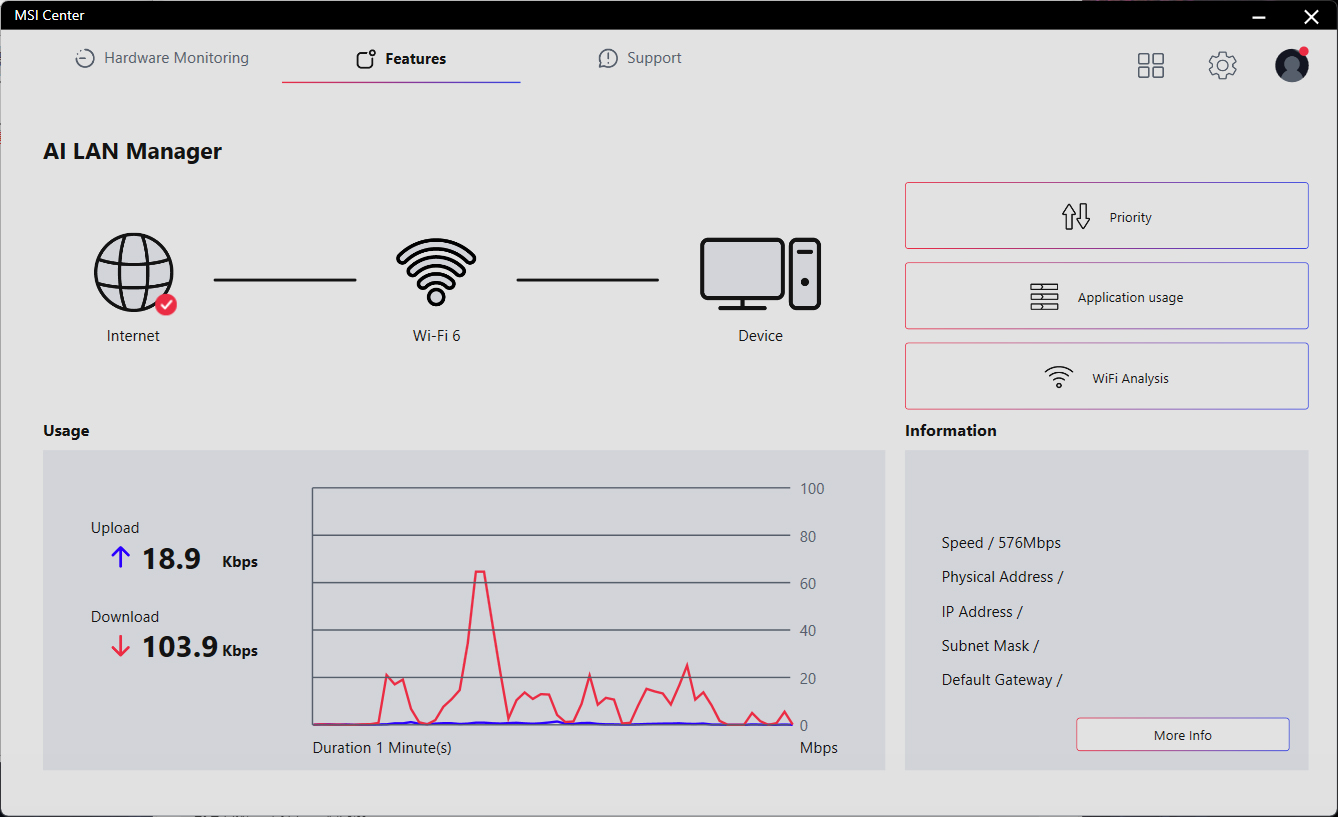
MSI AI 网络管理器会自动分类并优先处理需要低延迟的应用程序,如在线游戏,为您提供最佳的联机体验。

MSI AI 网络管理
- 自动优先处理游戏联机需求。
- 允许更改应用程序的流量优先处理顺序。
- 允许自行设定各应用程序的带宽。
- 分析 Wi-Fi 讯号以选择最佳讯号源。
- STORAGE
MSI MAG series motherboards support all the latest storage standards, which allows users to connect any ultra-fast storage device. Start games faster, load levels faster and have a real advantage over your enemies.
1x

2x


- LIGHTNING GEN 5 PCI-E
- PCIe SUPPLEMENTAL POWER
- 支援TBT4
- TBT5 READY
- 前置USB TYPE-C
LIGHTNING GEN 5 PCI-E
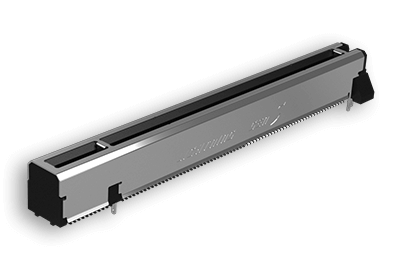
Doubling over the previous generation, the bandwidth of a x16 interface can reach 128GB/s.
SMT PCIE 5.0 SLOT
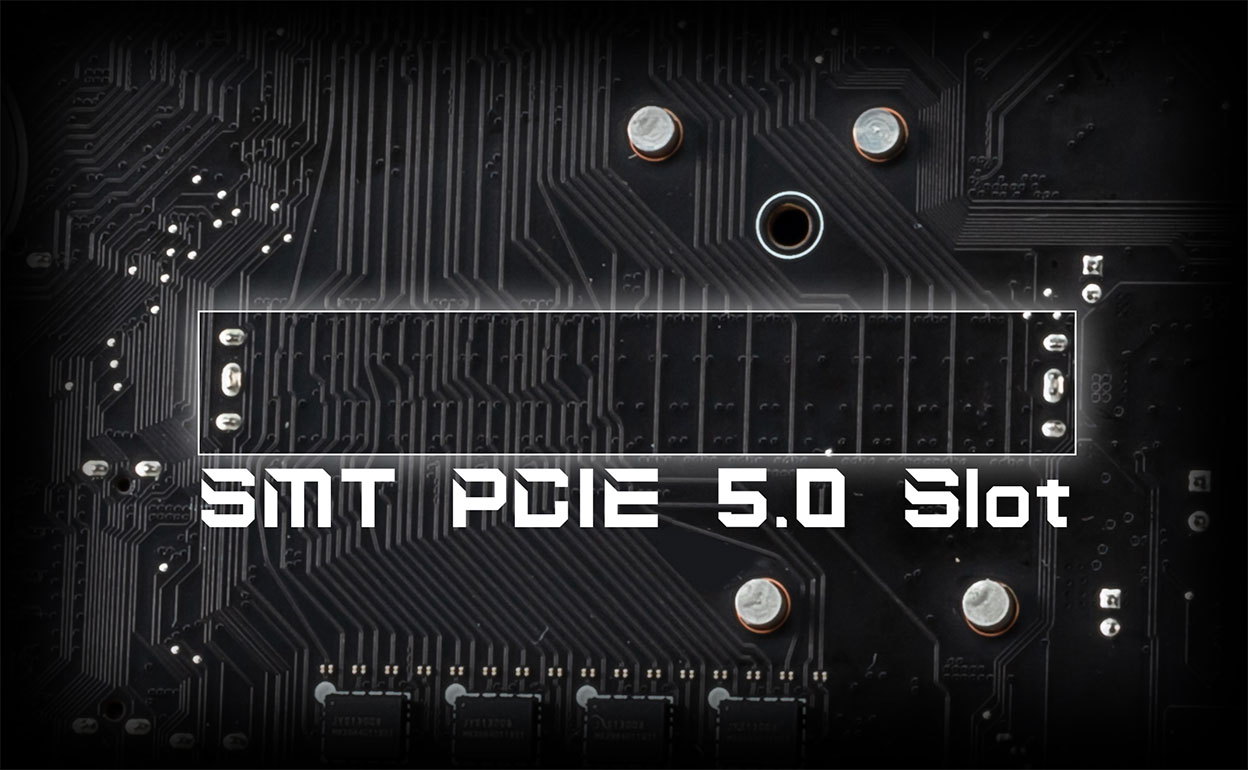
The advanced SMT(Surface Mount Technology) PCIE slot diminish interference and electrical noise, fully support the PCI-E 5.0 signal.


1.2X WEIGHT ENDURANCE
Steel Armor II
Compared to the previous generation, Steel Armor II's weight endurance has increased by 21%, ensuring excellent signal transmission quality.
The exclusive Supplemental PCIe Power connector provides dedicated power for the high-power demands of GPUs used in AI computing and gaming, ensuring stable, efficient, and sustained performance.Learn more about chassis compatbility.




以菊花链方式连接多个Thunderbolt™ 设备,允许数据、电源和影音讯号从电脑传输到五组周边。或者使用Thunderbolt™ HUB 或扩展座整合所有装置传输到一台电脑。
Thunderbolt™ 拥有40Gbps频宽传输,适用于高负载、极速传输使用需求。玩家可以直接从外接硬碟玩大型资料片游戏,释放电脑存储空间。创作者可以快速备份大量影音和照片,使用上更安心有保障。
丰富的显示选项:可支援两个4K 60Hz 显示器或一个8K 60Hz 显示器。
Delivers up to 160 Gbps of total bandwidth transmission for the latest super-speed devices and drives. The ports can be employed for up to multiple external 8K displays, and support up to 27W of rapid power delivery charging.
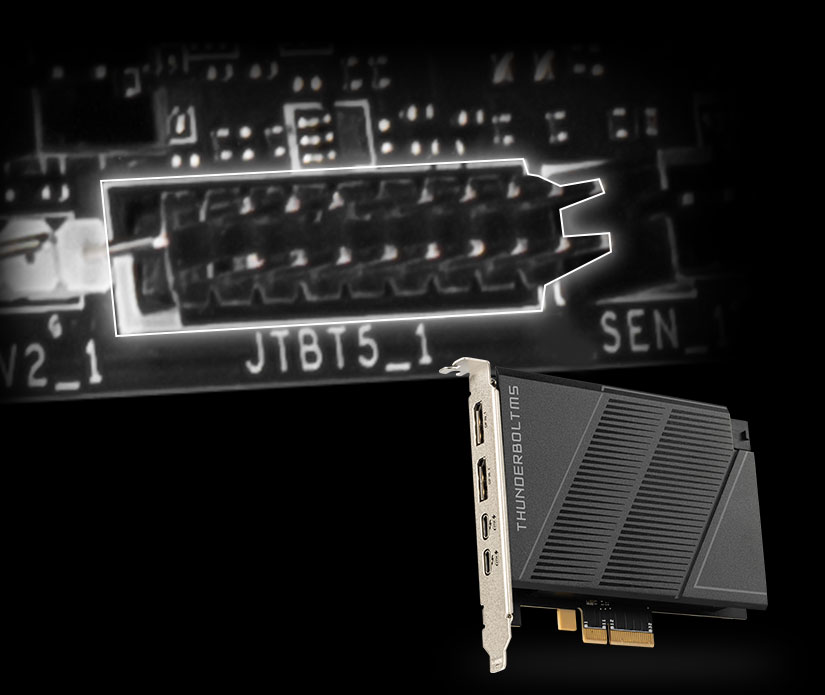
*The MSI THUNDERBOLTM5 card is for illustrative purposes only and is not included in the package.
-

Total 160Gbps Transmission Speed
Transfers large files faster than before
-

Adaptive bandwidth allocation
Supports simultaneous transfer of data, images, videos, and more
-

27W Power Delivery
Delivers up to 27W for rapid charging
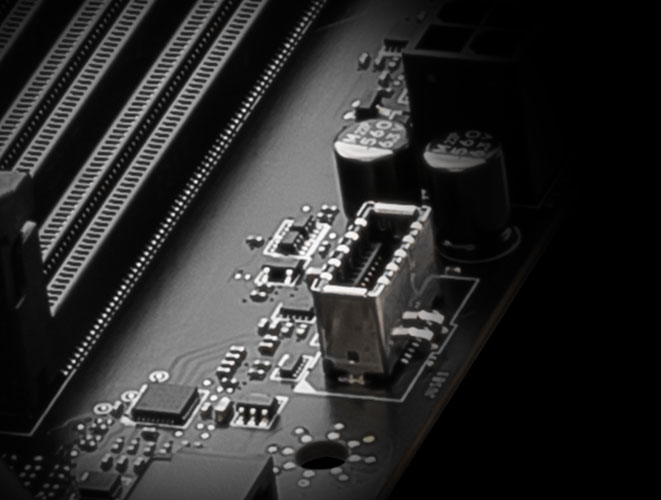
搭载前置式TYPE-C
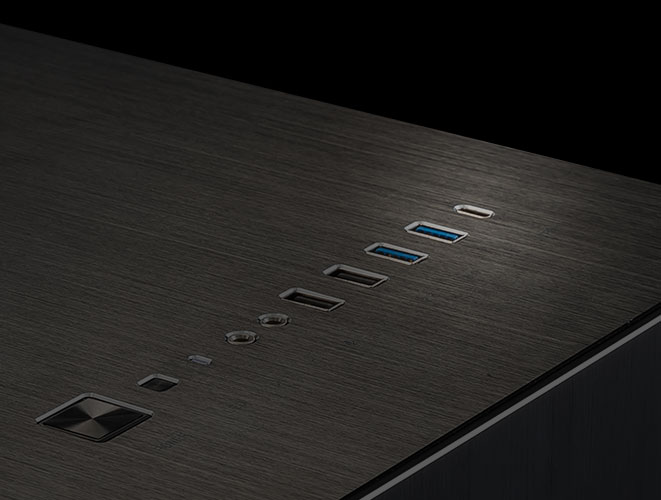
MSI PRO 主板支援前置USB Type-C介面,使游戏玩家可以连接最新的USB 装置。并可配合MSI 机壳一起建构系统主机,可获得最便捷的体验。
Experience
- 音效
- mystic light
- BIOS
- 软件
- Audio Boost
- Isolated Analogy Structure
- HIGH DEFINITION AUDIO PROCESSOR
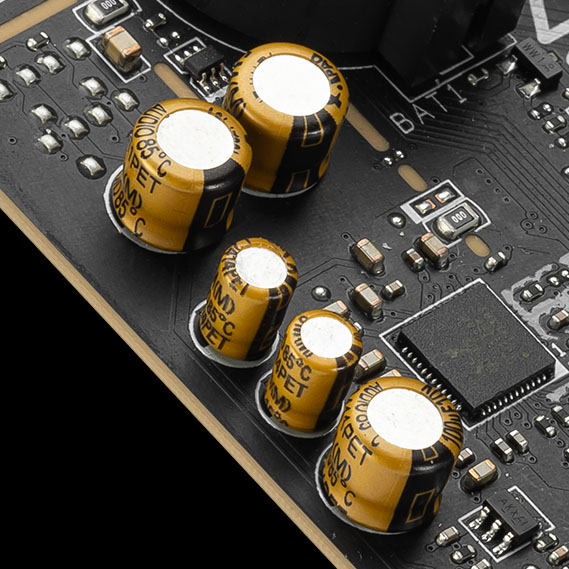
- HIGH QUALITY AUDIO CAPACITORS
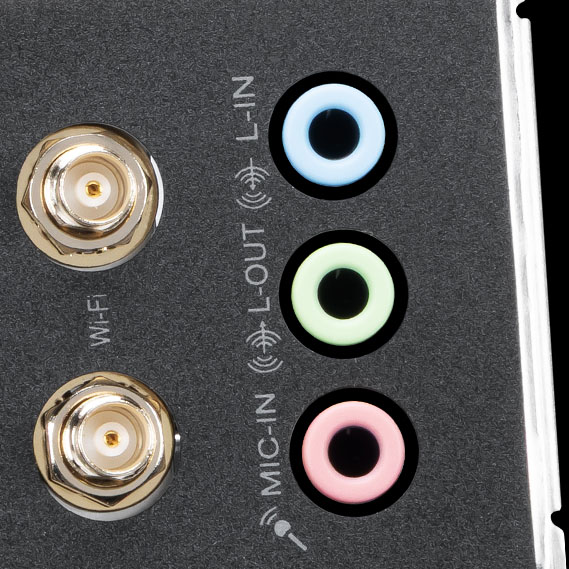
- HIGH QUALITY AUDIO JACKS
- ISOLATED AUDIO SIGNAL
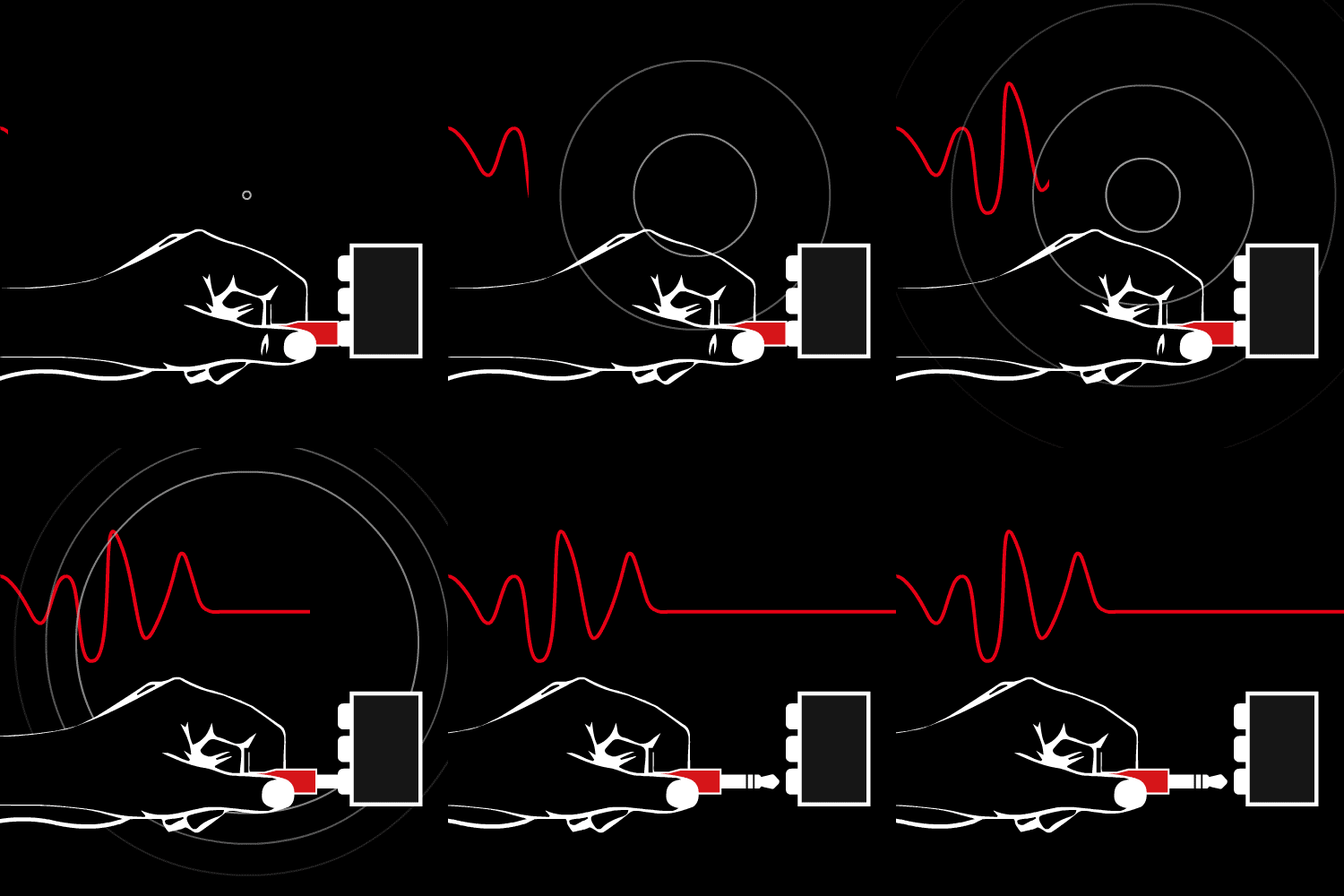
- DE-POP PROTECTION
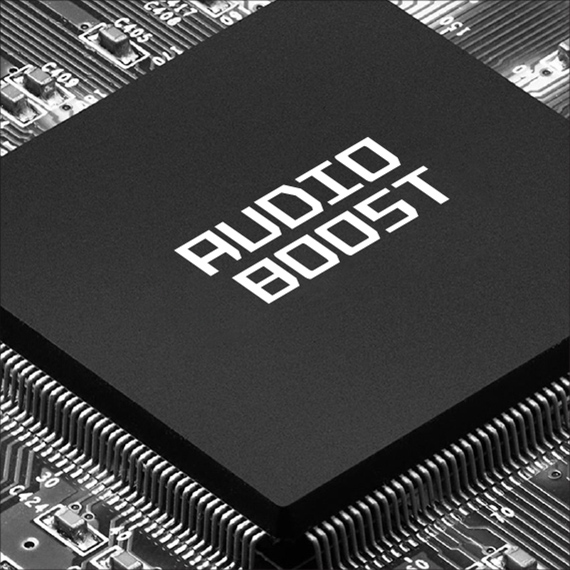
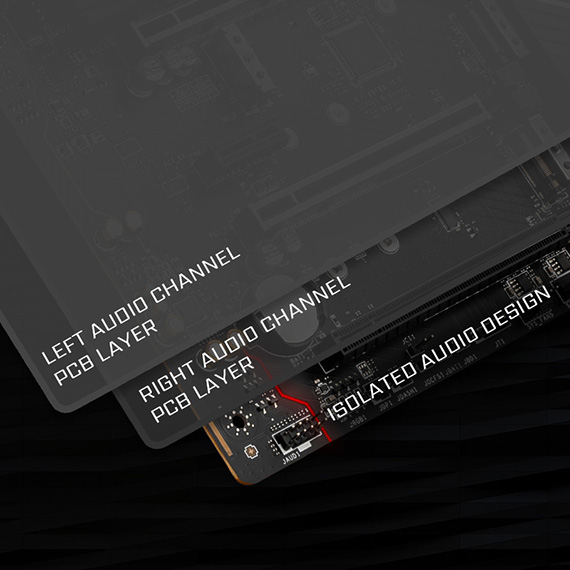
The Isolated Analogy Structure for Audio Connectors
To provide clear voice, MSI develops a unique structure – Isolated Analogy Structure. The external metal framework of the audio connectors is separated from the internal layout, which ensures the sound quality crisp.
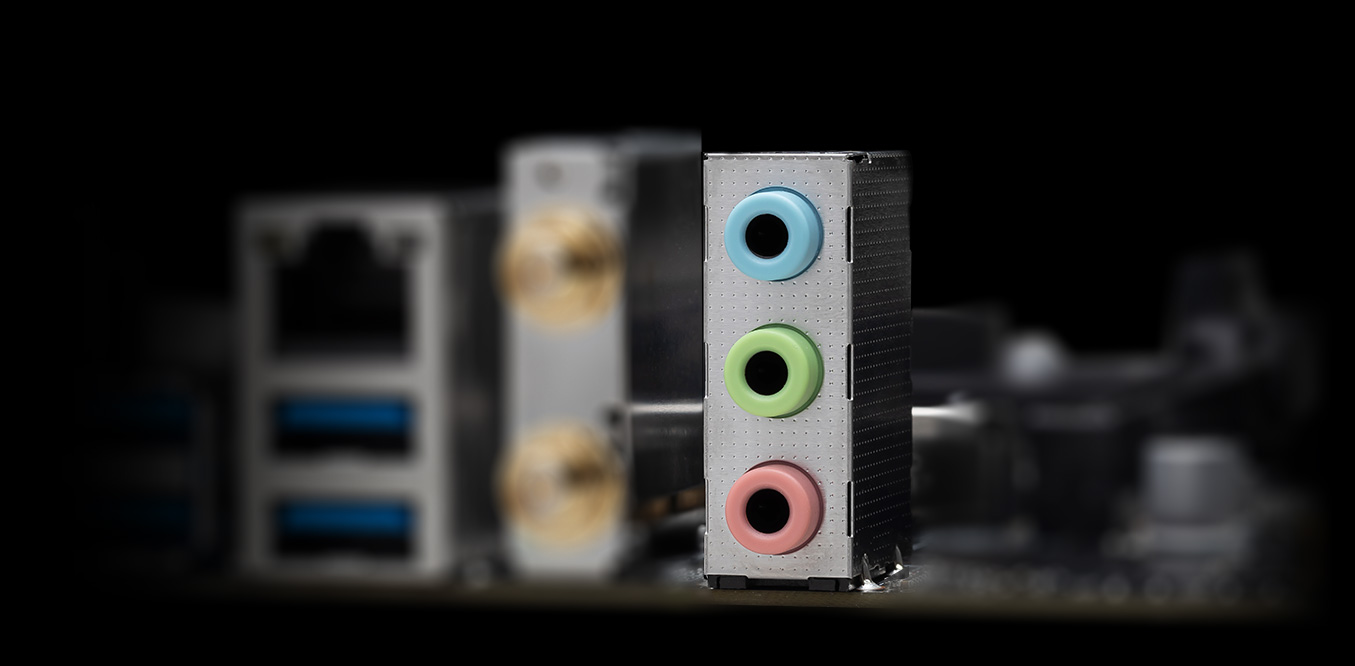
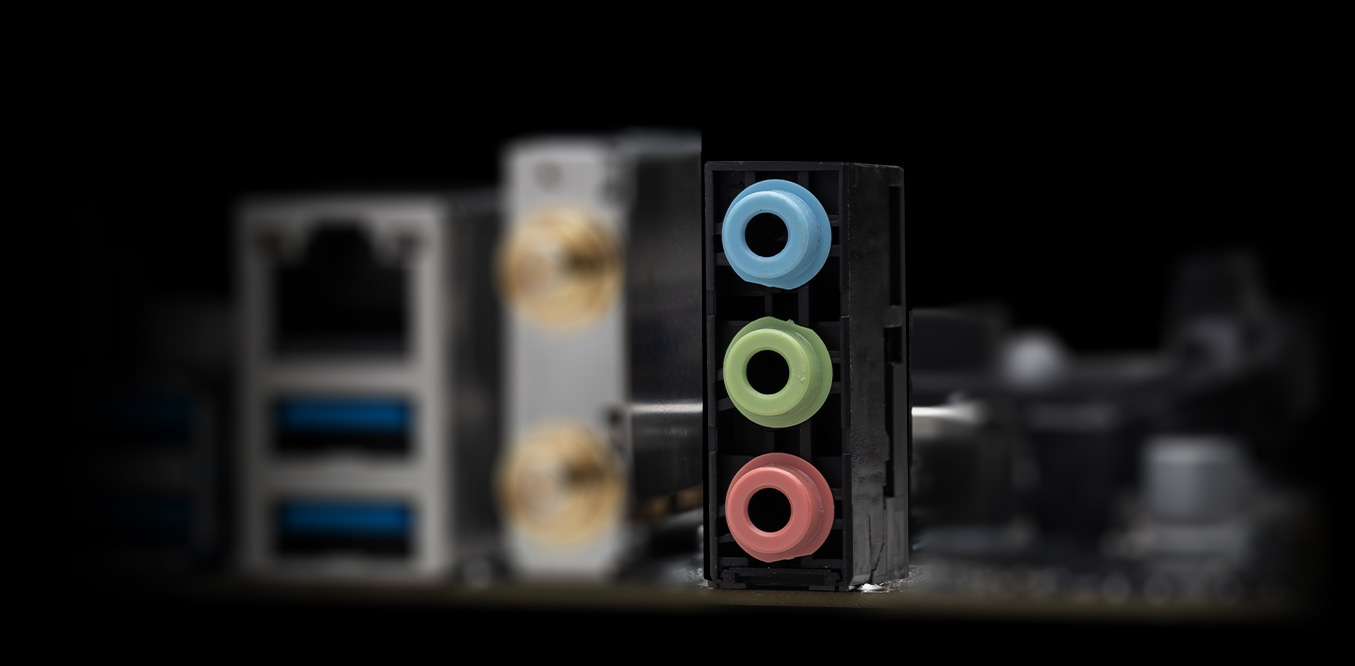
* The image above is an illustrative reference. Please refer to specification pages for more details.
- Mystic Light
- Synchronized
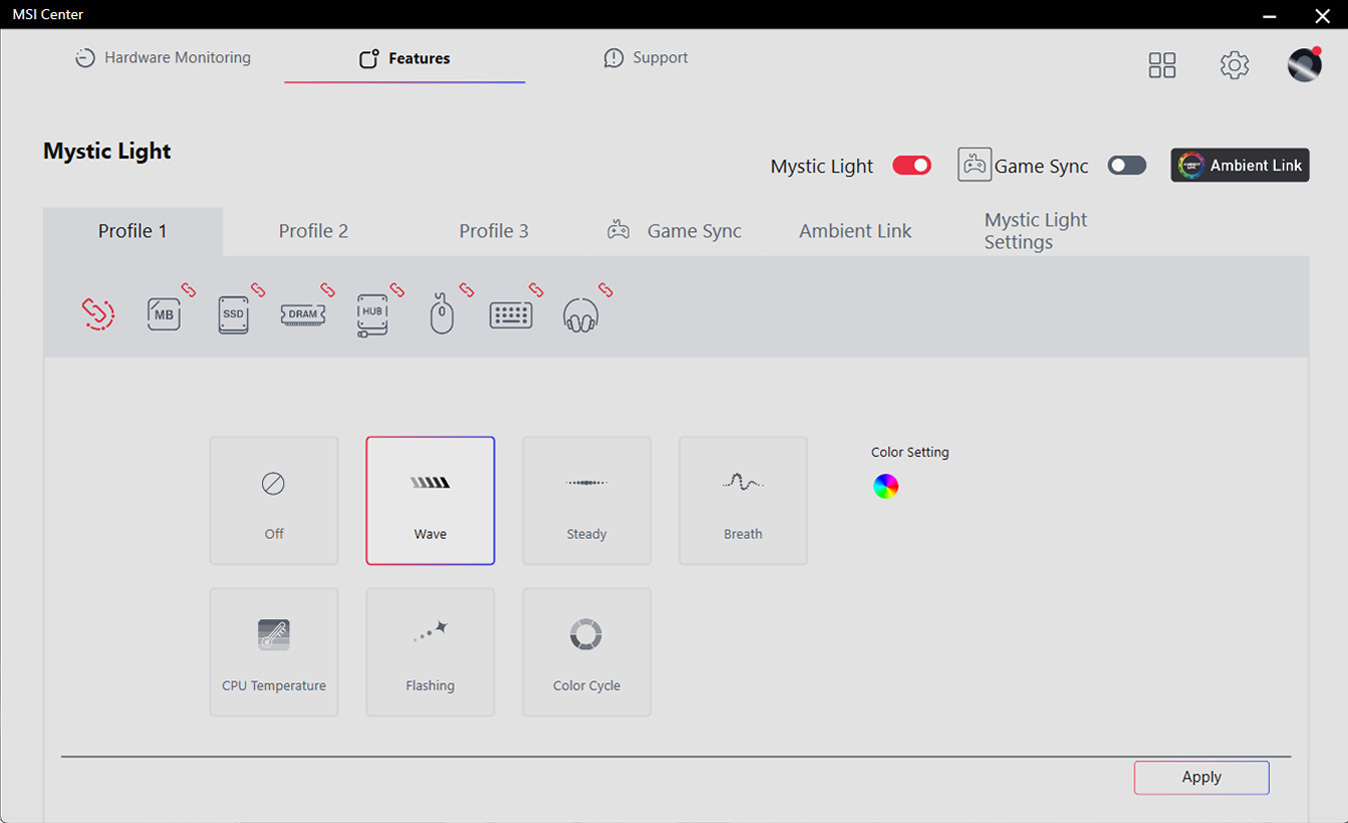
透过 MSI Center 的 Mystic Light 工具,为你的桌机增添色彩和充满活力的 RGB 灯效。拥有上百万种颜色选择与多样炫酷的 LED 效果,任您选、任您配、自由随意 !
-
Wave
-
Steady
-
Flame
-
Breathing
-
CPU Temperature
-
Color Ring
-
Lightning
-
Receration
-
Meteor
-
Default
利用Mystic Light 扩充插槽,可增添RGB 灯条或其他RGB装置装置。 Mystic Light 软件直觉式界面,更方便您操作控制,无需再另外单购RGB控制器。
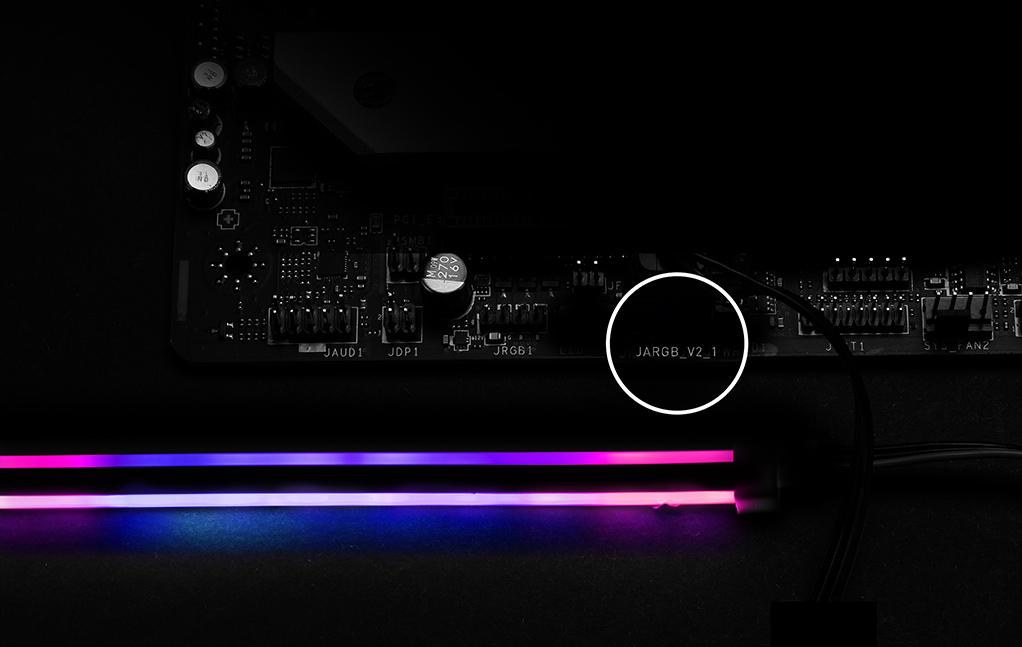
*Gen2装置仅支持7种RGB灯效
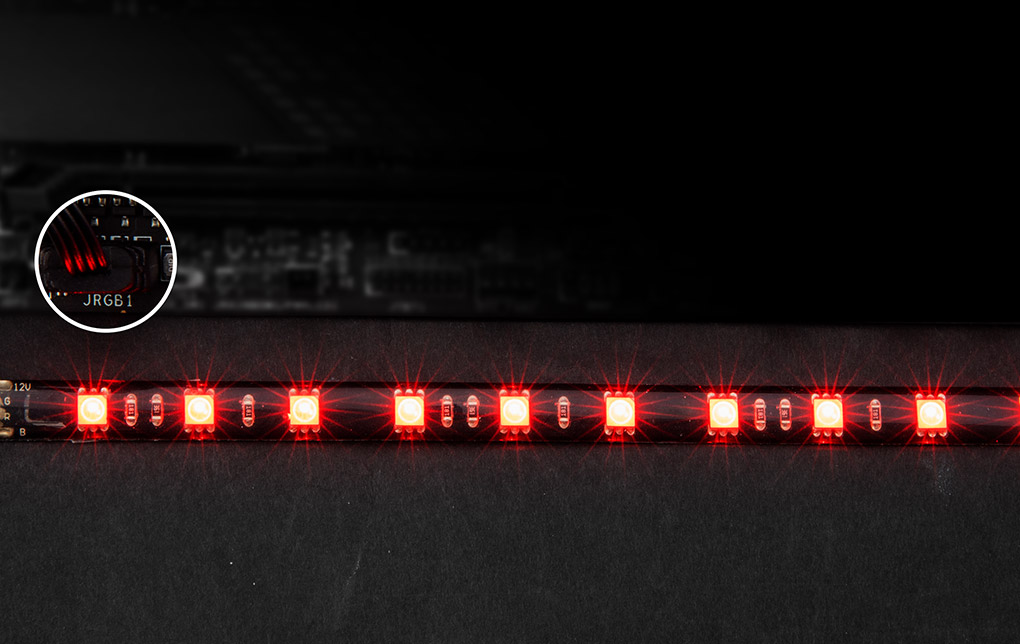

- Click BIOS X
- BIOS KEY FEATURES
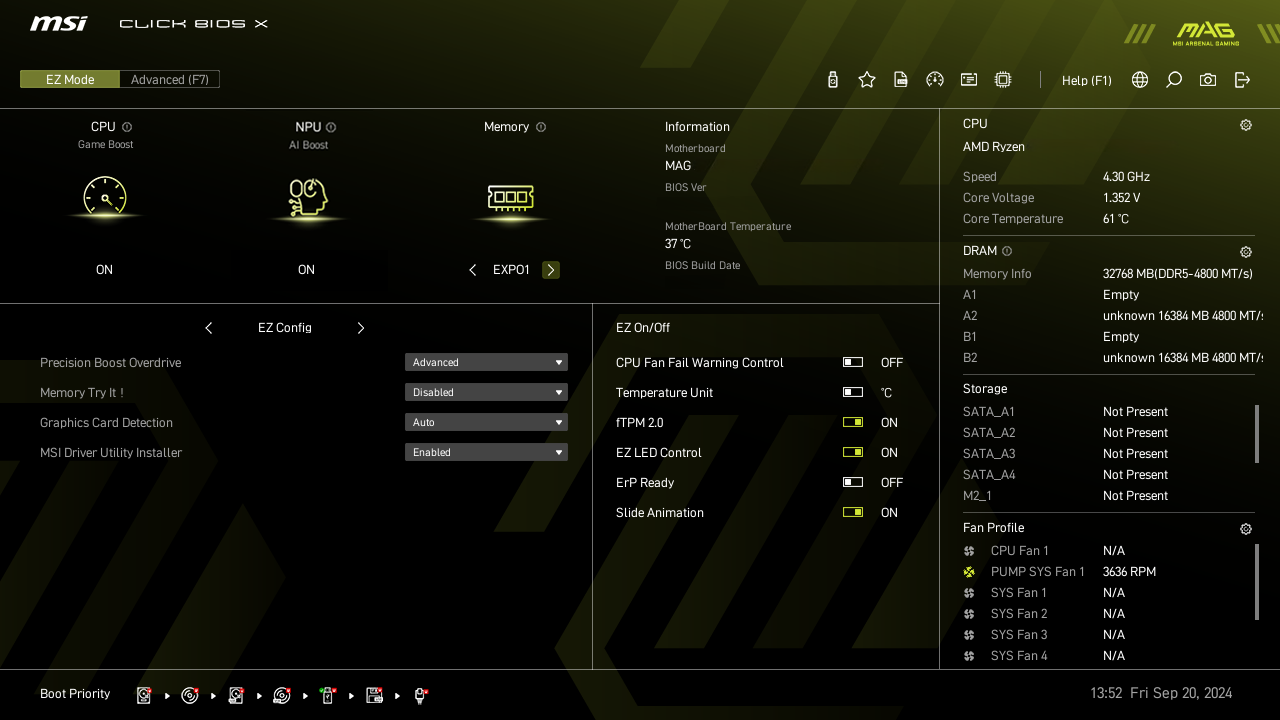
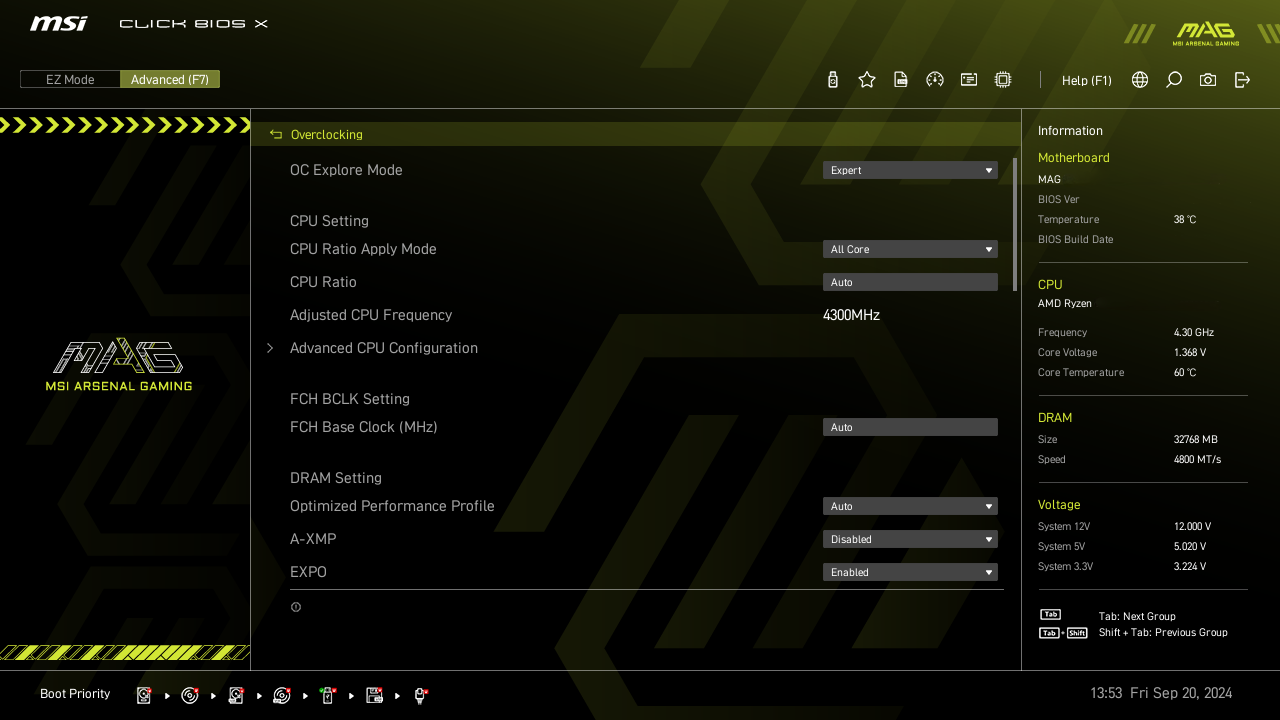
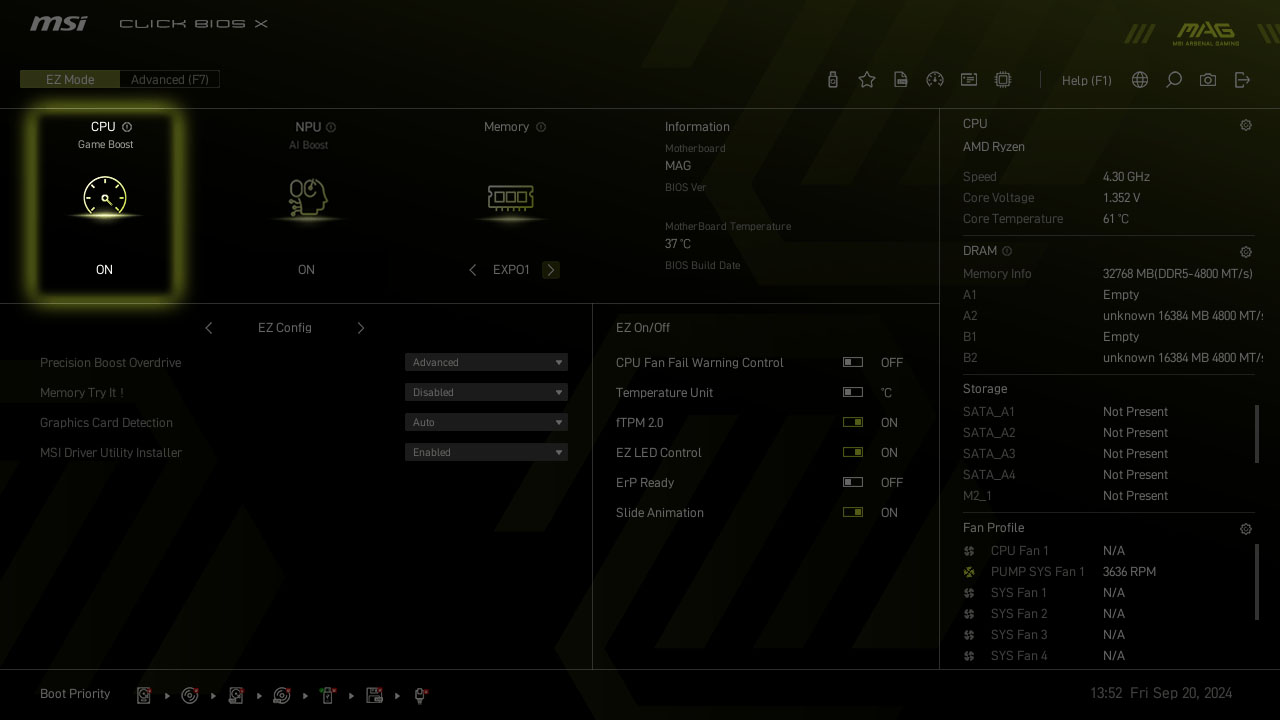
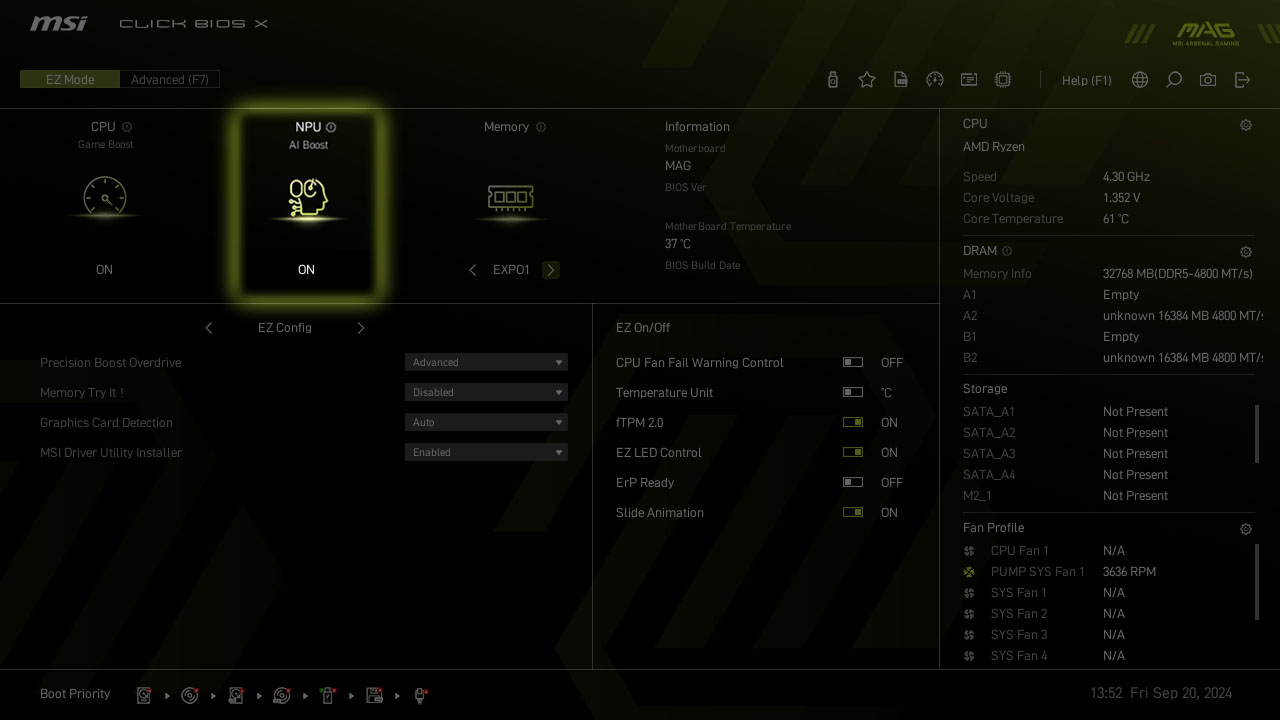
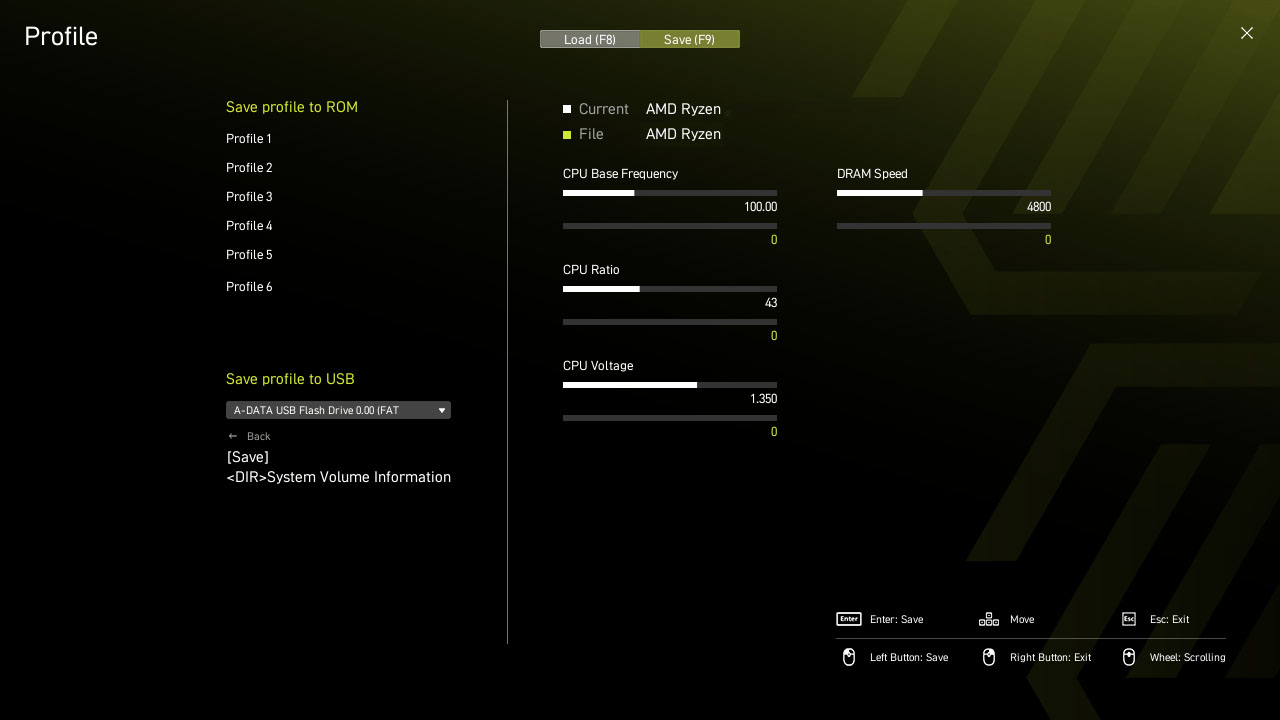
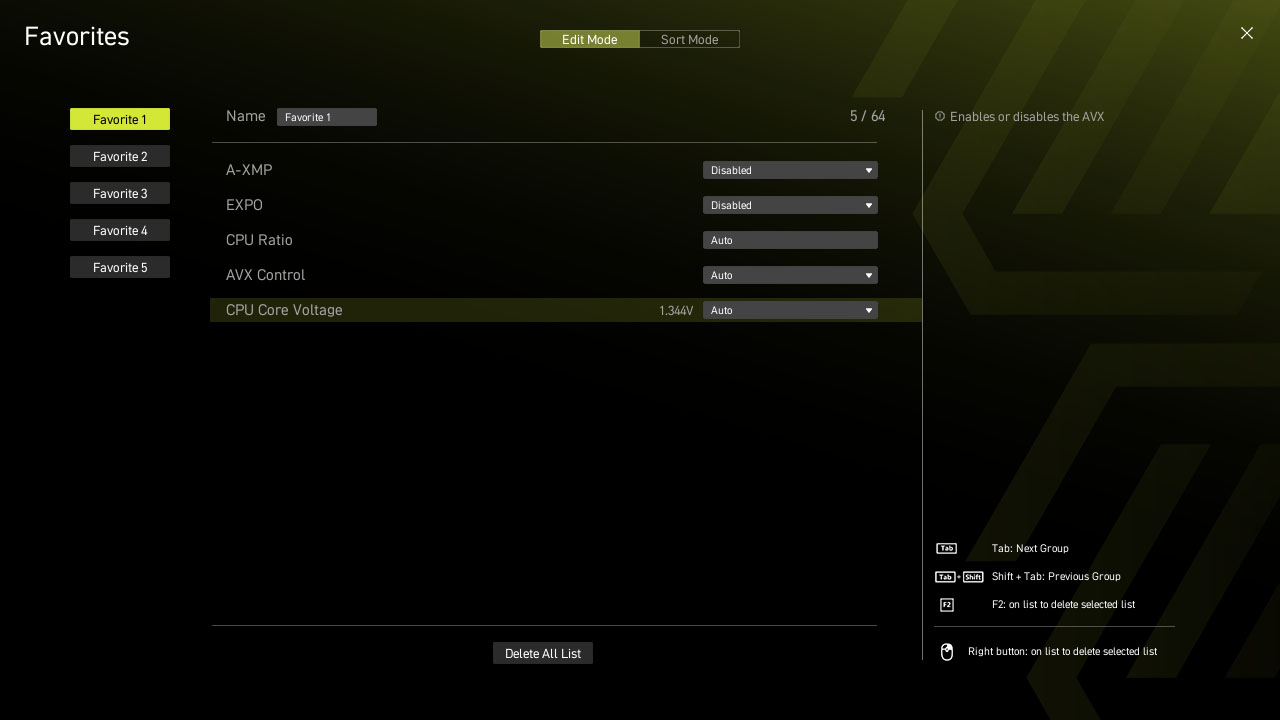
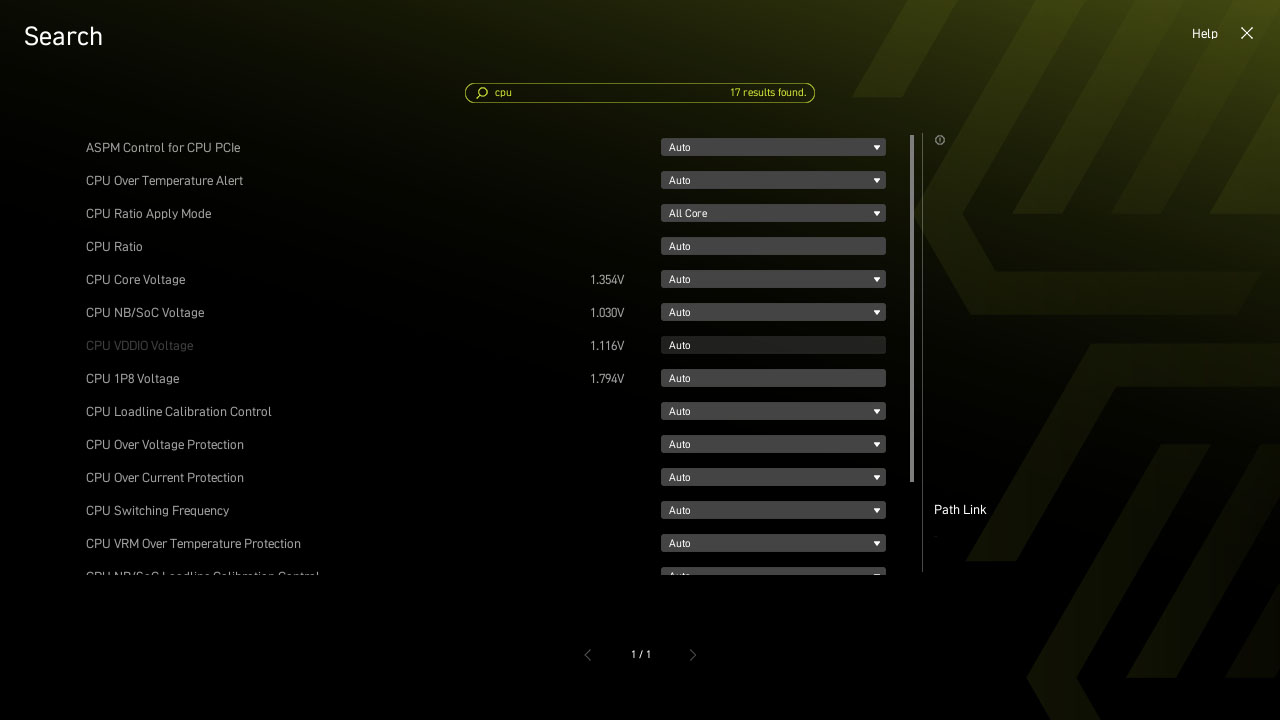
微星全新设计的CLICK BIOS X 提供美观更友善使用体验,让玩家可以更快速存取和调整系统配置。
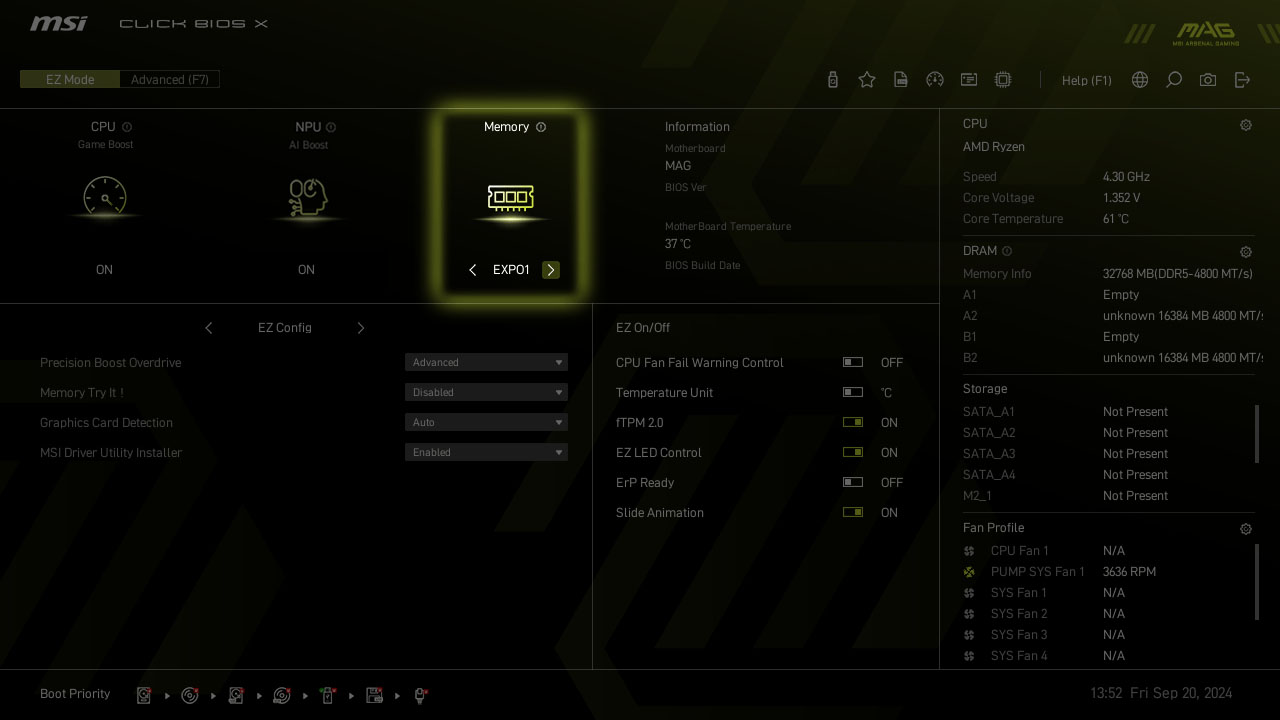
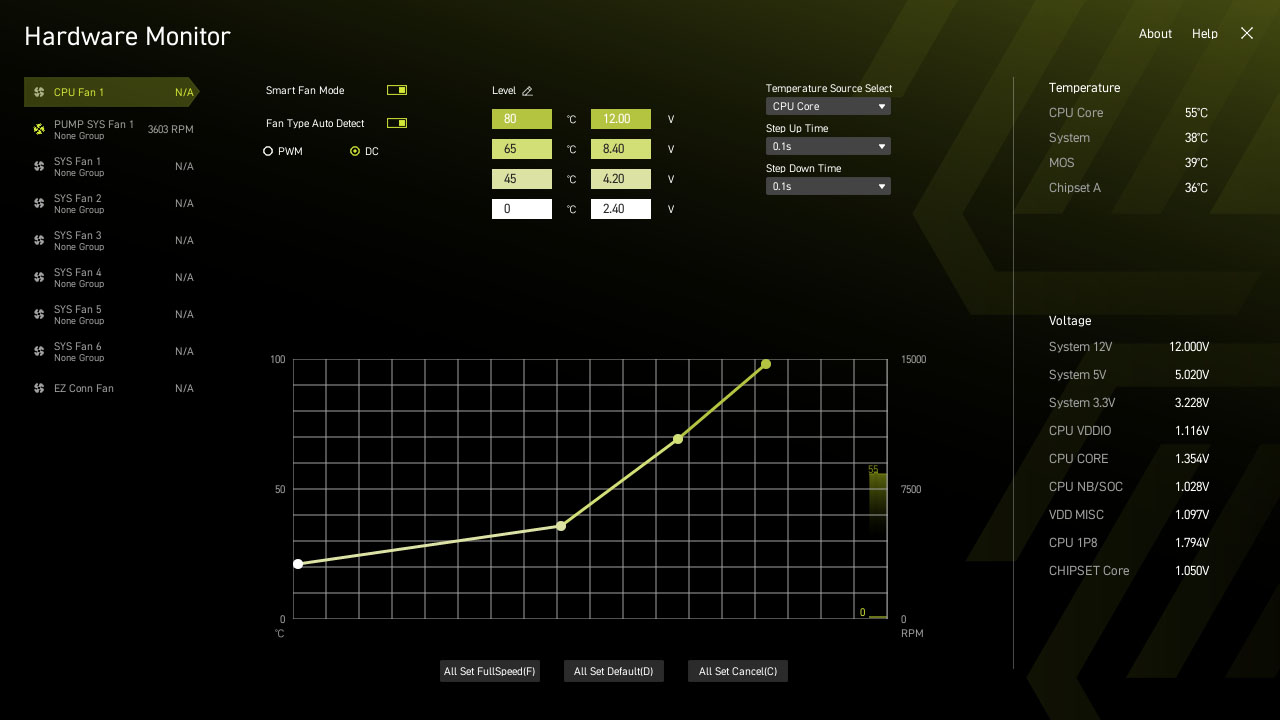
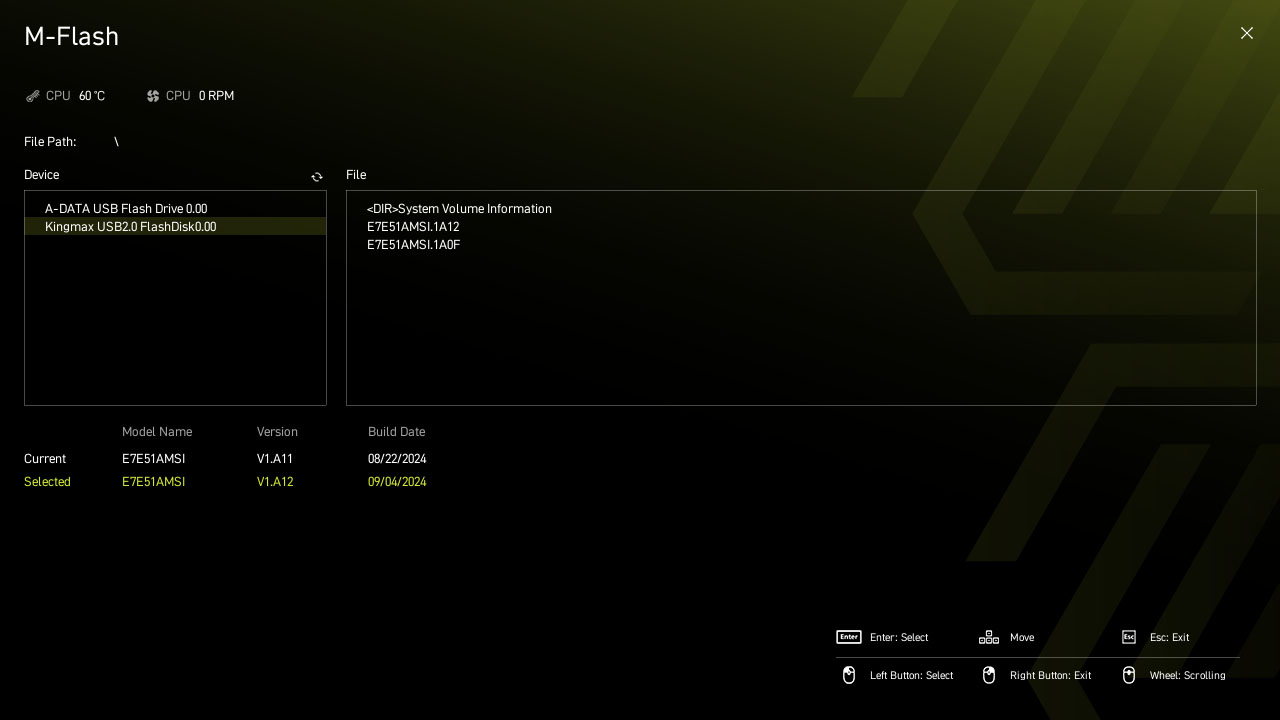
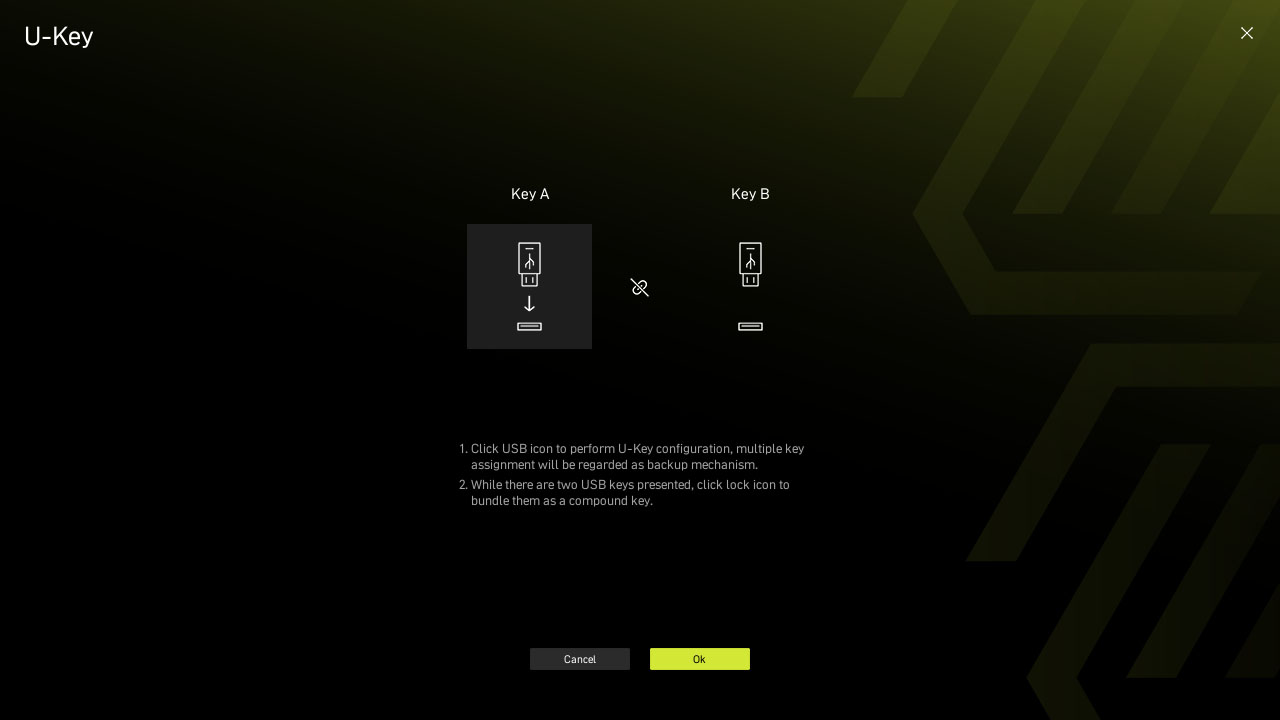
- MSI CENTER
- AIDA64
- NORTON 360
MSI CENTER
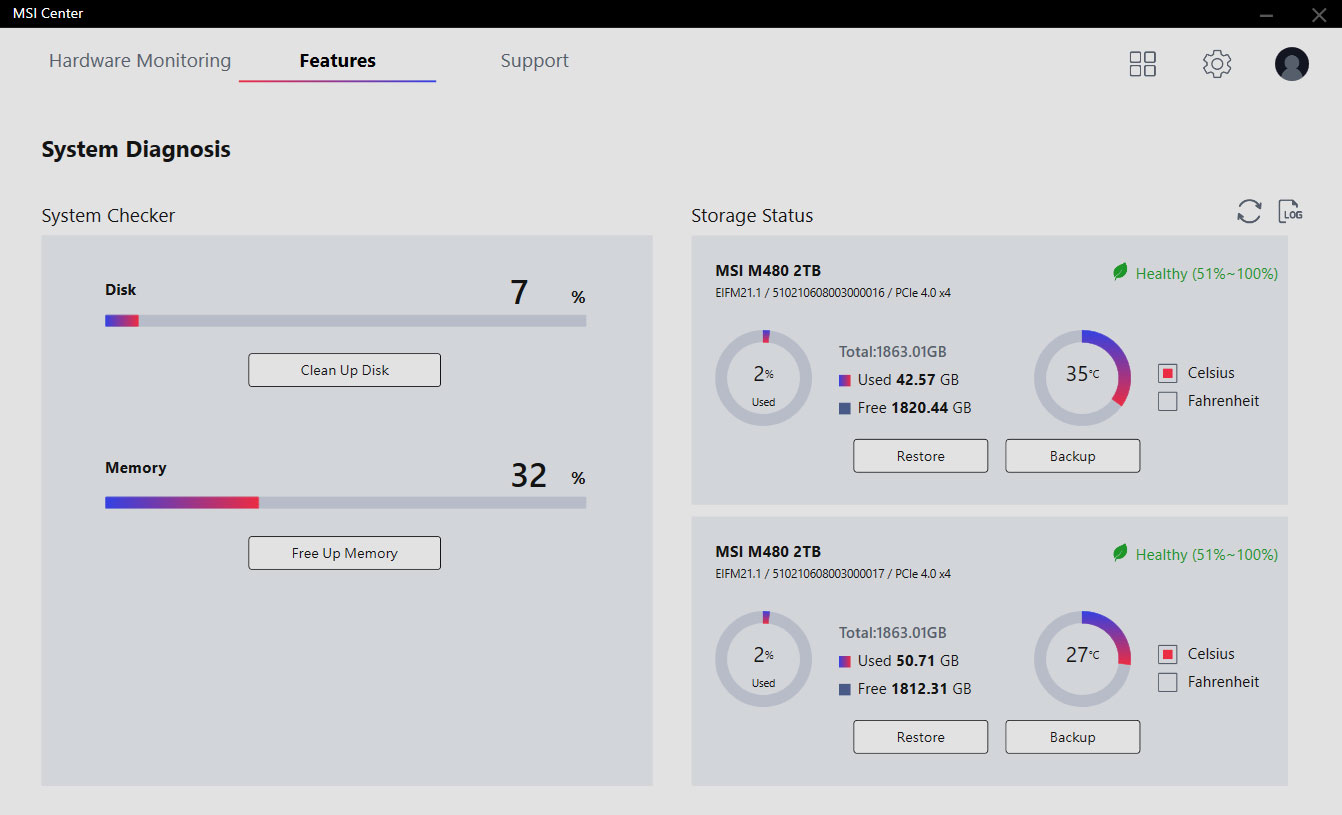
MSI 全新的MSI Center 将MSI 所有软件整合到一个应用程序中。进一步控制主板功能,以释放无限可能性。
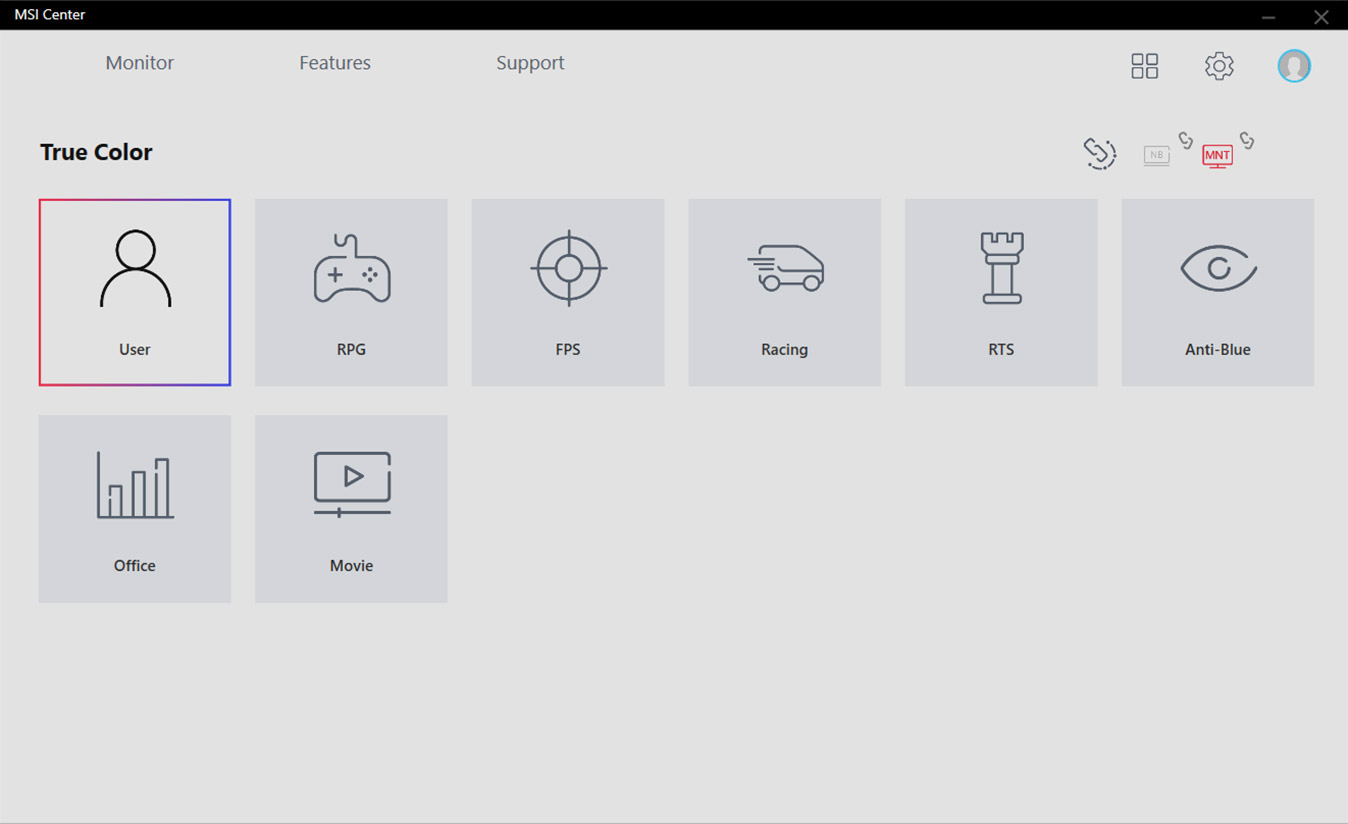
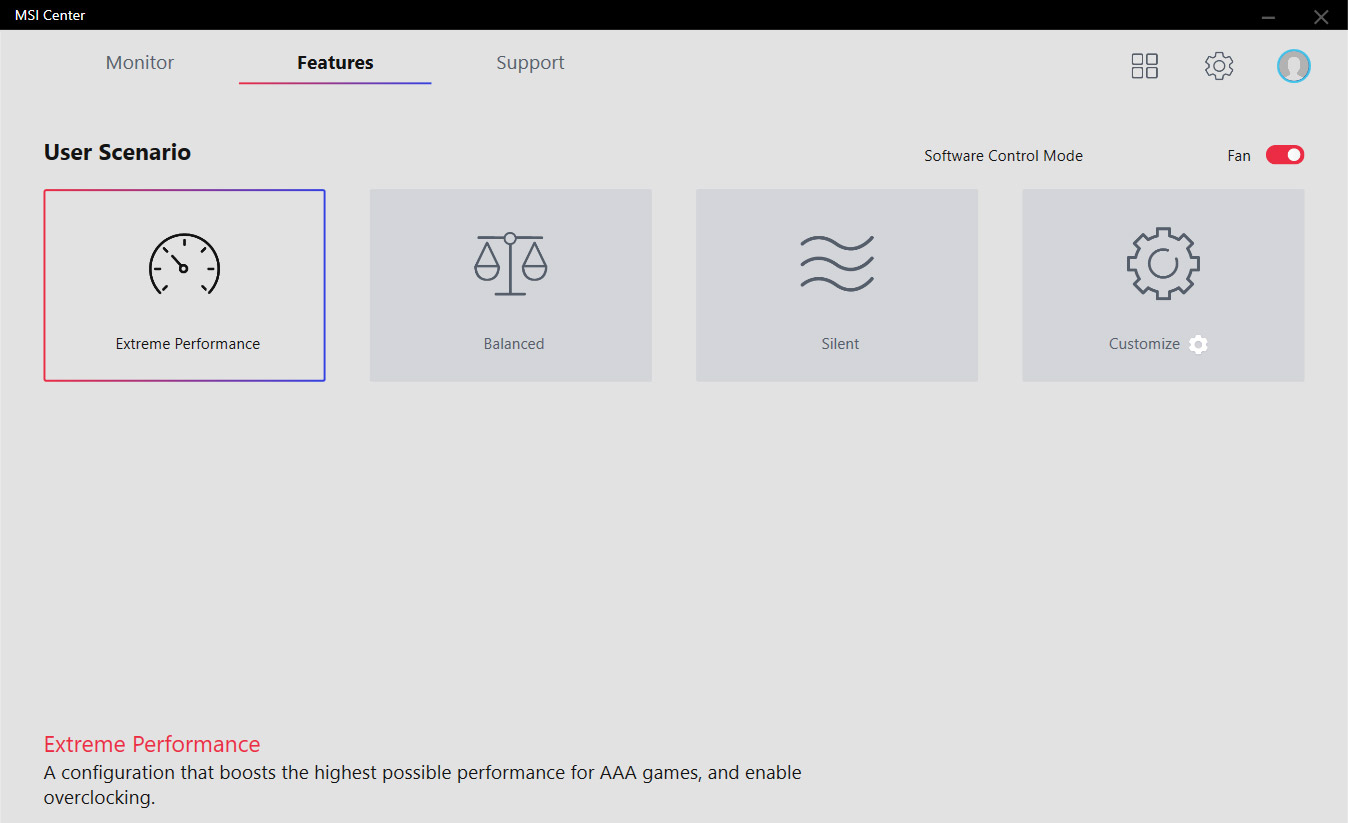
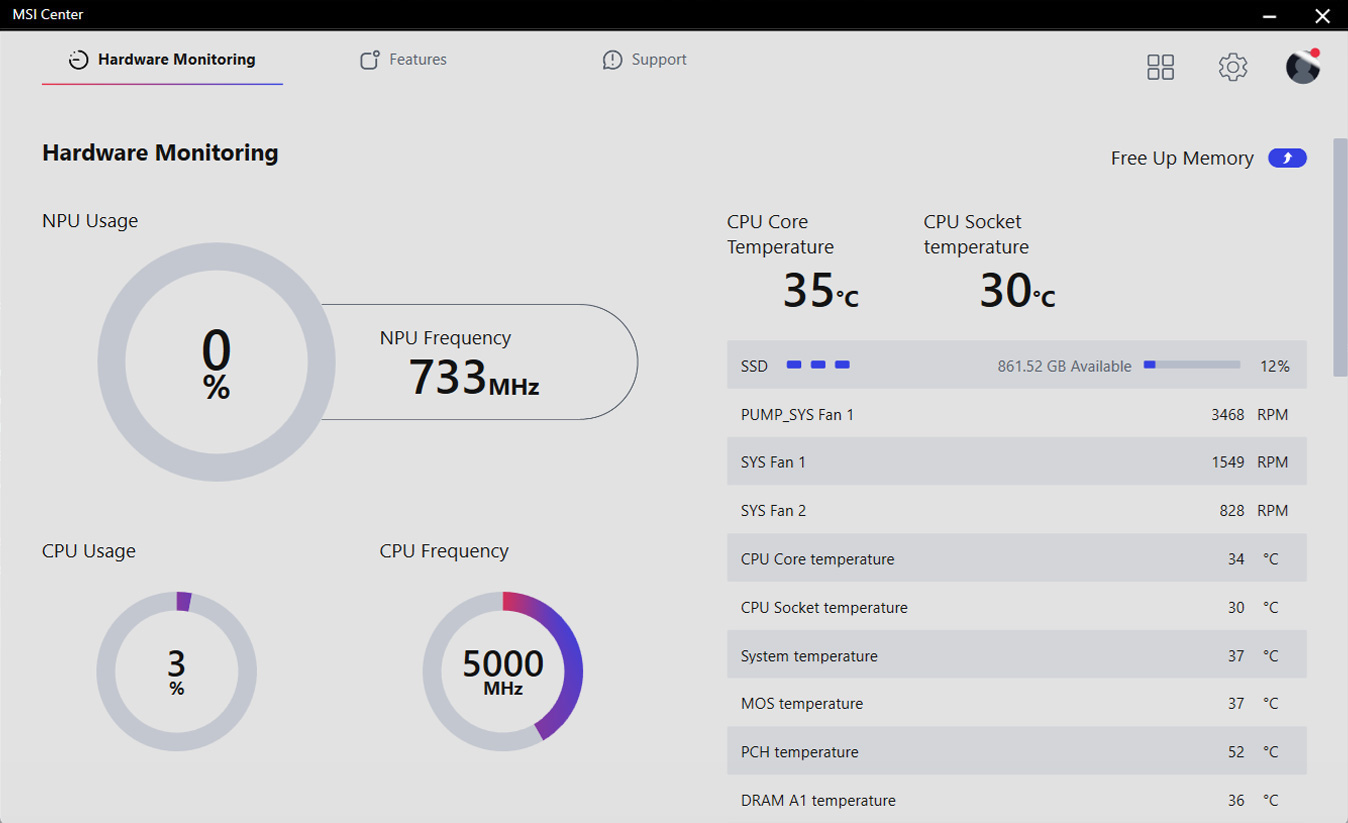
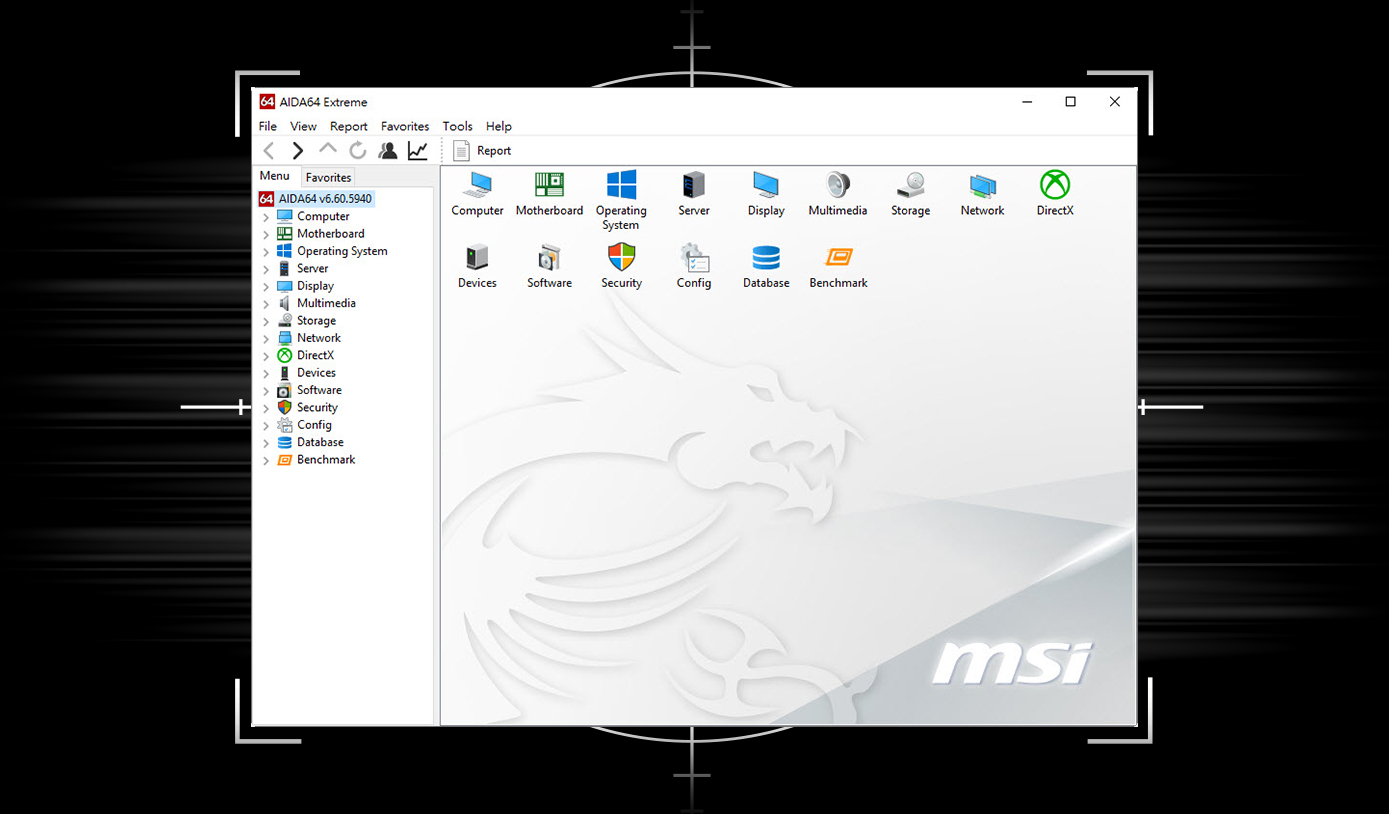
微星主板提供AIDA64 Extreme 独家版本60 天免费试用。 AIDA64 Extreme 是一款计算机软硬件侦测诊断软件。透过该软件,您可以在计算机上监控操作系统、主板、CPU、BIOS…等相关详细信息,并可储存CSV、HTML 等多种格式档案。
为您的装置提供多层保护、在线隐私功能包含安全VPN,以及暗网监测,并全数整合在单一解决方案中。使用MSI 主板,即可免费试用Norton 360 Deluxe 60 天。
- 提供高达50 GB云端备份空间
- 实时威胁防护和智慧防火墙
- 密码管理员
- PC SafeCam

MSI 试用优惠不适用于现有的诺顿客户。如果您已订购诺顿方案,则需要选择退出订购才有资格享受此优惠。有关重要的订阅、订价和优惠详情,请参阅NortonLifeLock 授权和服务协议。 NortonLifeLock 产品和服务隐私声明。
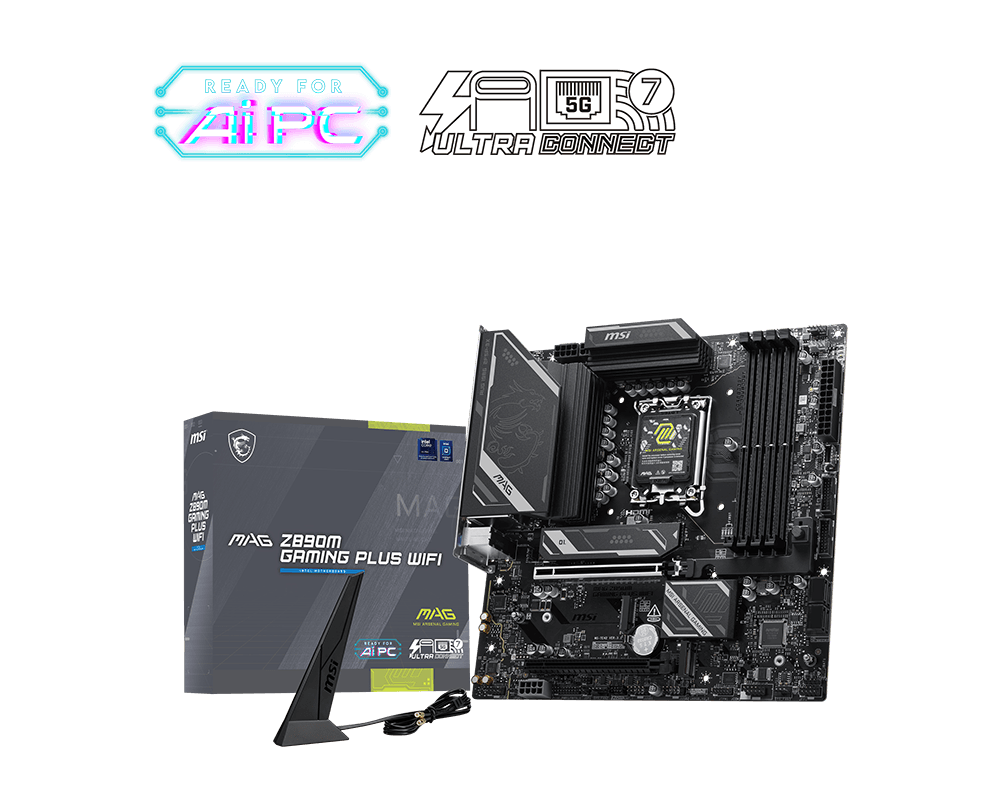
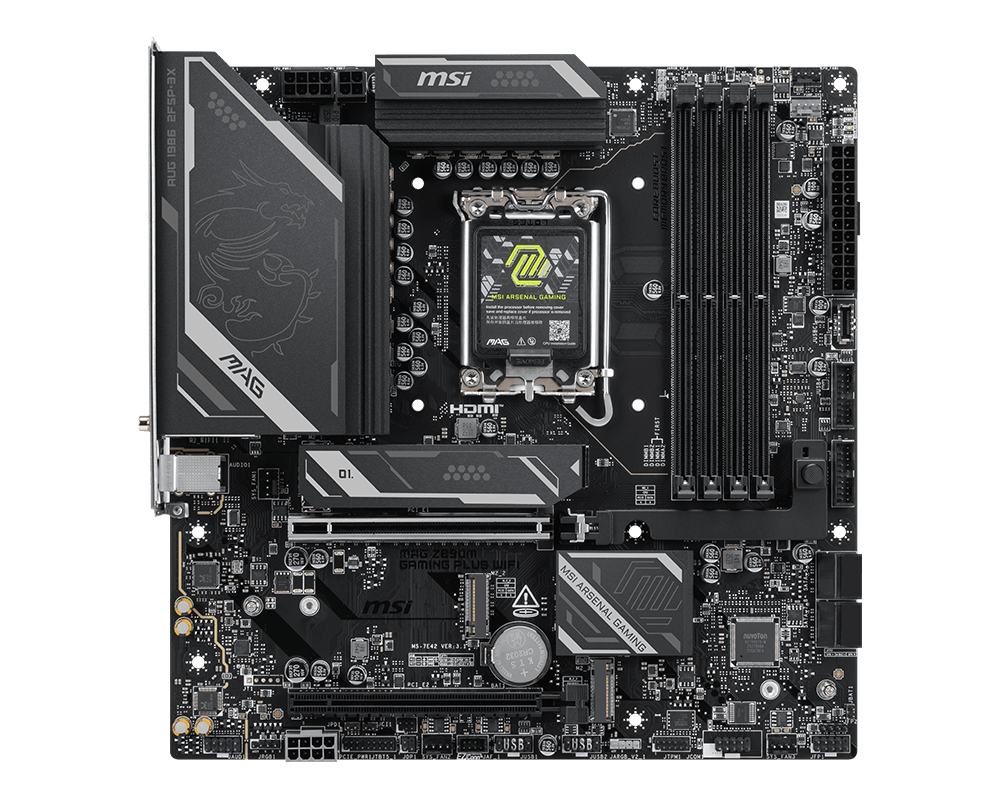
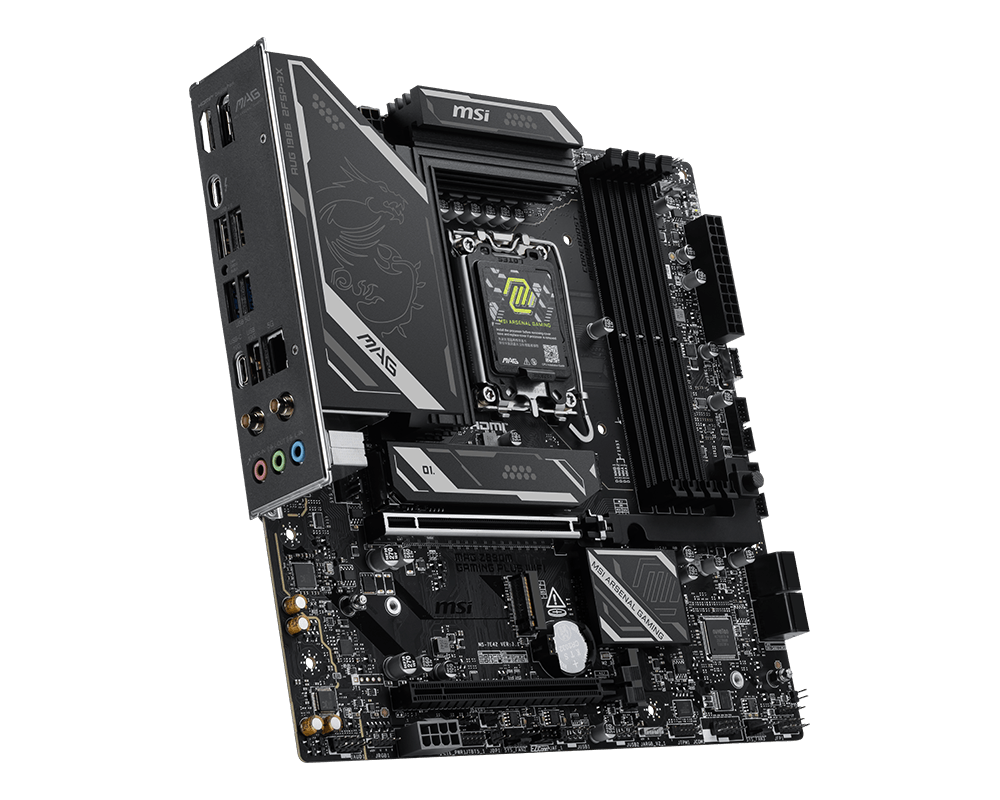
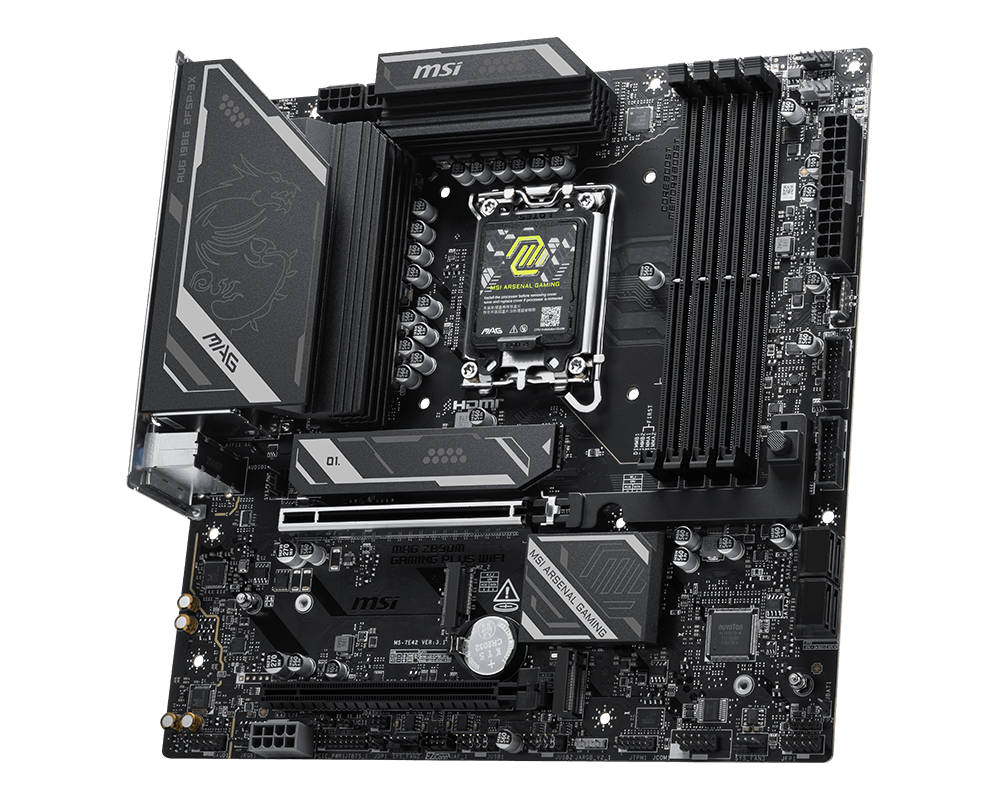
MAG Z890M GAMING PLUS WIFI
- 支援LGA 1851 脚位的Intel® Core™ Ultra 处理器(Series 2)
- 支持 DDR5 内存, 双通道 DDR5 8800+ MT/s (OC)
- 强劲供电: 12+2+1 智能供电设计,双 8-pin CPU 供电接口, 核心加速引擎, 内存加速引擎, 6层服务器级PCB,2Oz加厚铜
- 散热设计: 扩展型散热片, 7W/mK导热垫, 第二代免工具M.2冰霜铠甲 专为高性能系统和不间断体验而设计
- EZ DIY: 第二代免工具M.2冰霜铠甲, 第二代M.2免工具快拆, 显卡快拆设计以及直插式WiFi天线
- 闪电般快速游戏体验: PCIe 5.0 插槽, Lightning Gen 5 x4 M.2, 前置 USB Type-C
- 5G 有线网口&Wi-Fi 7: 适用于专业和多媒体用途的最新解决方案,提供安全、稳定且高速的网络连接和数据传输。
- 电竞音效组件: 用工作室级别的音质,享受最身临其境的游戏体验